
AudioForgeAPP
ROBERT JAN RYDWELSKI
No ratings yetProductivityAges 4+
Screenshots
About this app
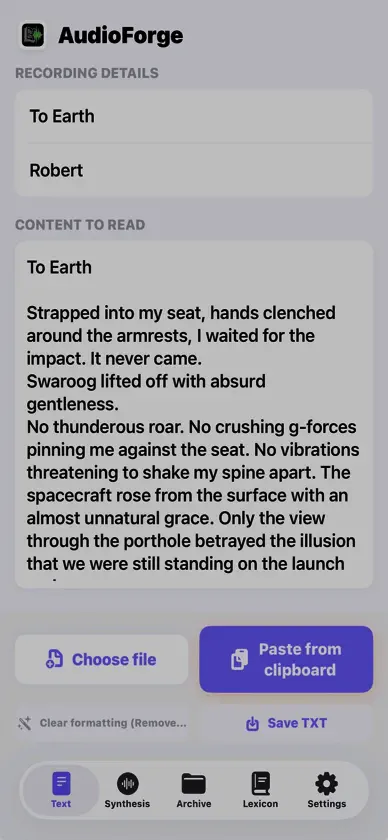
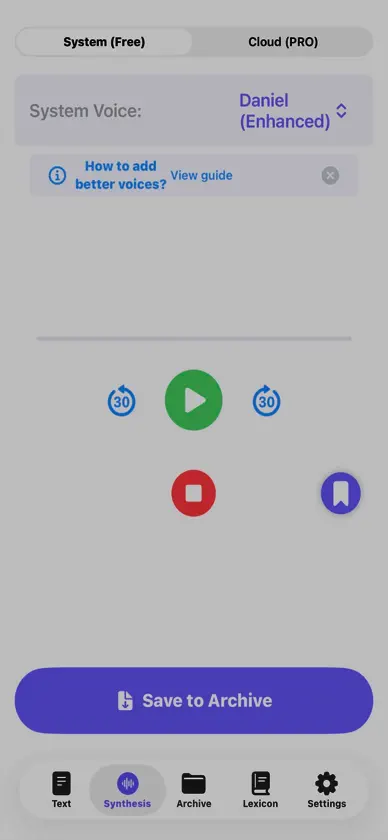
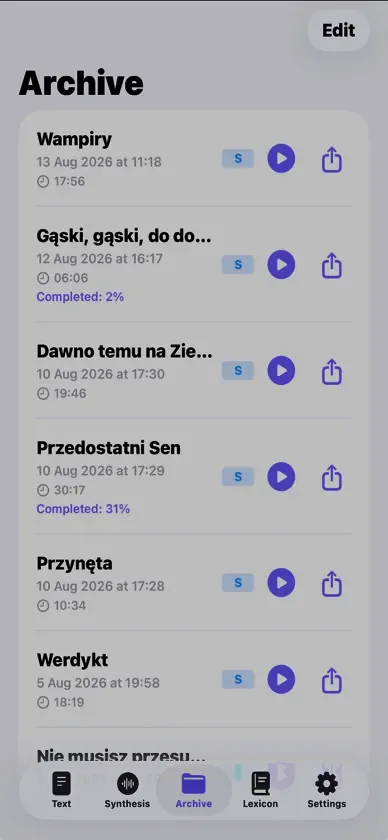
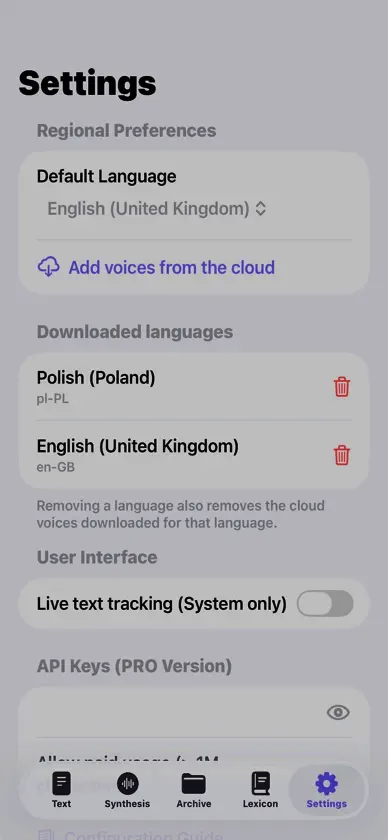
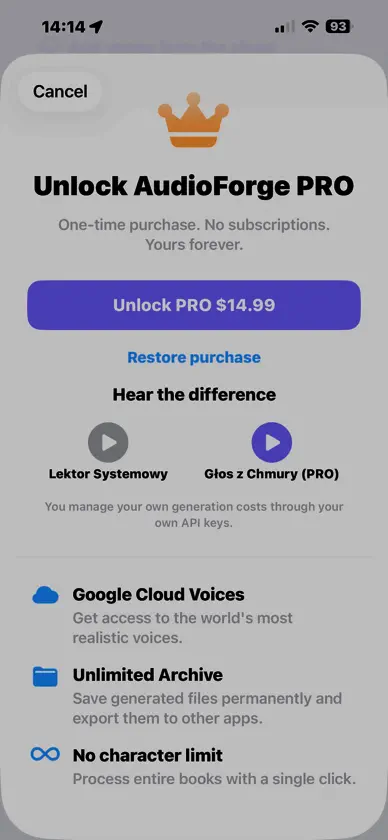
**Turn text into natural-sounding audio.** AudioForge transforms written content into high-quality speech, making it easy to listen to documents, articles, notes, stories, and other text instead of reading them on screen. Import text directly from the clipboard or from TXT and PDF files. AudioForge can clean imported content by removing unnecessary formatting, web addresses, page numbers, and other elements that should not be read aloud. Choose from multiple languages and voices and adjust the reading experience to suit your preferences. With Google Cloud Text-to-Speech support, AudioForge gives you access to a wide selection of natural-sounding voices. Generated audio can be saved in the archive, played back later, and organized with bookmarks so you can quickly return to important moments. **Key features:** - Import text from the clipboard, TXT files, and PDF documents - Clean text before speech synthesis - Remove URLs, page numbers, and unnecessary formatting - Convert long texts into audio - Choose from multiple languages and voices - Support for Google Cloud Text-to-Speech voices - Save generated recordings in the audio archive - Add bookmarks during playback - Adjust speech settings to your preferences - Designed for listening to documents, articles, notes, and longer texts AudioForge is useful when reading is inconvenient — while travelling, walking, exercising, doing household tasks, or simply when you prefer listening to written content. Some advanced features require AudioForge PRO. Google Cloud Text-to-Speech functionality requires the user to provide their own compatible Google Cloud API key.