
TimeCliper
Chung Yun Lee
No ratings yetPhoto & VideoAges 4+
Screenshots




About this app
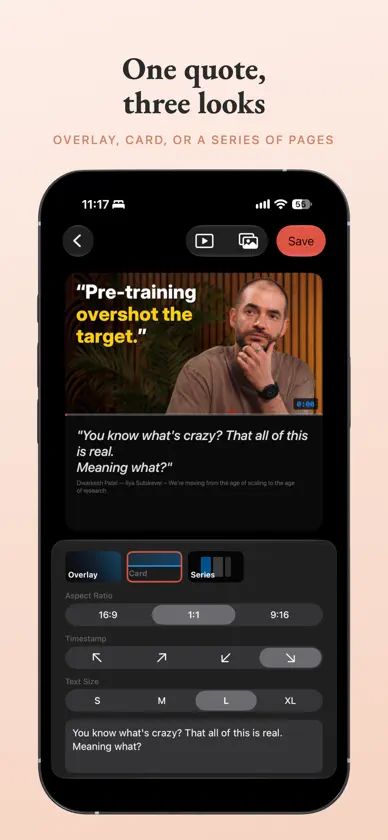
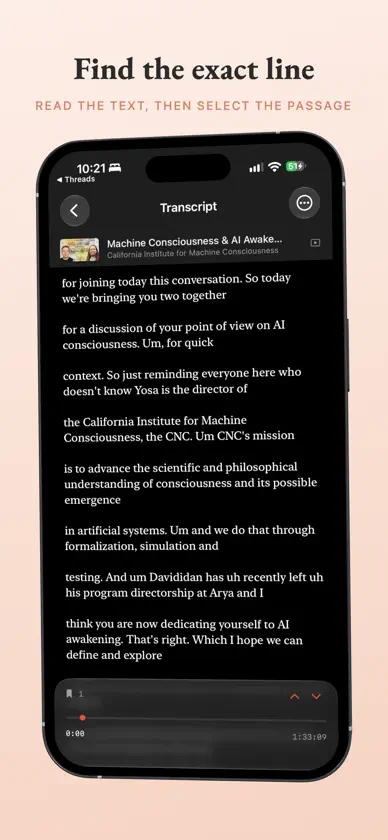
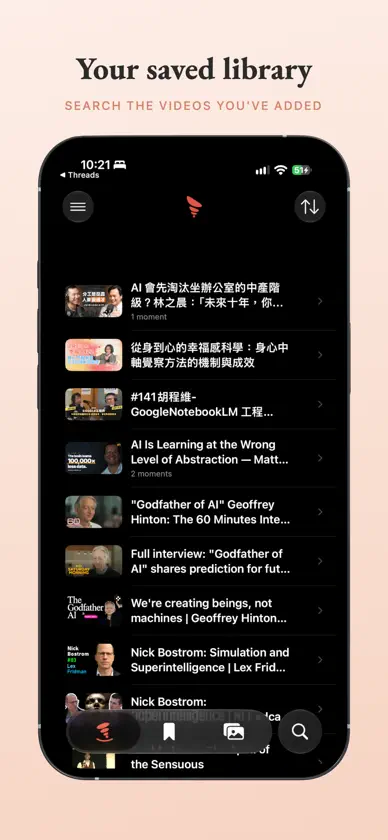
Capture the lines worth remembering — and turn them into beautiful quote cards you'll actually want to share. Paste a video link and TimeCliper shows a clean, readable text version, so you can find the exact passage that stuck with you, select it, and save it as a moment — no scrubbing required. CAPTURE WHAT MATTERS • Read a clean, searchable text version instead of scrubbing a timeline • Select any passage and save it as a moment • Fine-tune the selection with simple expand and trim controls MAKE IT BEAUTIFUL • Turn quotes into styled cards or photo overlays • Choose aspect ratio, font size, and timestamp placement • Keep every card you create in your gallery SHARE IT ANYWHERE • Export quote images ready for social media • Source attribution included automatically TimeCliper works only with the text you select and creates original images — it never downloads, saves, or converts any audio or video. Available in English and Traditional Chinese.
What's new
Version 1.7.0 · Oct 12, 2026
Reading a transcript - Search uses the same find bar as Notes and Safari, with a match count and ▲▼ to step through matches. - "Show All Matches" in the ··· menu lists every match. - The timeline sits in one row at the top. Your saved moments are at the bottom: step through them with ⌃⌄, or tap the count to see the list. - While the keyboard is up, dragging the transcript only puts the keyboard away. Wide screens - On iPad and an unfolded iPhone Duo, your videos and the open transcript sit side by side. - The editor and clip details show the image beside the controls, clear of the fold. Everywhere - Moments search also matches the video's title and channel. - Better VoiceOver and larger text support. - Deleting a moment or image asks first, and the labels and messages are clearer.


