
Tipitaka
Thibault Riviere
No ratings yetEducationAges 4+
Screenshots

About this app
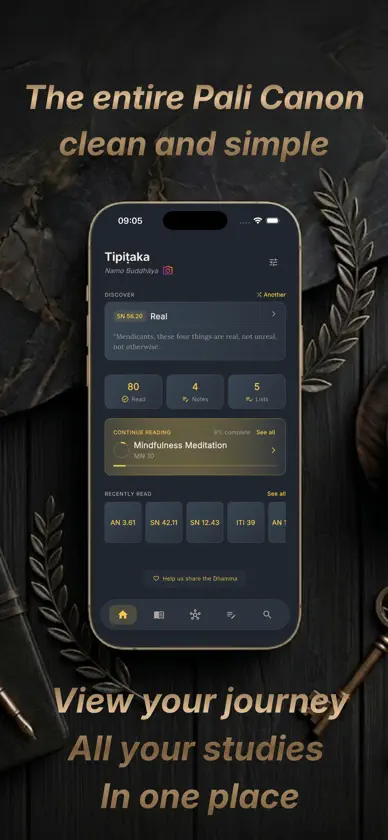
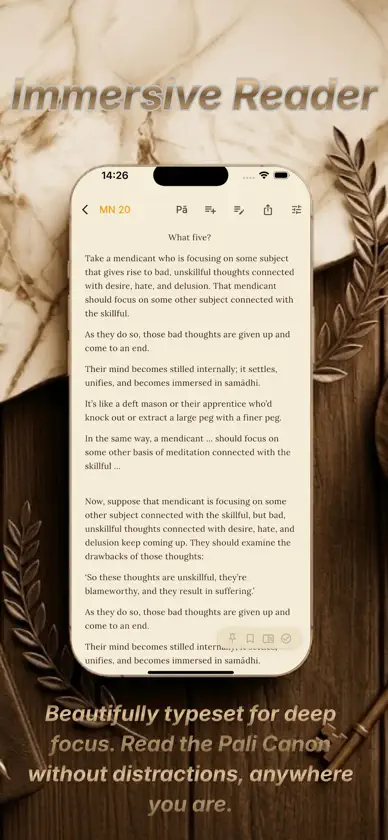
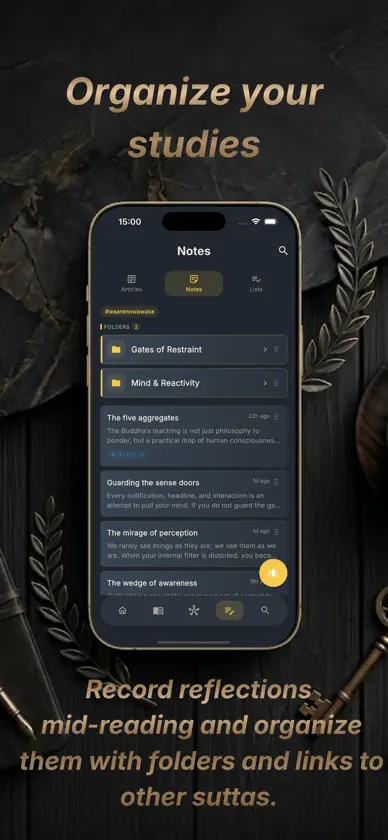
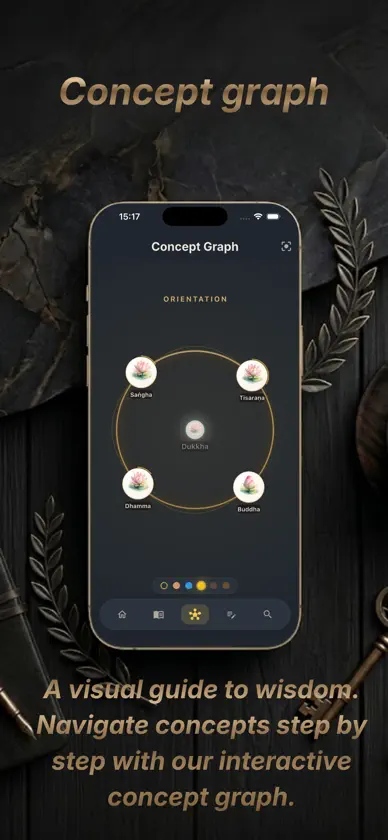
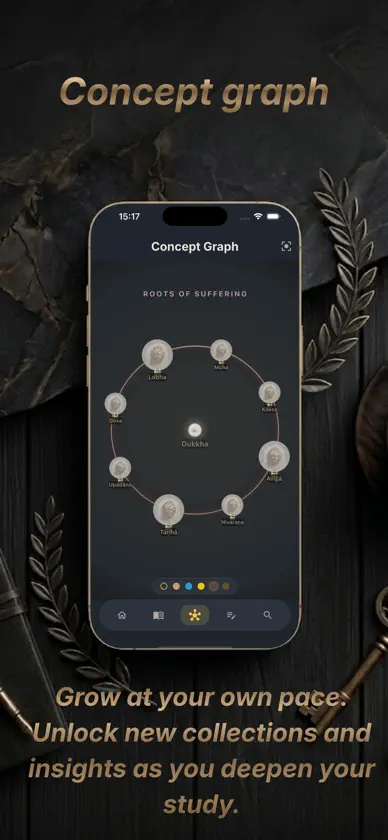
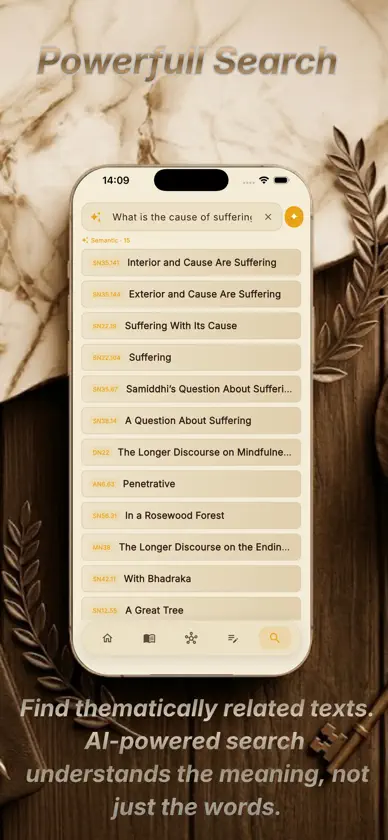
Tipitaka is a fully offline sutta study companion for reading understanding mapping the Dhamma. All texts from the Pali Canon are bundled inside the app - no internet connection needed. BROWSE THE FULL PALI CANON Navigate the five Nikayas (DN, MN, SN, AN, KN) through an intuitive hierarchical library. Browse by collection, group, and individual sutta DISTRACTION-FREE READER Read suttas in a beautifully typeset reader designed for focus. Highlight passages in multiple colors, and track your reading progress automatically. Create your own list to studies Explore the path throw a guided concept graph POWERFUL SEARCH Find suttas by keyword using lightning-fast full-text search, or discover thematically related texts with on-device semantic search powered by machine learning all without sending data off your device. NOTES AND HIGHLIGHTS Capture thoughts mid-reading without losing your place. Tag notes, link them to suttas, and review them later. Color-coded highlights let you mark and revisit key passages across your entire library.. BUILT FOR RETREAT Works completely offline ideal for meditation retreats, travel, or anywhere without reliable internet. Your entire library, notes, and progress are always with you. PRIVACY FIRST No accounts, no tracking, no analytics, no network calls. Your study data stays on your device. Texts sourced from SuttaCentral under open licenses.
What's new
Version 1.5.0 · Nov 8, 2026
• Discover guided learning pathways for beginner, intermediate, and advanced study, with progress tracking. • Enjoy a cleaner search interface, with suggestions tailored to Text and Meaning searches. • See passage previews in offline text search results. • Save passages to new or existing notes, keeping the quoted text and its source reference. • Open your note immediately after adding a passage. • Copy passages directly from the reader’s long-press menu. • Organize your notes by long-pressing and dragging blocks. • Find notes more easily with previews that skip empty blocks.
You might also like
 Pāli PracticeIvan Miroshnichenko
 Tipitaka Pali CSTKENO88 TRADING SERVICE COMPANY LIMITED
 Suttas SelectionPawat Supaongprapa
 Dhamma ZoneWorkify
 Kinh Pháp Cú - Lời Phật DạyNgoan Pham Van
 NissayaTikaInformation Matrix
 BuddhaBitsSuwitcha Sugthana
 Abhidhamma.SA NAY NAY OO
 Bodhi: Learn BuddhismLeon Fivian
 Bhavana — Art of The MindMaksim Suleimanov