
iTantric
Gary Saggu
No ratings yetLifestyleAges 4+
Screenshots





About this app
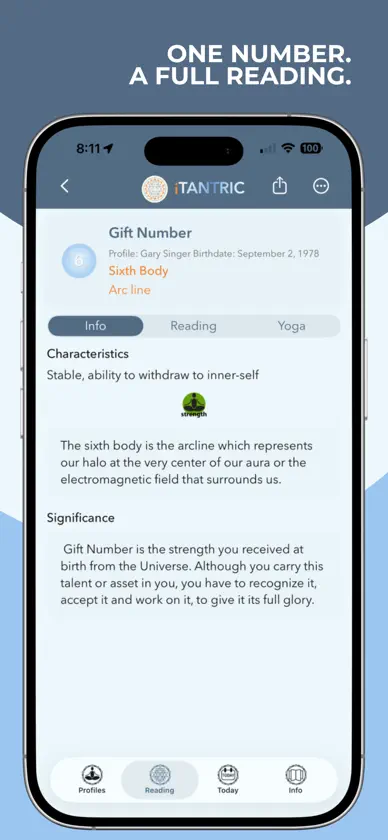
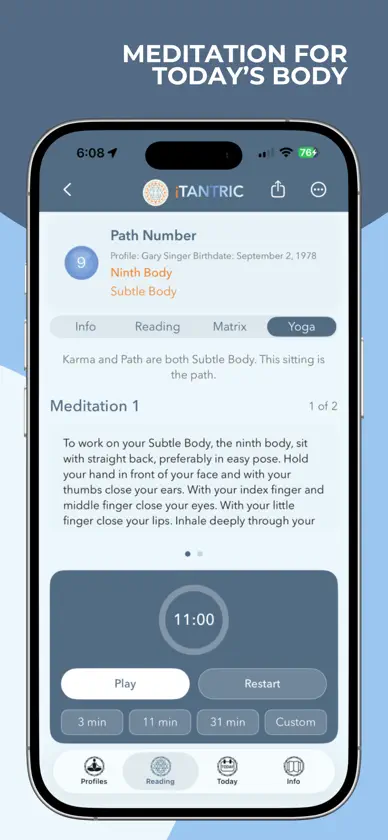
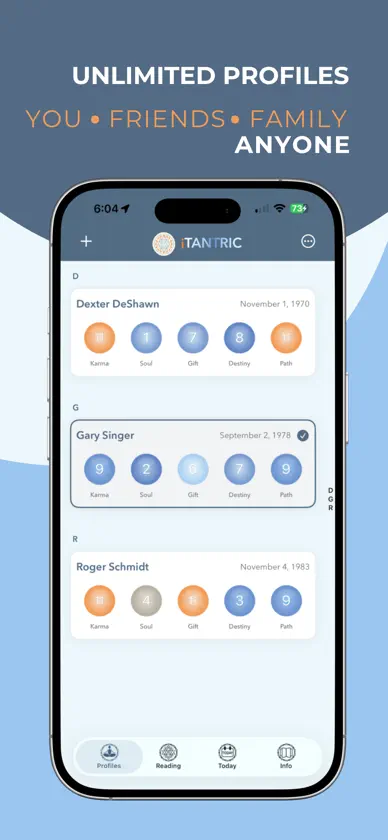
Discover what your birth date reveals—and what to practice today. iTantric turns Tantric numerology into a daily habit you can actually keep. In one glance, see the five numbers that shape your Karma, Soul, Gift, Destiny, and Path. Then get a clear next step: what to strengthen, and how. Every reading is personal. Every number comes with a practice matched to your chart—a meditation, a yoga set, or a chant. Open the built-in timer and begin. Two minutes or twenty. YOUR DAY, READY • A Daily number each morning, with a reading for how today meets your chart • Your name and birth date with that day’s number, streak, and month view • Start practice when you are ready—presets are built in • A reminder and a Home Screen widget, so you see your number before you even open the app FOR THE PEOPLE YOU LOVE Add unlimited profiles—partner, children, friends, clients. Each person gets a full reading and their own Daily number. Switch in a tap. Share what you find. INSIDE EVERY NUMBER • Karma, Soul, Gift, Destiny, and Path—five lenses on who you are, plus a Daily row on your chart • Open any number for the meaning, the strengths and challenges, and a practice for that body • On Path, open Matrix and see how Path meets your other numbers • Light, Dark, or System appearance. Practice history. Help on every screen. Rooted in Kundalini Yoga. Clear enough for a first step. Deep enough for a real practice. Share any reading by message or email in one tap. You do not have to guess your way through the day. Let the Tantric numbers point, then practice. Download iTantric. Check your numbers today.
What's new
Version 11.0 · Oct 5, 2026
• Today: Daily heading, profile name and birth date together, daily number, reading, streak, month grid, and Start practice • Reading: profile header, Daily row, and Karma, Soul, Gift, Destiny, and Path; Path weave grid is on Path detail → Matrix • Settings: Light, Dark, or System appearance (default Light), reminders, and practice history; Help on each screen from the menu • Launch wordmark and clearer selected profile row
More from Gary Saggu


You might also like
 Soul Code: Tarot & HoroscopeMICHAL STANKIEWICZ
 The Kuan Yin TransmissionOceanhouse Media
 Mood MosaicNiamh Coleman
 Destiny AIMustafa Canak
 Amic - Your Social JournalJose David Rodriguez Payo
 Learn AstrologyGulsen CAKIR
 BioRhythm HoroscopeAlexander Maslew
 Numerology OfficeOperion Ecommerce & Software Sdn Bhd
 Sacred SitesDennis Miller
 MoonCa LiteLLC RADAR PRO