
MyScript Math: Solve & Plot
MyScript
No ratings yetEducationAges 4+
Screenshots

About this app
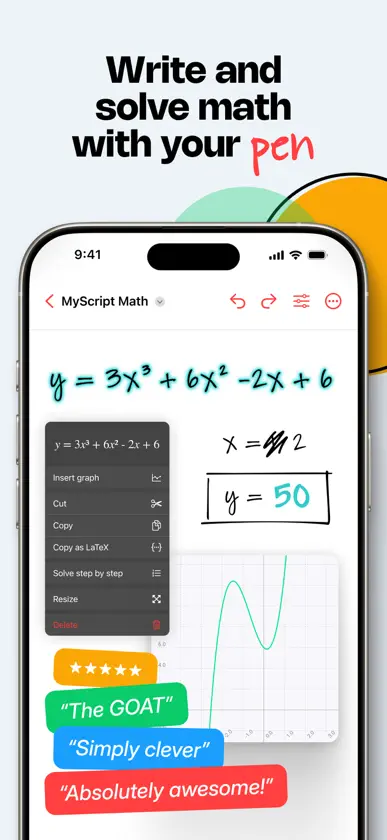
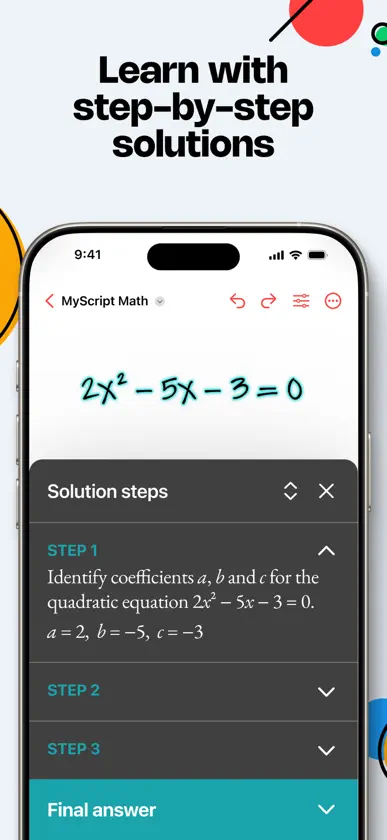
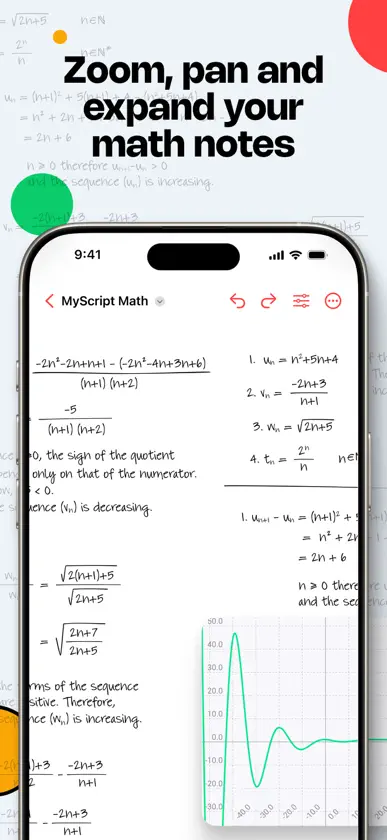
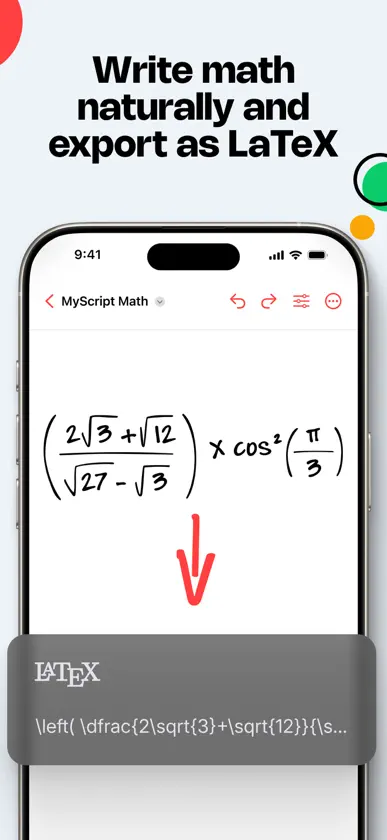
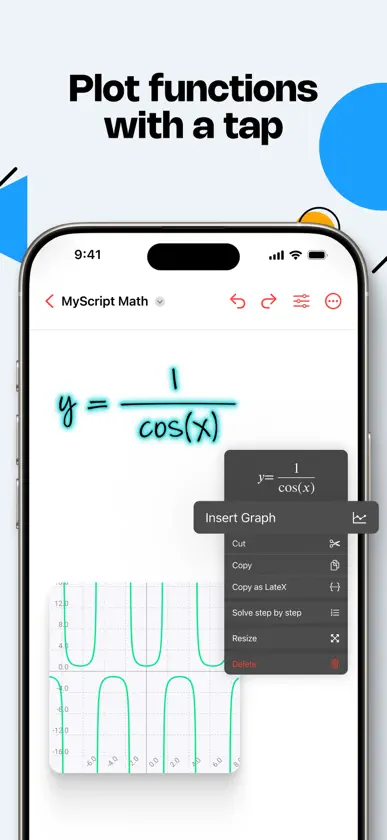
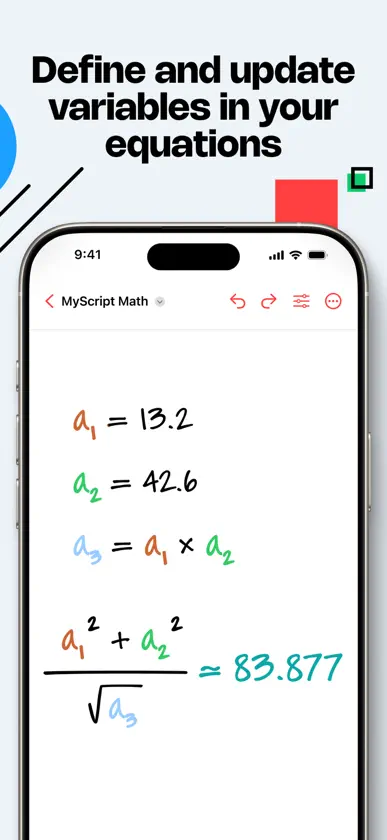
Meet MyScript Math, your handwriting graphing calculator. Write and solve math, plot functions, use variables, edit with a scratch — and get AI-powered, step-by-step guidance when you need it. Enjoy reliable recognition and focus on your math without second-guessing the results. With its super smart engine, MyScript Math can read any handwritten equation accurately. Perfect for students! Tackle equations easily — be it with variables, percentages, fractions, or inverse trigonometry, MyScript Math’s solver has you covered with quick, accurate answers. Start with a 7-day free trial to get the full experience — then subscribe or purchase the app to keep full access. • Solving — Write an equal sign to solve a calculation. Update your equation, and the result updates automatically. • Plotter — Tap an equation to create an interactive graph that updates instantly as you edit the equation. Add multiple functions to the same graph and immediately see how they interact. • Variables — Define a variable, use it in different equations, and update it to see all the calculations and graphs adjust automatically. • Solution steps — Get detailed step-by-step explanations to better understand how to solve your problems. • Expandable workspace — Adjust the zoom level and move around to make editing easier and see everything clearly. Use as much space as you need. • Scratch to erase — No need to switch tools, just scribble out what needs to be removed and keep going. • Images — Take a photo or import an image of your math problem, crop it if needed, and follow step-by-step solutions to solve it, one equation at a time. • Drag & drop — Tap your content to select it or use the lasso tool, then drag and drop it for easy reuse. • Editing tools — Use colors to emphasize calculations and results, and the lasso to move or copy content. • Preferences — Choose the result format of your calculation: degree, radian, decimal, fraction, mixed numbers. • LaTeX support — Write your math equations naturally and copy/paste them as LaTeX in other apps. • Multiple math notes — Display all your math notes in a single view for easy access. • Export your notes as images or PDF to share. • Sync your math notes with iCloud to keep them up to date on all your devices. • MyScript Notes compatibility — Copy handwritten equations from MyScript Notes to MyScript Math for instant results. MyScript Math respects your privacy and never stores content on our servers without your explicit consent. For help or feature requests, create a ticket at https://myscri.pt/support You can use any compatible active or passive pen to write in MyScript Math. Check minimum and recommended requirements for MyScript Math: https://myscri.pt/math-devices
What's new
Version 1.7.1 · Nov 6, 2026
• Automatic cloud sync Your math notes now sync automatically with iCloud. Start a problem on your iPhone and pick up on your iPad right where you left off. Your notes, edits, images and graphs come with you.
In-app purchases
The most popular purchases on the App Store.
- MyScript Math – Full AccessSubscription8,99 € / year
- MyScript Math – Full AccessConsumable24,99 €
- MyScript Math – Full AccessSubscription1,99 € / month
More from MyScript


You might also like
 xFormula - Equation Editor煦 张
 MathNotes: Math Problem SolverImpala Studios
 Math EditorEteri Byazrova
 GeoGebra Math SolverGeoGebra GmbH
 Maple Calculator: Math SolverMaplesoft
 PocketCAS: Graphing CalculatorTiming Software GmbH
 WhiteBoard by LiveBoardLiveBoard, Inc.
 GeoGebra ClassicGeoGebra GmbH
 Quick GraphKZ Labs
 GeoGebra Scientific CalculatorGeoGebra GmbH