
Useful QR Code Reader PRO
katapu.net
No ratings yetUtilitiesAges 4+
Screenshots





About this app
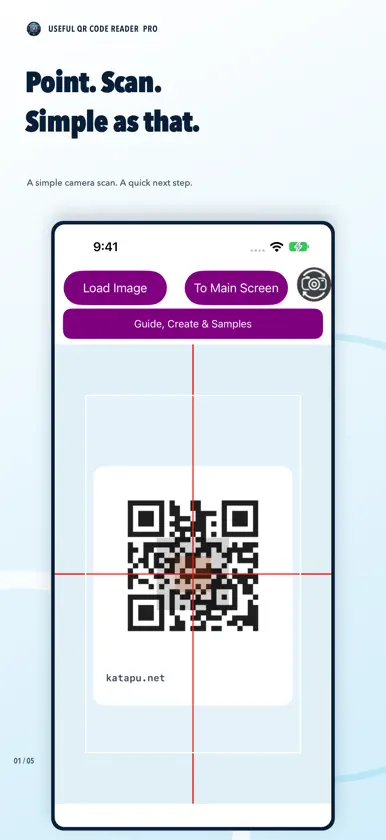
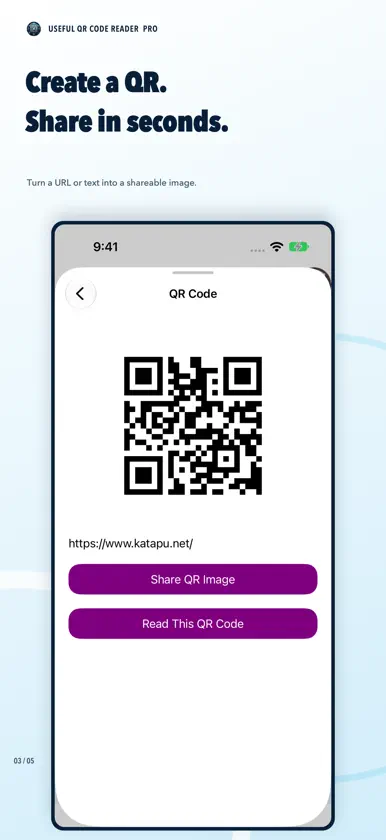
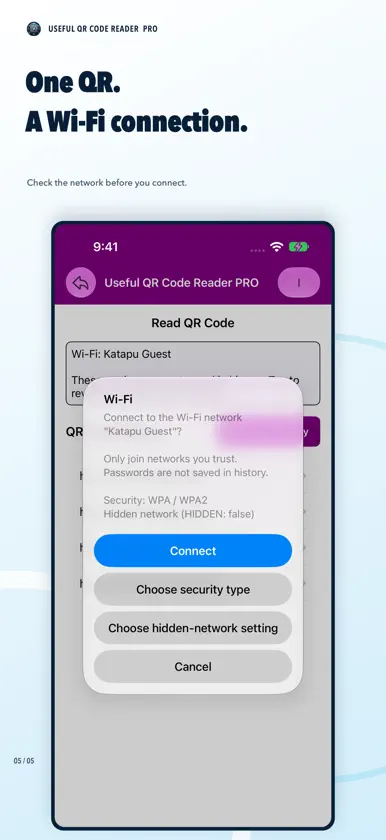
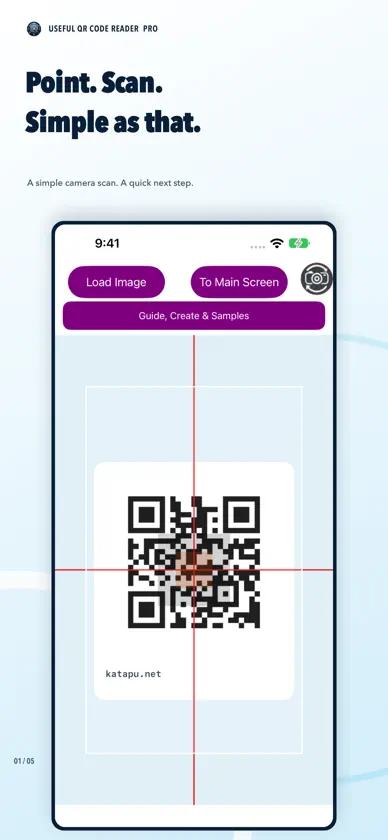
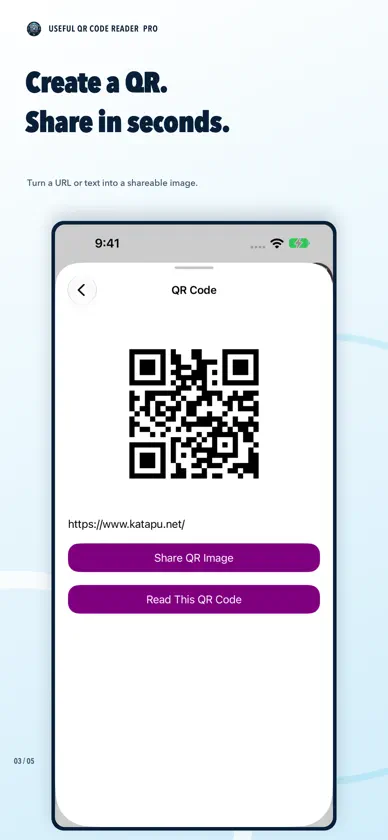
A convenient QR Code Reader is here! This app scans QR codes quickly and easily, and keeps a scan history. After launching, allow camera access and point at a QR code to scan. Scanned content appears at the top of the main screen. Tap to open in your browser, or long-press to copy to the clipboard. You can also tap "Load Image" to scan QR codes from photos/screenshots in your photo library. ※ PRO is the paid ad-free version. Core features are the same as the free version. [How to Use] - Scan a QR code with the camera on the start screen. - Use the top-left button to scan from a photo. - Use the top-right button to go to the main screen. - Tap scanned text or history entries to open them in your browser. - Long-press scanned text or history entries to copy them. - Delete all history or remove individual entries. - Tap "I" at the top-right for app info, and use the back arrow to return to scanning.
What's new
Version 1.2.2 · Oct 24, 2026
- Fixed an issue where the camera preview appeared in the wrong orientation on some devices. - Improved the layout of the scan results screen in landscape mode and on certain devices.
More from katapu.net


You might also like
 Smart SolarIntelade Inc.
 Aquarium Tracker - Fish TankMaxime Lang
 Upload Remote - Share via WiFiNTWIND, LLC
 Custom QR - Scan and createCarolina Coronado
 TUNZEfynix GmbH
 QR Code Reader™SOLAR NETWORKS LIMITED
 JUWEL SmartJUWEL Aquarium AG & Co. KG
 iStore Pro晓明 徐
 Traffic Checker & Batterymisaki sakamoto
 Level gaugeTatsuki