
Do Git Work
Manuel Gruber
No ratings yetDeveloper ToolsAges 4+
Screenshots

About this app
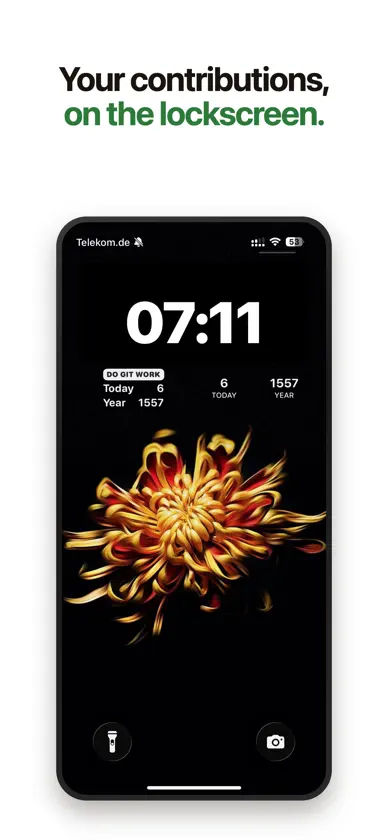
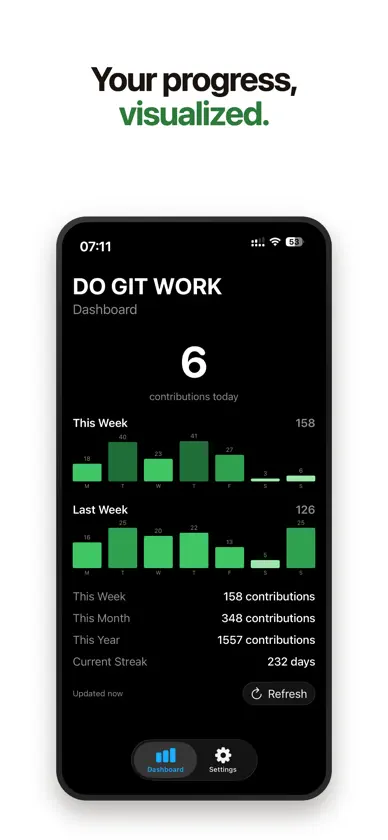
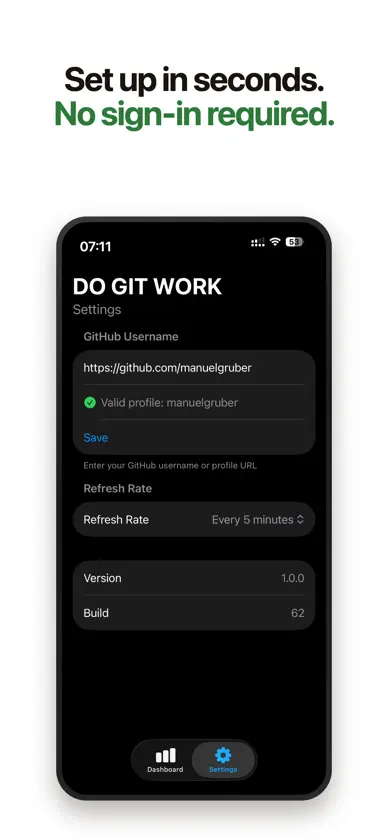
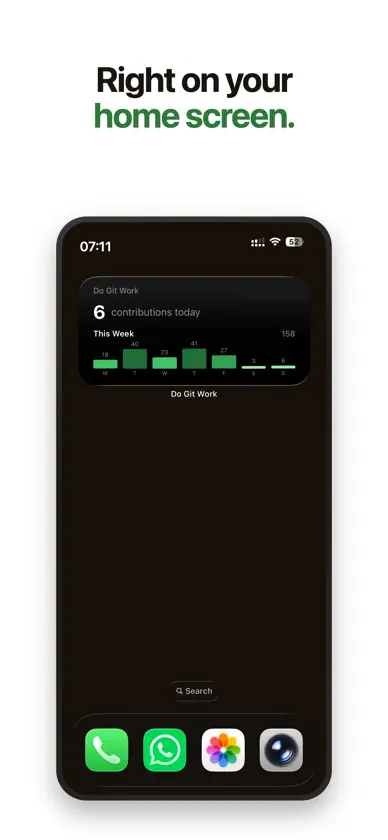
See today's GitHub contributions the moment you pick up your phone. Do Git Work puts your contribution count front and center on iPhone and iPad. Beautiful Home Screen and Lock Screen widgets, a macOS menu bar item, and a full-screen dashboard show today's count, your current streak, and weekly, monthly, and yearly totals. All wrapped in Apple's Liquid Glass design language. WIDGETS FOR EVERY SURFACE Choose from six widget configurations designed to fit your workflow: • Small - today's count plus your yearly total • Medium - today's count with a color-coded 7-day graph • Large - the full picture: graph, streak, and all key stats • Lock Screen - circular, inline, and rectangular widgets so your progress is always one glance away THIS WEEK VS. LAST WEEK Compare your current week side-by-side with last week using color-coded contribution graphs. Spot trends at a glance and see if you're on track. NO SIGN-IN REQUIRED Do Git Work reads your public GitHub contribution graph directly. Just enter your GitHub username and you're set. No tokens, no OAuth, no permissions to manage. SYNC ACROSS DEVICES Your settings sync automatically via iCloud, so you configure once and every device stays up to date. FAST & LIGHTWEIGHT Choose your own refresh interval from every 5 minutes to every 12 hours. Cached data means your widgets always have something to show, even offline.
What's new
Version 1.1.0 · Jul 24, 2026
• Weekly and monthly totals now show your real numbers • Today's count resets at midnight in your timezone • Refresh moved to the navigation bar, always one tap away
You might also like
 GitGarden - 깃허브 잔디 커밋 위젯yosep lim
 Git ContributionAnshika Maurya
 GitWidget: Github Stats WidgetSurya Uthkarsha
 GitBeatHikaru Aohara
 TuistTuist GmbH
 Contribuciones para GitHubAnder Goig
 Paradev (formerly Superset)Superset Inc.
 SwiftServer - SSH ClientGitSwift LLC
 Limits: AI Usage TrackerPranav Karthik Mruthyunjayan
 KeyAuth LLCNelson Cybersecurity LLC