
ZenNotes: Markdown Notes
Lumary Labs LLC
5.0(1)ProductivityAges 4+
Screenshots

About this app
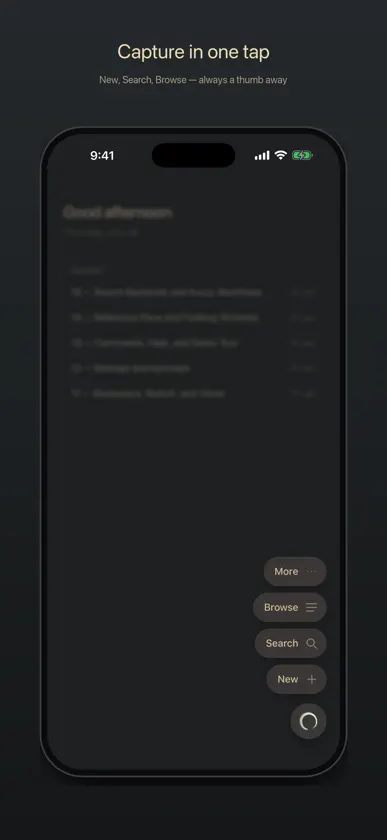
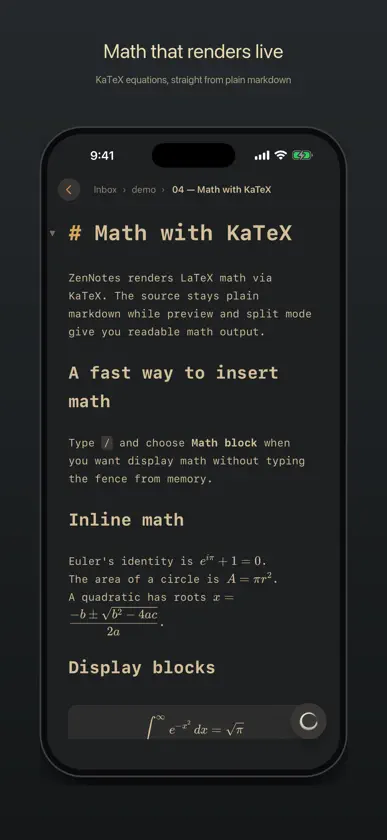
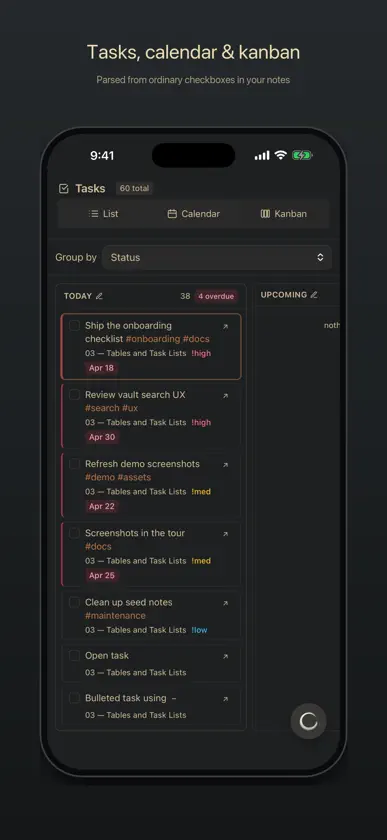
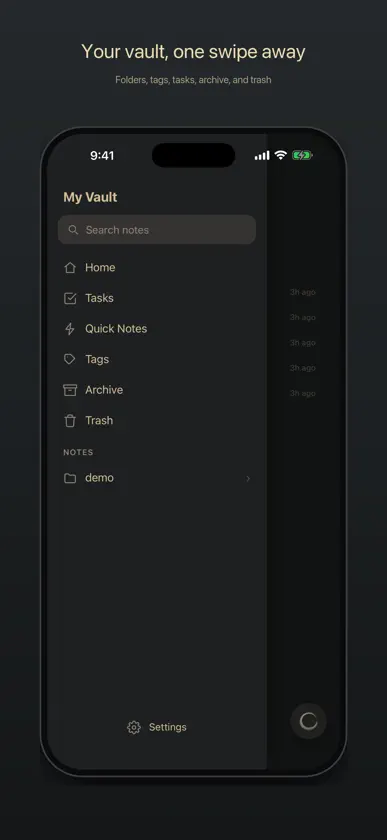
ZenNotes is a local-first markdown notes app for writing, organizing, and connecting ideas without giving up ownership of your files. YOUR NOTES, YOUR FILES Every note is a plain .md file in a vault you control. Start with storage on your iPhone or iPad, use iCloud Drive, or open a folder through the system document picker. Local and iCloud vaults work without an account. ZENNOTES CLOUD Connect an optional ZenNotes Cloud plan to: • Sync a vault across ZenNotes desktop and mobile • Sync notes and attachments • Create manual and automatic daily backups • Restore a full vault or a single note from a backup • Publish notes to the web and manage their public links Cloud never replaces the free local-first workflow. Use it only when you want hosted sync, backup, or publishing. WRITE IN MARKDOWN Use a focused editor with headings, lists, tasks, tables, code, links, wikilinks, tags, callouts, footnotes, and frontmatter. A mobile formatting bar keeps common actions close to the keyboard, and a pinch resizes the text to your eyes. RICH, OFFLINE PREVIEW Render KaTeX math, Mermaid diagrams, JSXGraph, function plots, tables, callouts, and more directly on your device. ORGANIZE YOUR WAY Pin your go-to notes and folders to the top, swipe rows to act on them, create and rename nested folders, browse tags, search the full vault, manage tasks, create periodic notes, and work with table databases stored as CSV. CAPTURE QUICKLY Create a quick note from the app or send text and links to ZenNotes from the iOS share sheet. HOME SCREEN WIDGETS Start a note, open a recent one, or check today's tasks without opening the app. New Note also lives on the Lock Screen, and the widgets wear your theme. PRIVACY BY DEFAULT ZenNotes has no advertising or tracking. Local and iCloud notes stay in the storage you choose. When you enable ZenNotes Cloud, the account identity, connected-device information, and vault content needed for the Cloud features you use are sent to the ZenNotes service. Payment details are handled by Stripe. ZenNotes is open source. Your vault remains useful outside the app because it is made of ordinary files.
What's new
Version 1.39.0 · Nov 12, 2026
TikZ figures draw right away, and Cloud and self-hosted vaults stay in step more reliably. • A new or edited TikZ figure draws in about a second. Before, it waited 30 seconds and then showed an error. • Link a vault to ZenNotes Cloud when the two keep their notes in different places, and your notes move to match before the first sync, so nothing shows up twice. • A vault on your own ZenNotes server shows changes made on your other devices within a few seconds while it's open. • If an encryption key can't be read, Cloud shows the vault as locked instead of failing to sync, and signing in still works. • An edit made while an encrypted upload runs is reported as changed while uploading, not as damaged. • Search no longer lists the notes in your templates folder. Your notes stay ordinary Markdown files, and local and iCloud vaults work without an account.
More from Lumary Labs LLC


You might also like
All apps like ZenNotes: Markdown Notes → Notelane - Markdown EditorAsterios Digital GmbH
 FUTO NotesFUTO Computing
 Marked — Markdown EditorTreze
 TrinoteVero Fide LLC
 Caliu - Notes en MarkdownMarc Torrelles
 Note - ConniePadHuy Le
 Snippets: Quick Markdown NotesMing Li
 heaperJan Vincent Lunge
 Klad: Git & Markdown NotesMauricio Coelho
 Inkiostro : Éditeur MarkdownCarlo Di Giuseppe