
Pixel BASIC
ROBERT HENRY RODRIGUEZ
No ratings yetEducationAges 4+
Screenshots


About this app
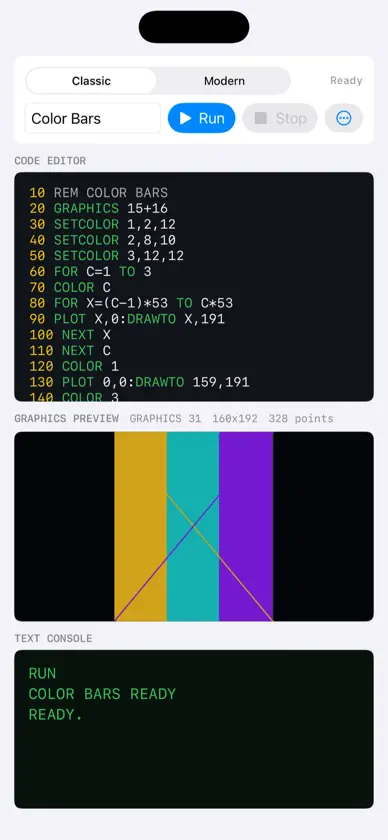
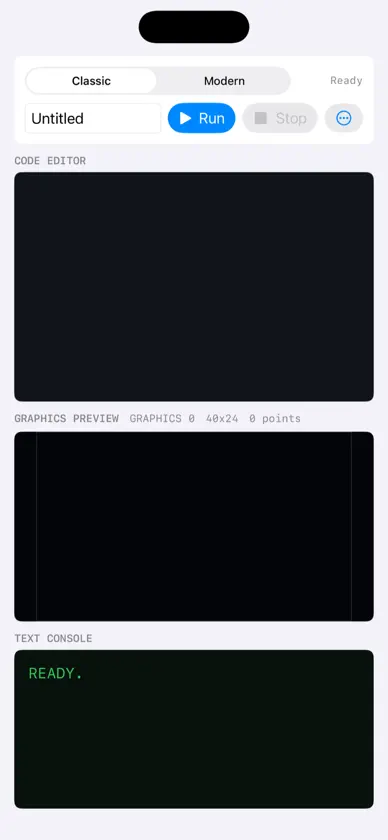
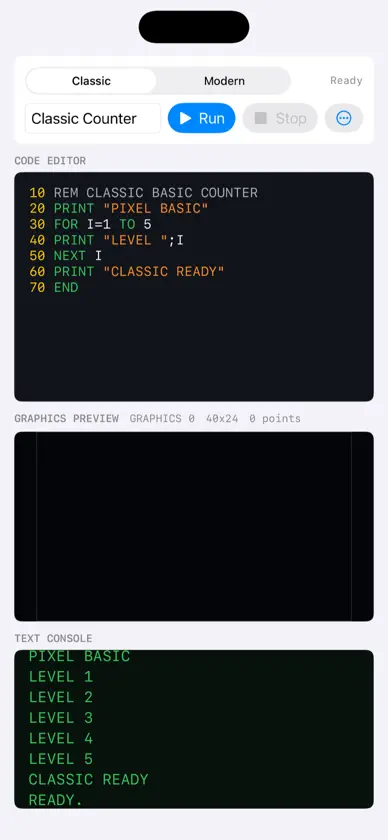
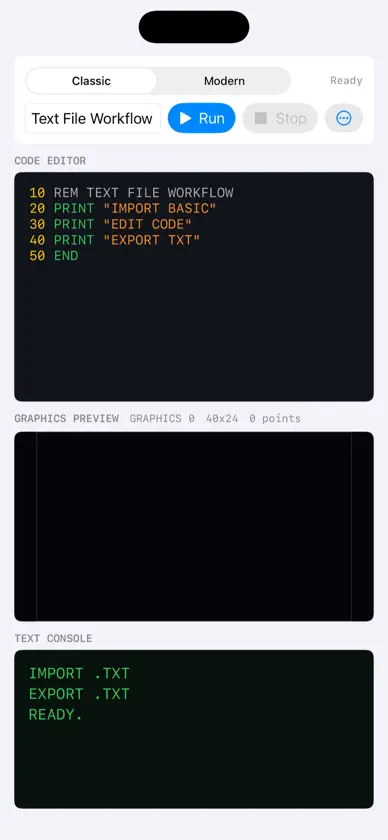
Pixel BASIC is a retro programming playground for iPhone and iPad. Type BASIC code, run it instantly, and see your program come alive in a simple editor, text console, and pixel graphics preview. It is designed for beginners, hobbyists, parents, teachers, and anyone who wants the joy of learning code by making something visible. Start with classic BASIC commands like PRINT, INPUT, LET, IF, THEN, GOTO, FOR, NEXT, END, and REM. Then move into graphics with commands like GRAPHICS, COLOR, PLOT, DRAWTO, POSITION, LOCATE, and SETCOLOR. Pixel BASIC supports both Classic and Modern modes, so retro fans can use line-numbered BASIC while new learners can write in a friendlier style. You can save programs, load them later, import text files, and export your BASIC source. Build tiny programs. Draw pixel art. Experiment with loops. Make your first game ideas. Pixel BASIC turns an iPhone or iPad into a small creative coding lab.
What's new
Version 1.1 · Sep 12, 2026
New in Pixel BASIC 1.1: - Create and save new BASIC projects, with copy and paste plus text-file import and export. - Run games in a retro TV player with on-screen joystick and button controls. - Search the built-in BASIC command reference and get clearer syntax diagnostics. - Stop runaway loops more reliably, with stability and interface improvements for iPhone and iPad.
