
Plotlay Scan
Craig Muldoon
No ratings yetProductivityAges 4+
Screenshots



About this app
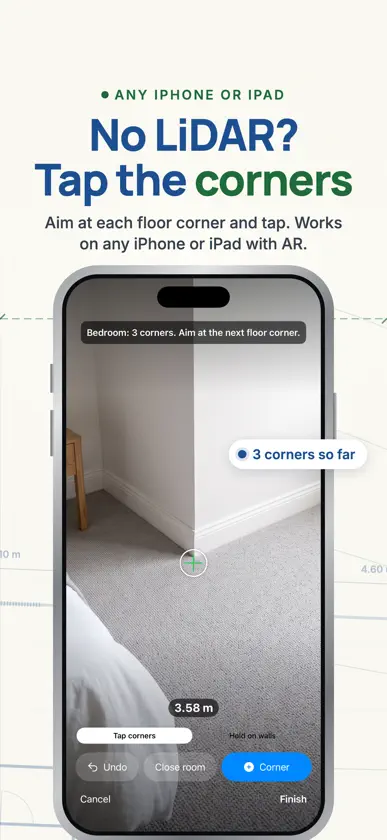
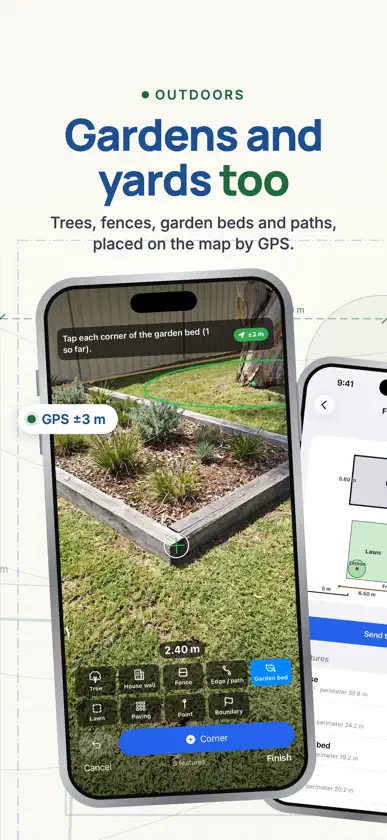
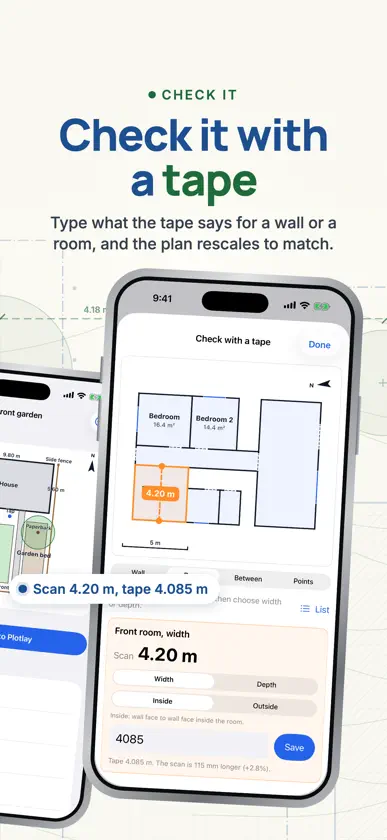
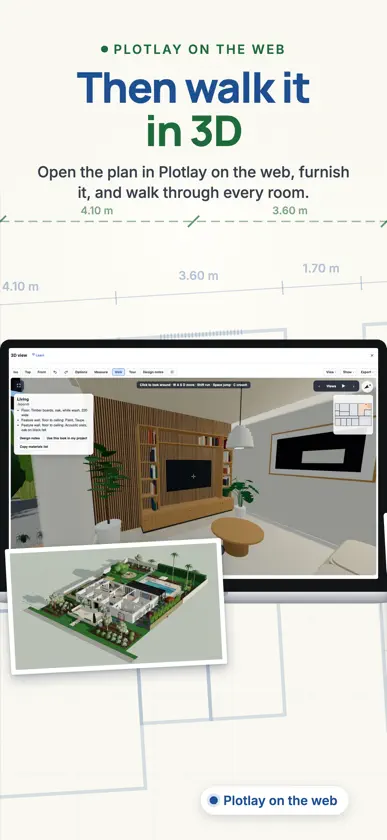
Scan a room and get a measured floor plan with every wall length. On iPhone Pro and iPad Pro with LiDAR, walk around the room: walls, doors, windows and furniture are measured as you go, and the furniture arrives in Plotlay as library items at its measured size. On any other iPhone or iPad with AR, aim at each floor corner and tap. Where a corner hides behind furniture, hold the device flat on each wall instead. Rooms captured together line up with each other, and one scan can cover more than one floor. Sketch the house first if you like: rough boxes in the order you will walk, with the doors between them. Each room you scan takes its place. Or follow a photo or PDF of the floor plan, room by room. Check a length against your tape and the plan rescales to match. Go through each room to confirm what each door really is, the ceiling height, feature walls, and the lights and fans the scan can't see. Take measured photos as you scan, then measure between two points or pin a defect or a note to the spot. Outdoors, capture trees, fences, paths, garden beds, lawn, paving, the site boundary and the house walls. GPS places the drawing on the map. Asked for GPS at a few points? The app walks you to each one and averages the reading. Every scan shows wall lengths, room areas and ceiling heights. Share it as a PDF plan, an image, a DXF for CAD, a 3D model (USDZ) you can place in AR, or a scan file. Using Plotlay on the web? Choose Scan rooms there, scan its QR code with this app, and the plan arrives in your project. Signed in with your Plotlay account, send straight to any of your projects and work through the actions and GPS points waiting in them. Start a scan from Siri, Shortcuts or a Home Screen widget. No account needed. Scans stay on your device until you send or share one.
What's new
Version 2.0 · Nov 2, 2026
Scans arrive in Plotlay furnished: sofas, beds, kitchens and bathrooms come in as library items at the size measured. Sketch the rooms before you scan, then check each room after it: doors that are really openings, feature walls, ceiling height, and the lights and fans LiDAR can't see. Check measurements with a tape: pick a wall, a room's width or depth, or two points, see how well they agree, and rescale the scan to fit. Rooms come back with wall and floor colours and photos. Take measured photos while you scan, then measure between two points or pin a defect or note to the spot. Scan more than one floor, walk a site boundary, and share a scan as a 3D model you can place in AR. Sign in to your Plotlay account if you like: send straight to a project, see your work list and tick off actions on site. You can delete the account in Settings. Scans sent with no connection wait and go when you're back online. Delete scans with Undo. Start a scan from Siri, Shortcuts or a Home Screen widget.