
Printer Tools
Juan Gomez Mateos
No ratings yetUtilitiesAges 4+
Screenshots

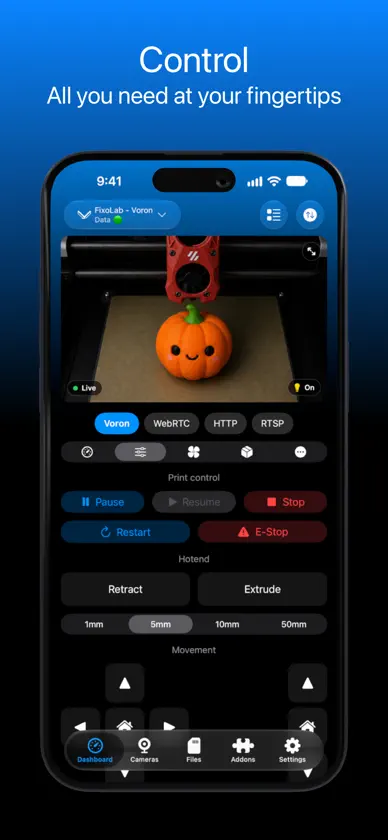

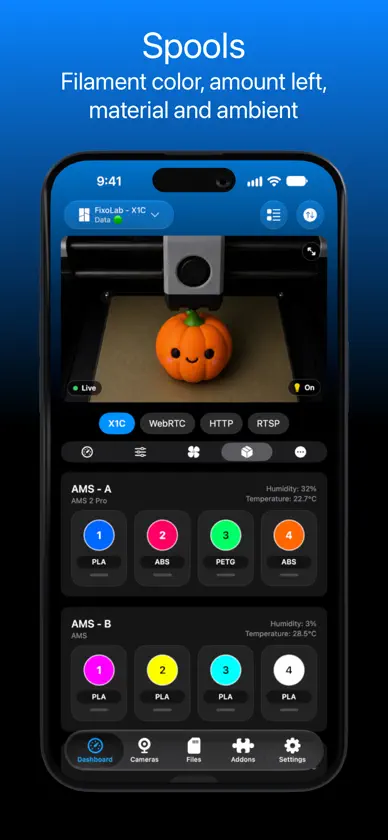
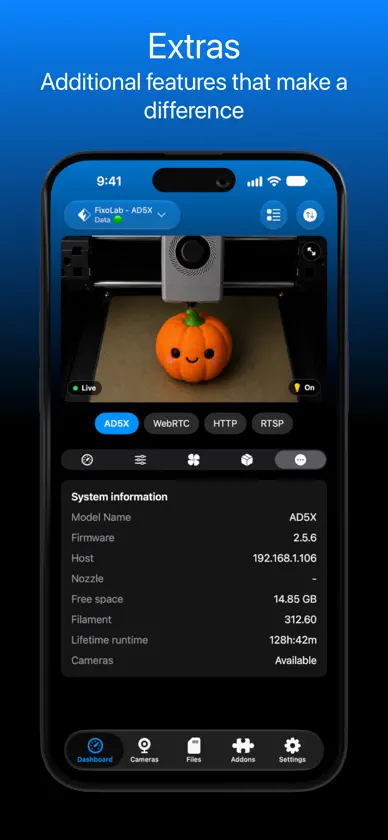
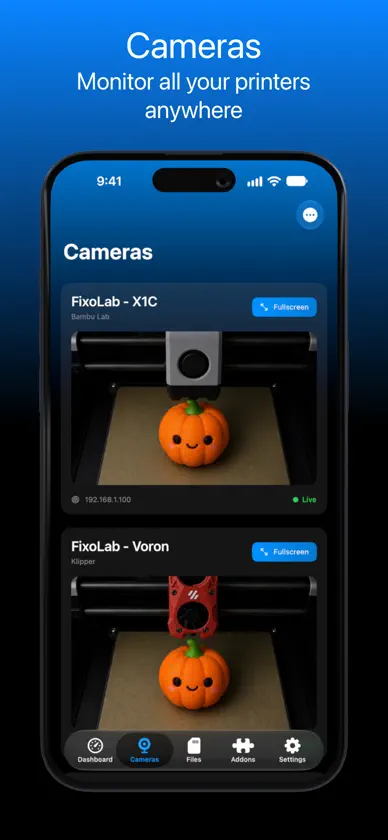
About this app
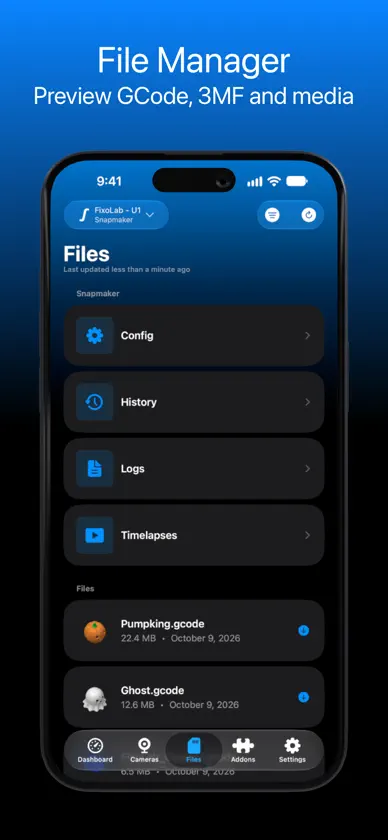
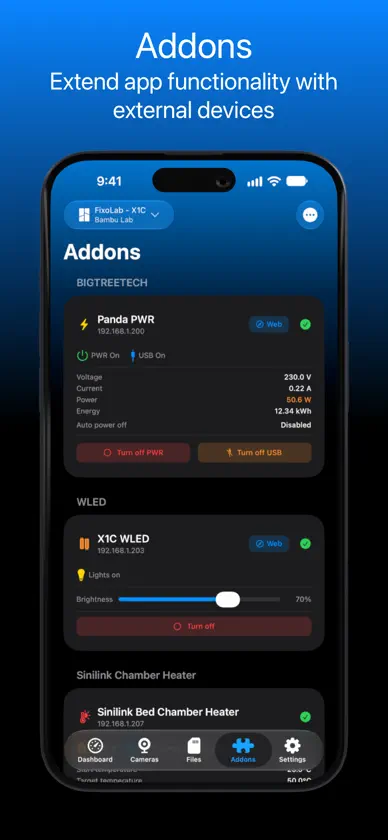
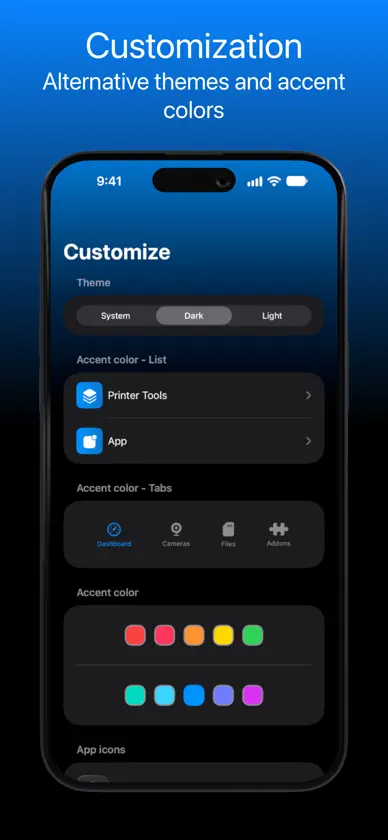
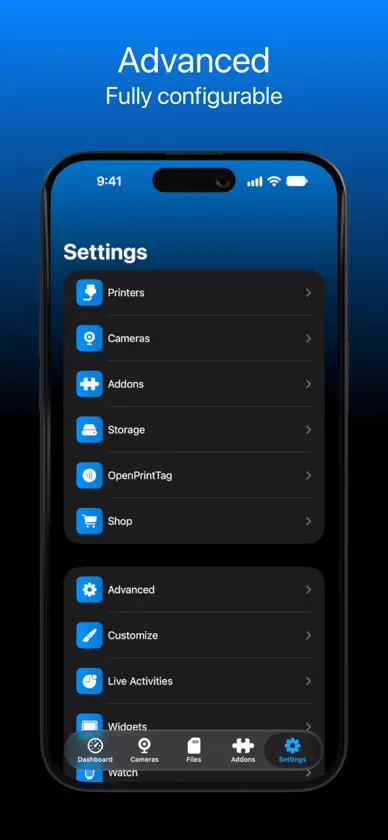
Printer Tools – Control and Monitor All Your 3D Printers in One Place Printer Tools is the ultimate app for managing and monitoring all your 3D printers from a single, unified dashboard. It delivers real-time data, advanced analytics, and a customizable interface designed to fit your workflow perfectly. Whether you manage one printer or an entire fleet, Printer Tools helps you stay in control — from print status and temperature to multicolor systems, cameras, and beyond. Key Features Real-Time Monitoring Stay updated with live metrics for each printer — including current layer, progress, print time, temperatures, fan speeds, lighting, and more. Monitor everything happening across multiple printers at once. Multi-Printer Dashboard Control all your 3D printers from one intuitive panel. View print status, filament usage, chamber conditions, and multicolor AMS details such as active colors, humidity, and temperature. Camera Integration Keep an eye on your prints in real time with seamless multi-camera support. Watch live feeds from one or multiple printers directly within the app. File Management Easily browse, upload, and organize print files ready for production. Manage storage, start new jobs, or queue upcoming prints with a single tap. Advanced Insights Access in-depth performance data and logs for each printer. Analyze print history, success rates, and detailed telemetry to optimize your workflow and reduce print failures. Personalized Interface Choose your preferred accent color and switch effortlessly between light and dark mode. Add-ons & Widgets Extend functionality with optional modules and interactive widgets for temperature, camera, and print progress. All Your Printers, One Control Center From casual makers to print farm operators, Printer Tools adapts to your needs. Combine precision, performance, and flexibility in a single app that turns your Apple device into a professional 3D printing command center. Available for: iOS, iPadOS, macOS and watchOS Privacy Policy: https://printertools.app/privacy EULA: http://www.apple.com/legal/itunes/appstore/dev/stdeula
What's new
Version 3.6 · Nov 7, 2026
- Anycubic printers connect again and no longer flicker between printing and offline - Klipper shows the SD card files as soon as it connects - Fixed a crash when adding the first printer - Fixed a crash when watching RTSP cameras - Stability improvements
In-app purchases
The most popular purchases on the App Store.
- Donation - CakeConsumable4,99 €
- Lifetime PremiumConsumable59,99 €
- Donation - PizzaConsumable9,99 €
- Premium MonthlySubscription4,99 € / month
- Donation - CoffeeConsumable1,99 €
- Donation - HamburgerConsumable14,99 €
- Premium YearlySubscription39,99 € / year
More from Juan Gomez Mateos


You might also like
 SpoolFluxReimar Metzen
 Spooly App for CC1Yunus Emre Seker
 PaxxMakerDaniel Richter
 Joint Craft - 3D Printer appSnowcraft LLC
 Snapmakersnapmaker
 Spool ProgrammerMartin Bogomolni
 FluiddFluidd
 Moonraker BuddyPAUL ASTLE
 Tag My Spool – NFC FilamentKraftPixel Digital Solutions Pvt Ltd
 Moongate: Klipper ControlPaul Sharman