
GoodQA
Eric MacDougall
No ratings yetDeveloper ToolsAges 4+
Screenshots



About this app
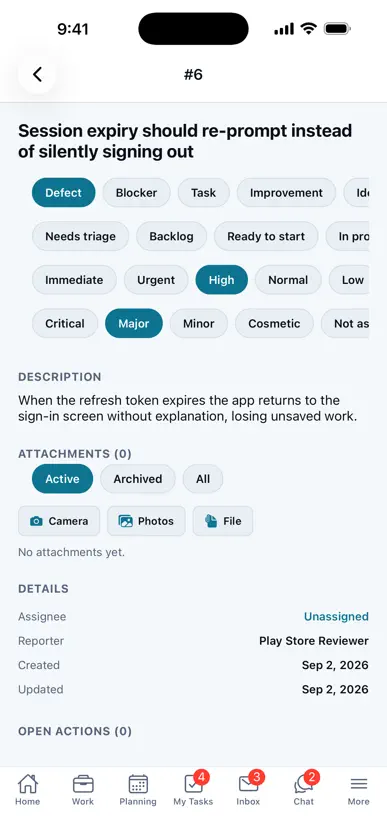
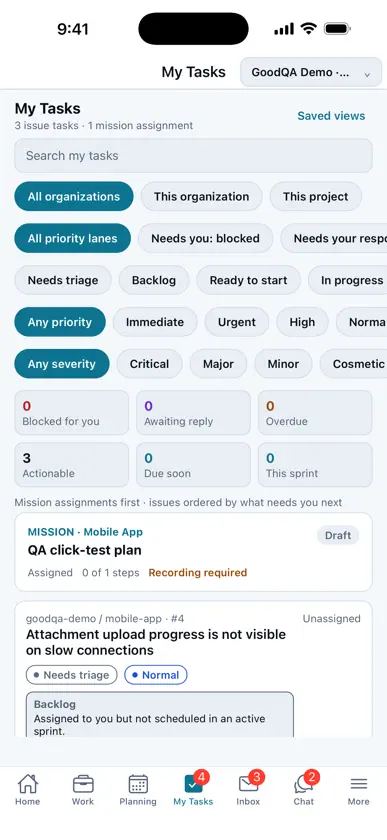
GoodQA keeps testing, product feedback, and engineering follow-through in one place. Switch between organizations and projects, capture an issue with the context your team needs, and follow it from triage through verification. Use the mobile app to: - Sign in with your GoodQA account. - Browse dashboards, assigned work, planning, and notifications. - Create issues and attach screenshots from your device. - Review issue details, comments, status, assignees, and verification evidence. - Review completed testing-mission evidence and add an attestation when eligible. - Browse connected repositories, reports, team members, roles, and project settings. - See connection-loss status and retry after reconnecting. Access follows your organization membership, project role, custom role, and category permissions.
What's new
Version 1.0.3 · Oct 26, 2026
Approve or deny remote-control requests for your computers right from the notification. Chat now stays on the latest message and keeps your place when you open a link. The bottom bar stays on screen, with a visible Sign out and pull-to-refresh. Long issue discussions load in pages, and the AI summary now says why it is unavailable. Security updates.


