
Notebook – Markdown Notes
Lukas Kaibel
No ratings yetProductivityAges 4+
Screenshots




About this app
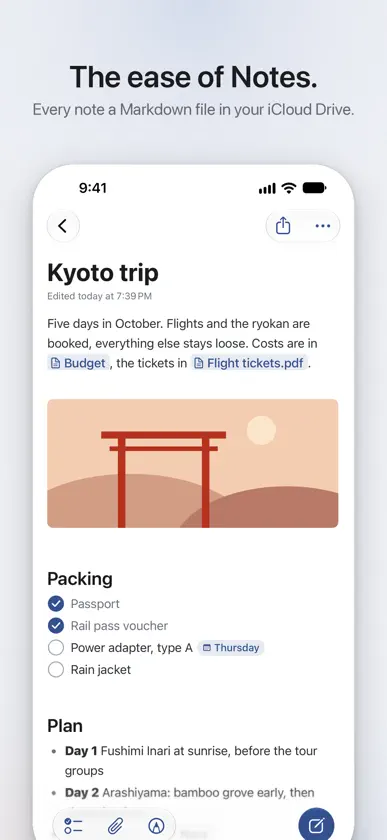
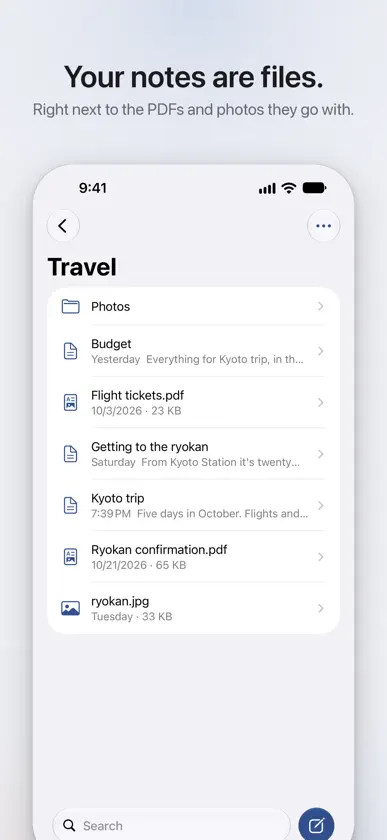
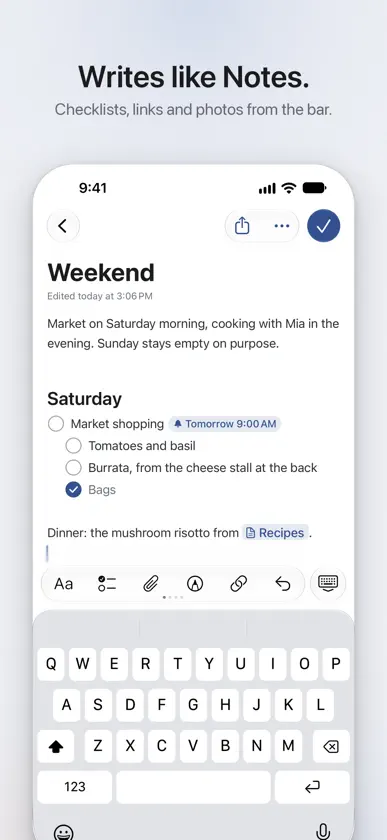
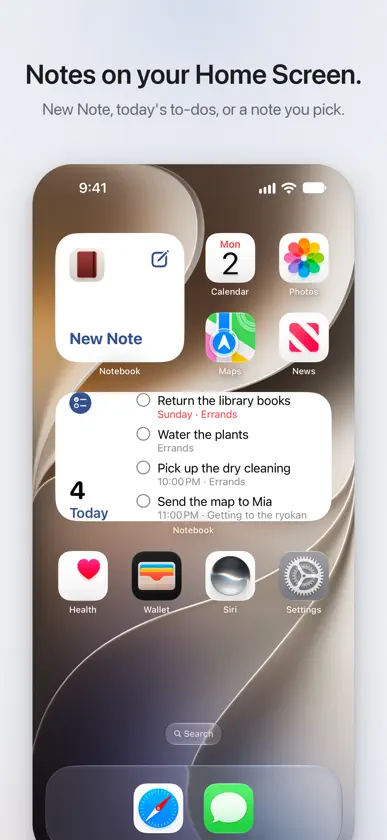
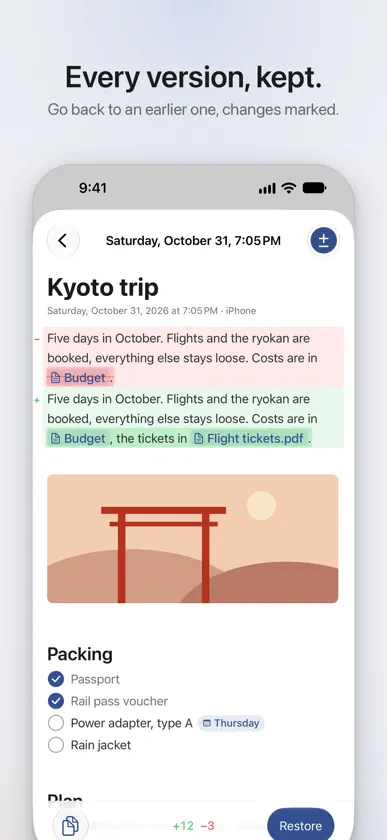
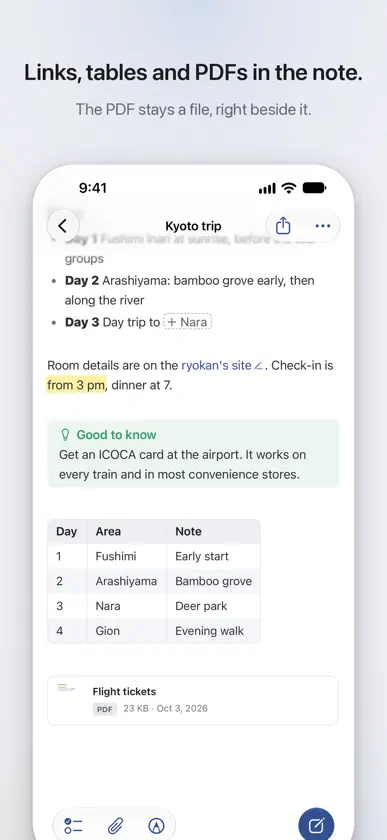
The ease of Notes. The freedom of files. Notebook keeps every note as a plain Markdown file, in your own iCloud Drive or any folder you choose. There is no vault to set up and nothing to import: your notes sit right next to the PDFs, photos and documents they belong with, and they stay yours. Obsidian and other Markdown apps open the same files. And it writes like Notes. Headings, bold, lists and checklists look finished as you type, and their Markdown marks show only on the line you're writing. Pictures, PDFs and drawings go right into the note. On the Mac, iPhone and iPad it's an Apple app through and through: widgets, Spotlight, Shortcuts, the share sheet, Apple Pencil and the keyboard shortcuts you know. NEW IN 1.2 • Handwritten notes on blank, lined, squared, dotted or Cornell paper, with Apple Pencil or a finger • All Pages: see every page at once, drag them into a new order, duplicate and delete them • Pictures on any page, and pages added as you write, on handwritten notes and every PDF • Draw on PDFs and highlight their text on the Mac too • VoiceOver reads a note as you see it WRITE • Tables, code, maths and Mermaid diagrams, drawn right in the note • Pictures, PDFs and files in the note, kept in a hidden .assets folder beside it • Drawings with Apple Pencil, a finger, the mouse or the trackpad, in the note and right on PDFs • Version history: every earlier version of a note, with what changed marked • [[Links]] between notes that keep working when you rename or move them FIND • Search finds words in notes, PDFs, pictures, scans and handwriting, and names from a few letters, typos included • ⌘K finds anything and runs any command, and every note is in Spotlight TO-DOS • Every open checkbox of every note in one list, by when it's due, as in Reminders • Dates, times, places and repeats are written into the note, where other Markdown apps read them too YOUR FOLDERS • iCloud Drive as the Finder shows it, with drag and drop, and Undo for moves, renames and the Trash • Share to Notebook from any app, widgets for a new note, today's to-dos and a note, and import from Apple Notes • Folder symbols and colours, kept where the Finder keeps them PRIVATE • No account, no server, no tracking. Notebook sees only the folders you choose. To look around first, Try Sample Notes on the first screen makes a folder of sample notes. Notebook is free and open source: github.com/lukaskaibel/notebook
What's new
Version 1.2.0 · Nov 4, 2026
Notebook 1.2 brings handwritten notes. • Handwritten notes on iPhone and iPad: write with Apple Pencil or a finger on blank, lined, squared, dotted or Cornell paper. A handwritten note is a PDF in your folder, right next to your typed notes, and every PDF app shows what you wrote. On the iPad, New Note asks whether to type or write by hand. • Pages as you need them: pull past the last page for a new one, give a page other paper, and see every page at once in All Pages, where you drag pages into a new order, duplicate and delete them. • Pictures on the page: photos, the camera, scans and pictures from Files, moved, turned and resized with the lasso, and as sharp as the handwriting however far you zoom in. • All of it works on any PDF, so you can write next to lecture slides and after the last one. • On the Mac: draw on PDFs with the mouse, the trackpad or a tablet, highlight their text with ⌃⌘H, and hold Shift for a straight line. • Copy File: ⇧⌘C or a file's menu copies the whole file, as the Finder does, to paste into Mail, Messages or the Finder. Pasted into a note, a file from your folders becomes a link to it, and one from elsewhere is copied in. • VoiceOver reads a note as you see it, line by line, and a double-tap ticks a to-do. • Nothing you write is lost: a note that can't be saved is tried again and kept in Unsaved Notes, and where there is no Recently Deleted, Undo asks before deleting a note you have written in.

