
Tiny Computers
Fountain Interactive Ltd
5.0(1)EntertainmentAges 4+
Screenshots





About this app
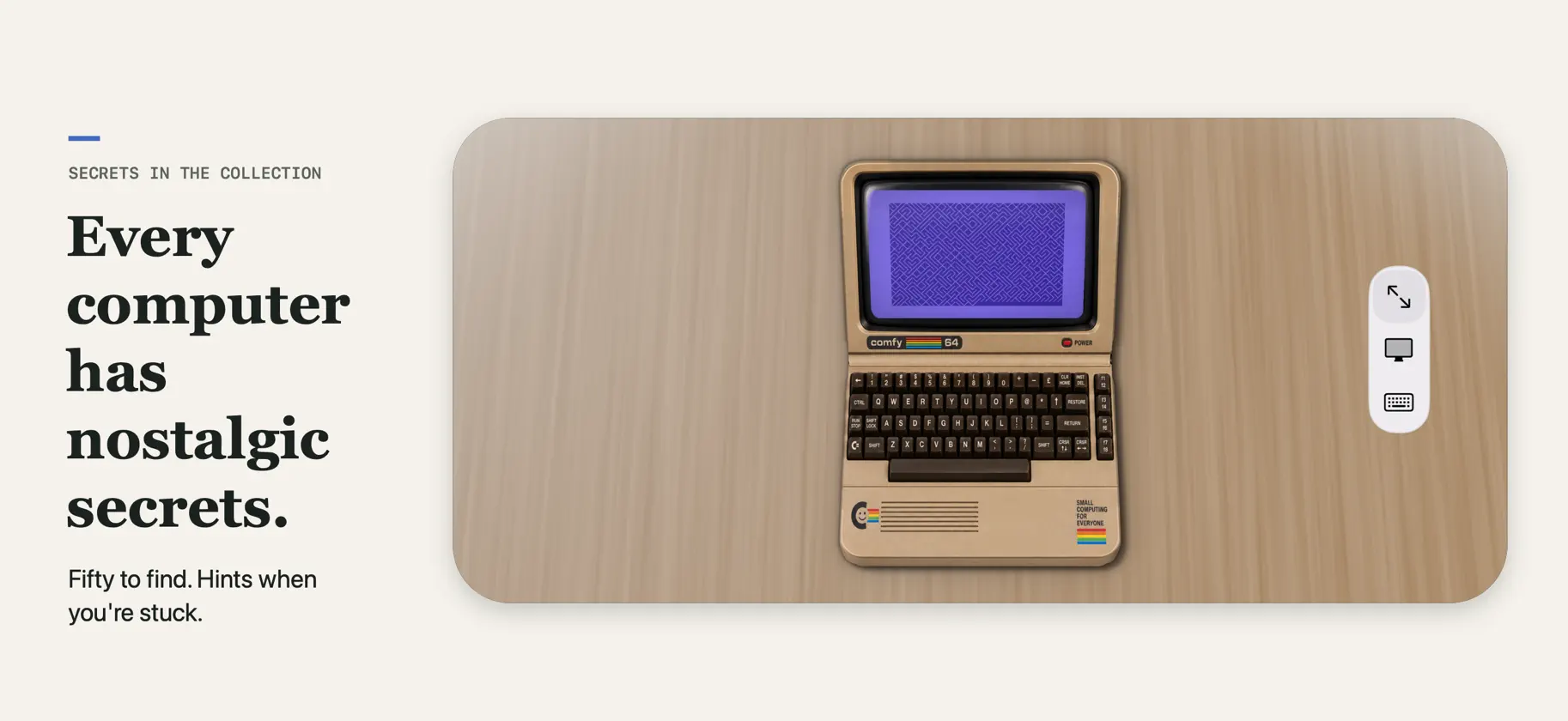
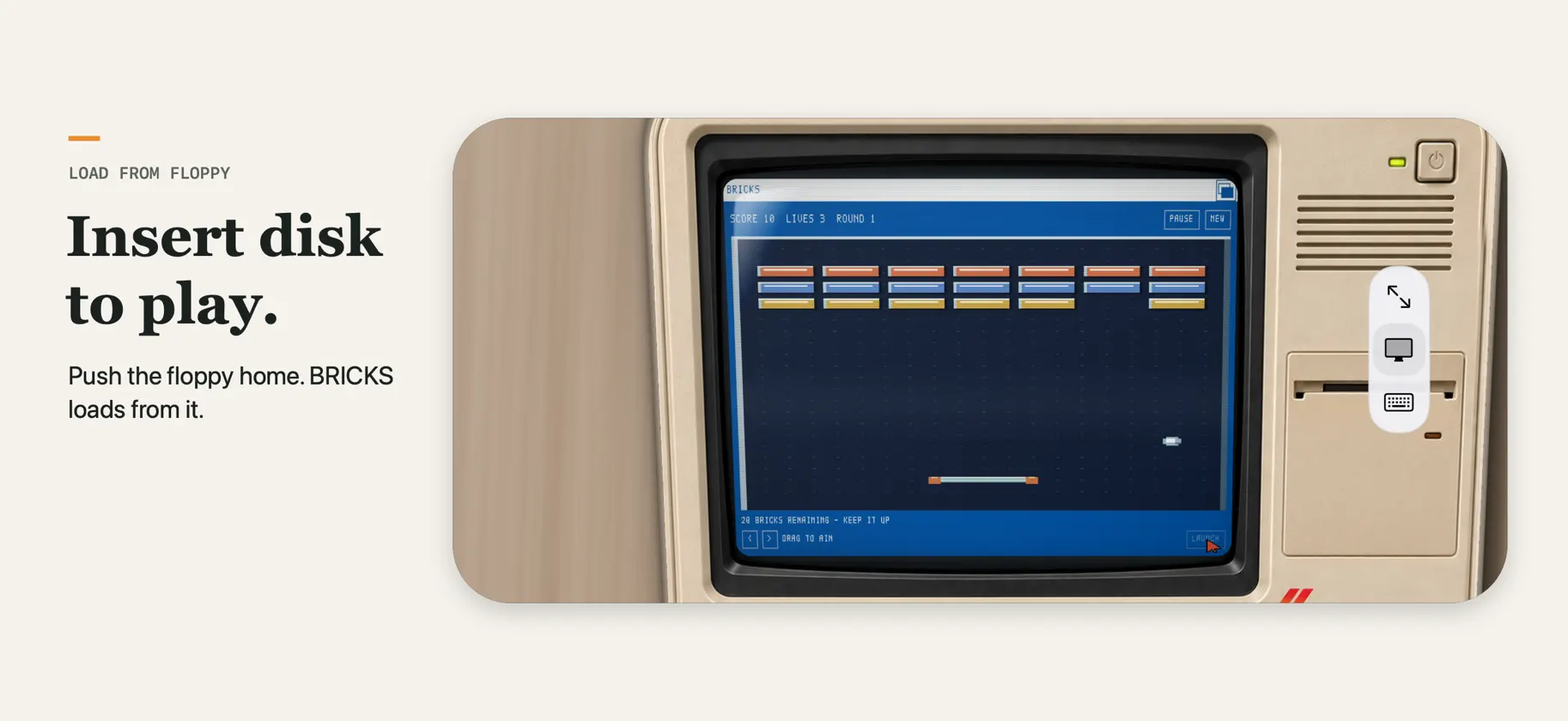
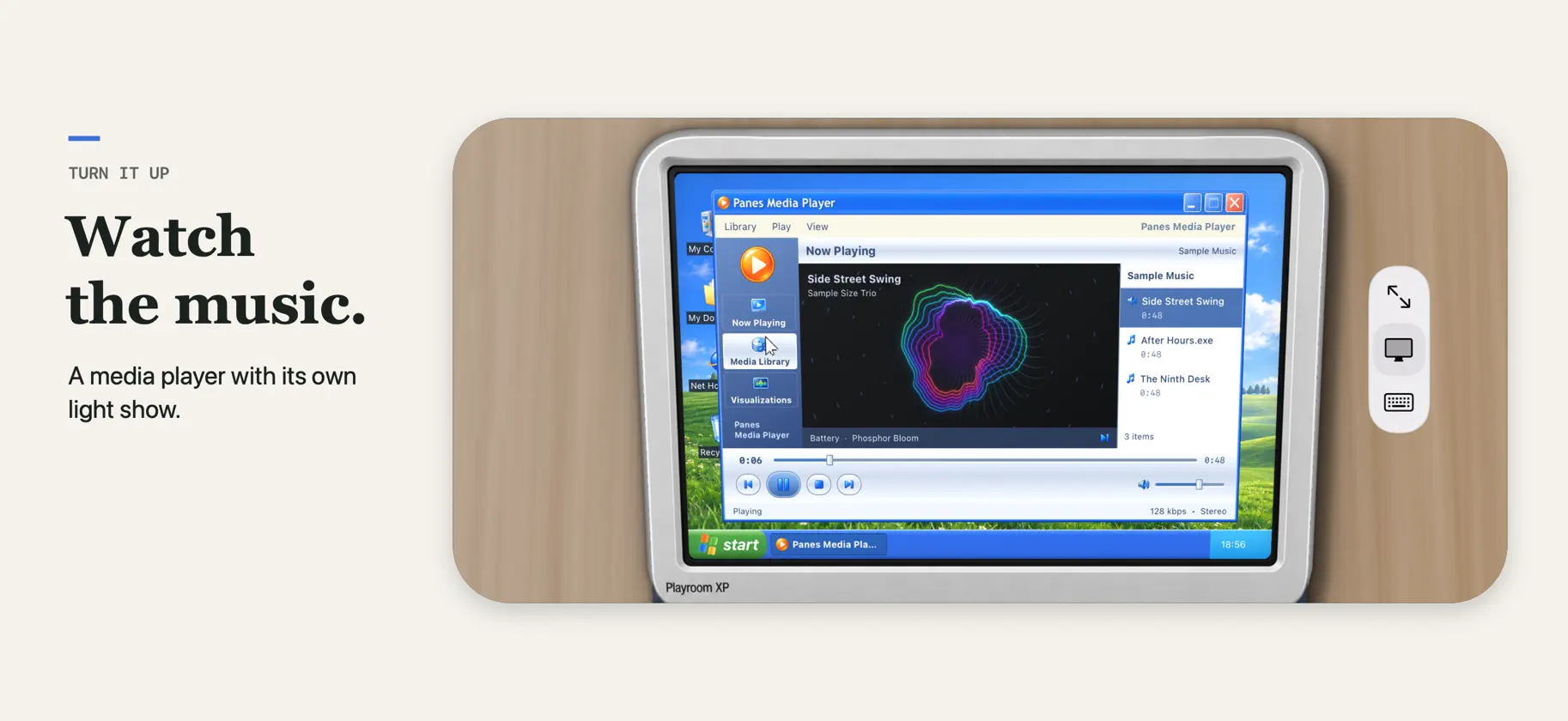
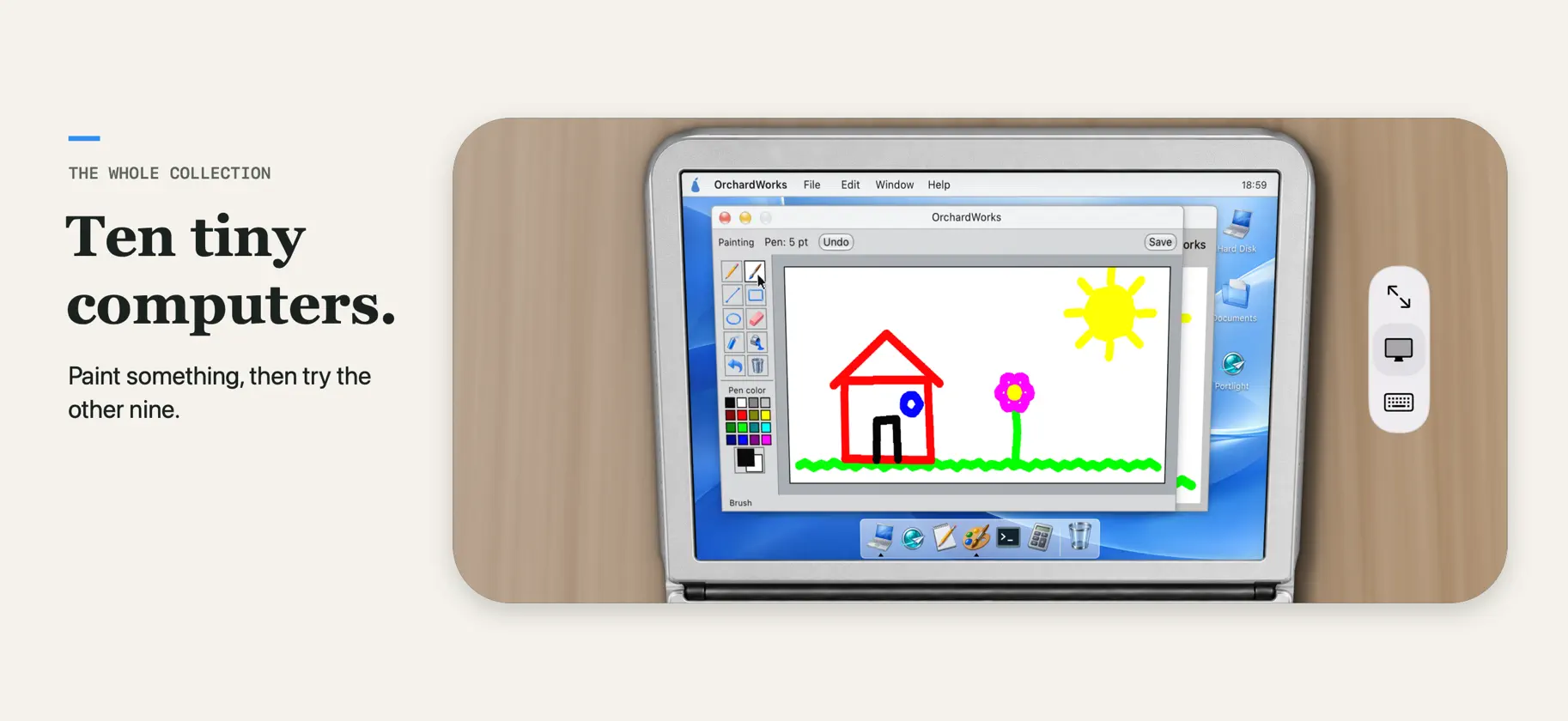
Ten miniature machines from decades of computing sit on the table in front of you, each with a working screen and a keyboard you can type on. Spend a little time with an old favourite, or discover the computer your parents grew up with. Some computers stay with you long after you stop using them. Now there's room for them on your desk again. EXPLORE THE COLLECTION Ten computers are ready to play with, inspired by the Macintosh, Commodore 64, IBM PC, Amiga 500, Windows 95, ThinkPad, iMac G3, iBook G3, PowerBook G4 and Windows XP. TYPE, DRAW AND PLAY Enjoy clicking keyboards, working command lines, paint programs, floppy disks and familiar desktop games. Open windows, write a note, draw something small and explore each computer's personality. Type 10 PRINT on the Commodore, run BASICA ROOFTOP at the DOS prompt, or load BRICKS from the Amiga's floppy. Occasionally, even Windows crashes. FIFTY NOSTALGIC SECRETS Every computer hides five nostalgic secrets: pieces of real computing history, a hidden game and, where its era had them, screen savers. Turn on the Hot Dog Stand colour scheme, ask the 1541 for its directory, meet Rover, or fill a 1984 Mac's memory until the bomb appears. Each computer's page in the collection keeps track of what you've found. Stuck? Open a hint, one at a time: what it is, where to look, then exactly what to do. ON IPHONE AND IPAD Each computer appears on your screen as a real little machine resting on an oak table, with its own case, keys and controls. On iPad, the whole computer is in front of you. On iPhone, turn sideways to see the whole machine, then zoom into its screen or its keyboard. ON IPHONE DUO, IT BECOMES THE COMPUTER iPhone Duo is the special case. Fold your Duo into tabletop mode and the phone itself transforms into the computer: the screen stands up above and a working keyboard lies flat below, so you hold and type on the machine itself. Close your Duo to browse the collection and choose your next exhibit. All ten computers are included. No ads, subscriptions or in-app purchases.
What's new
Version 1.2 · Nov 4, 2026
Fifty nostalgic secrets to find - along with hints to help you find them (and a reminder for how to use terminals!) A much better Tiny Computers on iPad and iPhone.


