
TextNova
HWAN LEE
No ratings yetDeveloper ToolsAges 4+
Screenshots


About this app
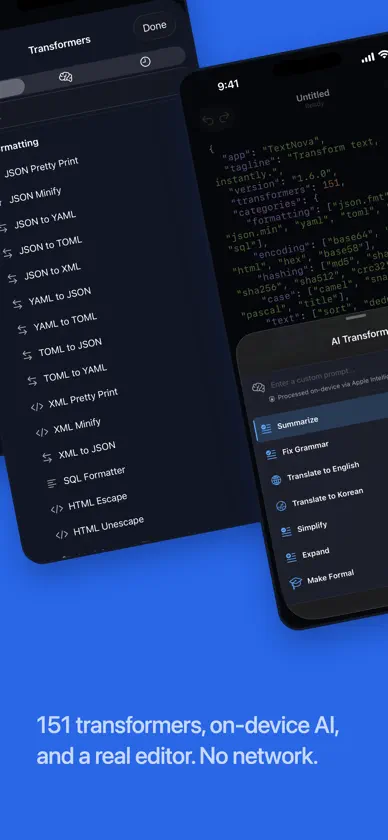
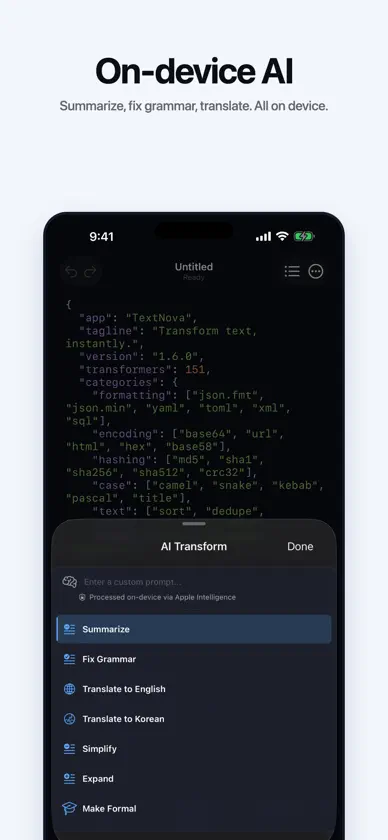
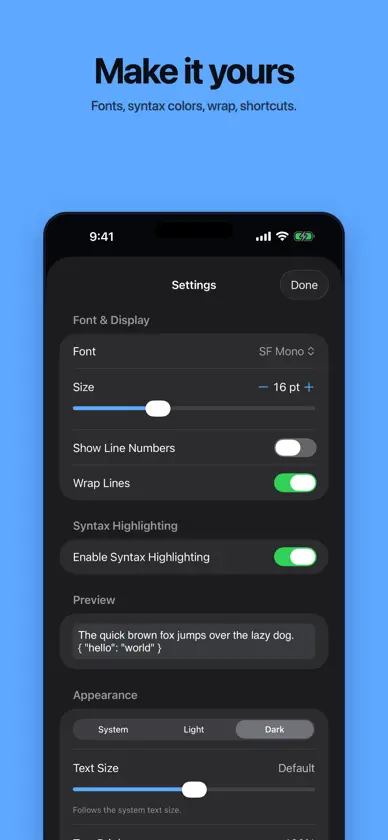
TextNova is a fast, native text toolbox for developers. Convert, encode, decode, hash, and format text with 151 built-in transformers, all in one clean interface on Mac, iPhone, and iPad. HIGHLIGHTS • 151 transformers in 7 categories: JSON/YAML/TOML/XML conversion, Base64/Hex/URL encoding, MD5/SHA hashing, case conversion, text and data utils, and date/time tools • Markdown preview: see your document rendered, with tables, task lists, images, and syntax highlighted code. Select blocks and copy them with their formatting intact • Change history: every transform, paste, and file load is recorded, per tab. Compare any point against your current text, or revert to it • On-device AI: summarize, fix grammar, translate, or rewrite with Apple Intelligence. Your text never leaves your device • Developer-grade editor: monospace type, line numbers, syntax highlighting, search and replace, and a built-in diff view • Command Palette: find and run any transformer without leaving the keyboard • Favorites and Recents: your most-used transformers always within reach • Private by design: works fully offline. No accounts, no servers, no tracking Whether you're decoding a JWT, pretty-printing JSON, or turning CSV into a Markdown table, TextNova gets it done in seconds. Available in English, Korean, Japanese, Chinese (Simplified and Traditional), Spanish, French, and German.
What's new
Version 1.6.3 · Oct 23, 2026
Ready for iPhone Duo, plus fixes. • Open iPhone Duo and the editor spreads out, with transformers beside your text and your place kept when you fold or unfold. • Long transforms now show their progress and can be canceled. • Fixed a crash on deeply nested YAML and TOML, and runaway memory when formatting some XML and tables. • Unsaved text is safer: a tab whose file went missing no longer closes without asking, and renaming a folder no longer mixes up open tabs. • The syntax highlighting switch applies right away, and the command palette and AI panel fit in short windows.
More from HWAN LEE

You might also like
 MDC - Markdown CopierRyunosuke Shibuya
 SSH Term XHaga Kunihiko
 GitSync.md: Client GitCody Russell Bontecou
 MintFlow: VPN, Proxy & DNSGalaxNet Ltd.
 Code Appthebaselab Ltd
 JellyCutsSkyground Media, Inc.
 hyperPad PrincipianteUntitledD
 Orca IDELovecast LLC
 Textastic Code EditorAlexander Blach
 Web InspectorAnd a Dinosaur