
Barcly
Bruno Fantuzzi
No ratings yetUtilitiesAges 12+
Screenshots







About this app
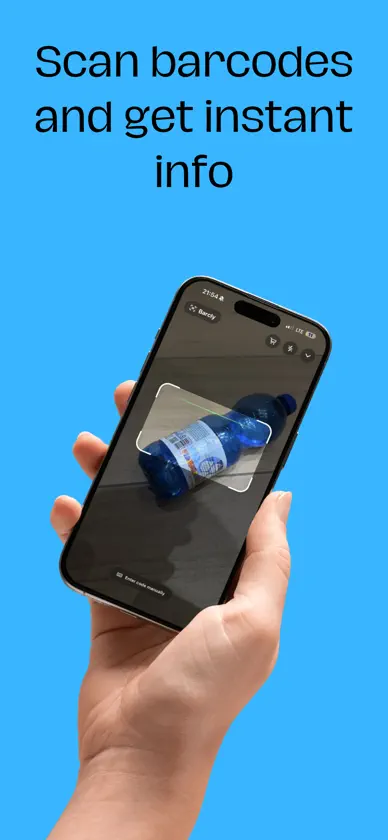
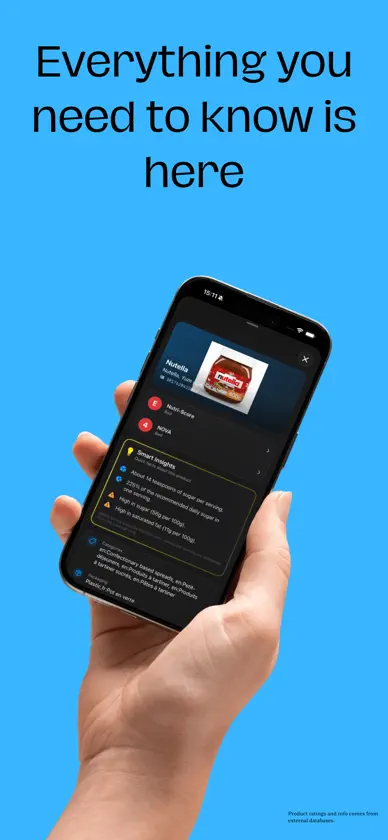
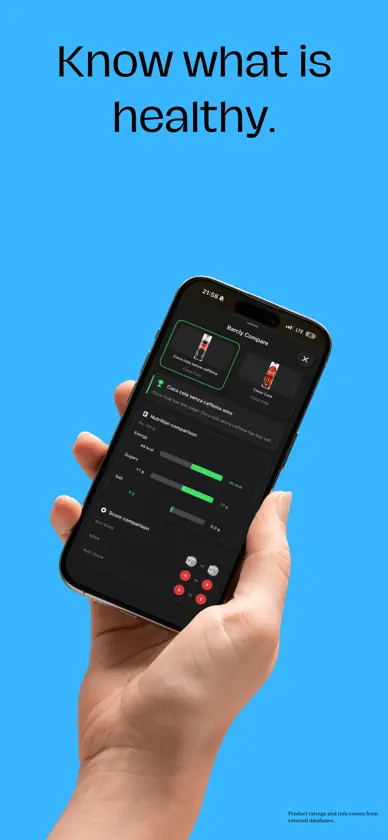
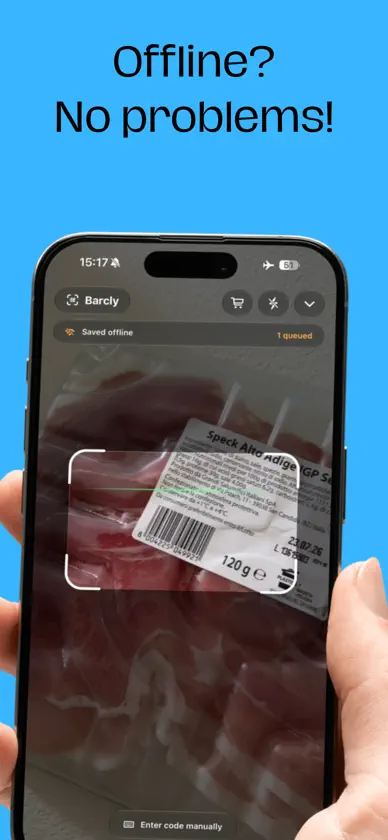
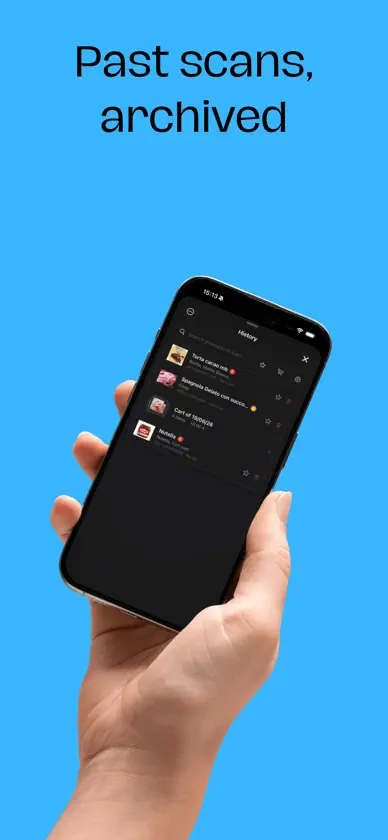
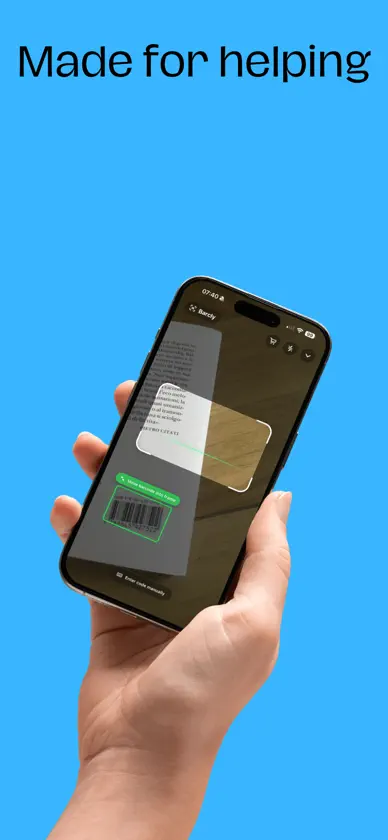
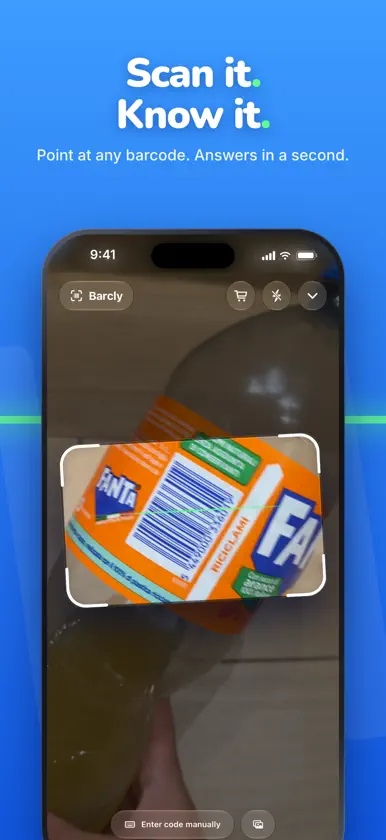
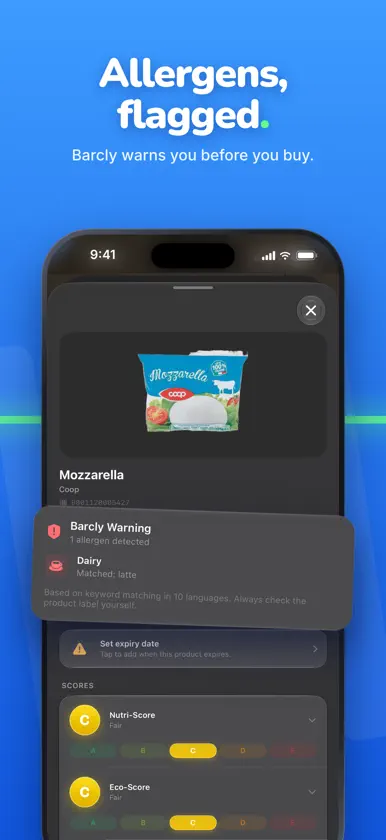
Scan any barcode and instantly see what's inside. Barcly is a fast, private barcode scanner for the things you actually buy: food, pet food, beauty and household products, books and music. Point your camera at a barcode and get clear product details in a second, with no account and no ads. KNOW WHAT YOU'RE BUYING • Nutri-Score and other ratings, explained in plain words • Nutrition facts per 100 g, ingredients and product details • Clean product pages with background-free product images • Smart Insights that highlight sugar, salt, calories and more at a glance AI THAT STAYS ON YOUR IPHONE • Personal Insights: a short take on each product, tailored to your profile • Explain ingredients: an easy summary of what's inside • Compare Insights: put two products side by side and see which is the better pick • Cart Insights: an overview of your whole shopping cart All AI features run on device. Nothing about you is sent anywhere. SHOP SMARTER • Cart mode for your shopping trip, with price estimates and the average Nutri-Score of your basket as you scan • Compare two products in a tap • History with favorites, search and filters, and cart trips grouped together STAY SAFE • Barcly Warnings: pick your allergens and get alerted when a product may contain them • Alcohol warnings on products that contain alcohol NEVER WASTE FOOD • Save best-before dates and get a reminder before they lapse SCAN YOUR WAY • Live camera scanning with pinch and slide to zoom • Scan a barcode from a photo in your library • Enter a barcode manually • Offline mode: scans are saved and looked up automatically when you're back online • Siri and Shortcuts support • Try it instantly with the Barcly App Clip, no install needed PRIVATE BY DESIGN No ads. No tracking. No accounts. Barcode recognition happens on your iPhone, and only the scanned code is sent to public databases to look up the product. Powered by Open Food Facts, Open Beauty Facts, Open Products Facts, Open Pet Food Facts, Google Books, Open Library, MusicBrainz and UPCitemDB. Available in English, Italian, Spanish, French, German and Japanese. AI features require an Apple Intelligence compatible iPhone with Apple Intelligence turned on.
What's new
Version 2.1 · Nov 9, 2026
A brand-new arrow menu Tap the arrow and History, Compare and Settings pour out of it one by one, then get pulled right back in when you close it. Choose a column or a row, and switch anytime with a swipe: left to line it up in a row, down to stack it back into a column. Compact zoom Swipe the zoom control up and it moves next to the Barcly name, out of the way. Drag it open to slide the zoom, with the current value always on the left. Swipe it down to bring it back under the bar. New: Settings › Interface Pick your menu layout (Column or Row) and your zoom style (Normal or Compact), each with a live animated preview. Mini-tutorials Short, optional walkthroughs for the new menu and zoom. Start them from Settings › Interface whenever you like. A softer tutorial The getting-started tutorial has a cleaner look and new Liquid Glass hint arrows that show you exactly where to tap, swipe or pinch. Also in this update • Menu labels adapt to larger text sizes and longer translations • The menu and zoom make room for each other, so nothing gets covered • Settings screen titles now appear in your language
More from Bruno Fantuzzi


You might also like
 FreeMouseBartMolk
 Barcly: Barcode MakerJhomar Maravillas
 NetInspectorTraLand.com
 Tap to Scan Barcode ScannerJustin Xin
 BatchScanMarko Oreskovic
 Akari: Browser with Ad BlockerJoseph Rodriguez
 PureQR - QR ScannerKAYZER ELEKTRONIK TICARET ANONIM SIRKETI
 My Network Scanner (MyNeS)Erkan CIFTCI
 Timestamps - Calendar AIYumi Izumi
 M3U8 Converterjiaquan zhou