
Clockffiti: Draw Your Clock
亮亮 尹
No ratings yetUtilitiesAges 4+
Screenshots






About this app
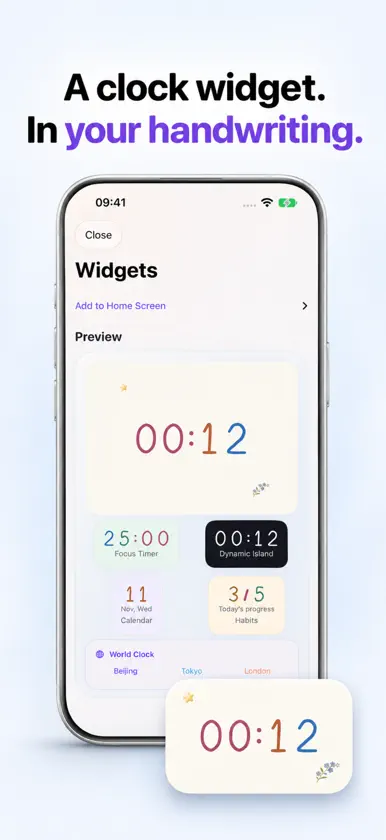
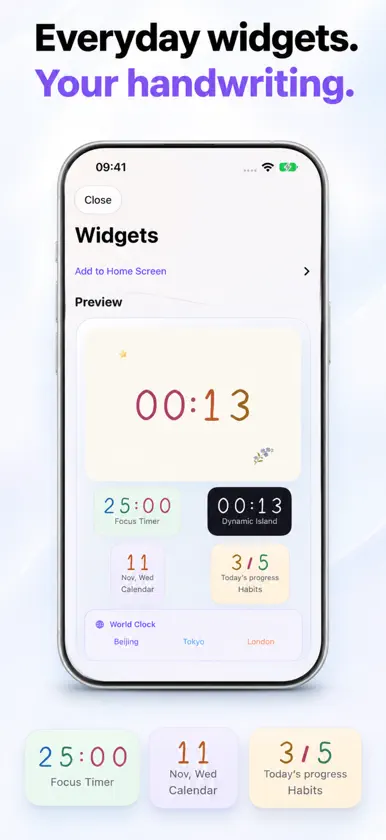
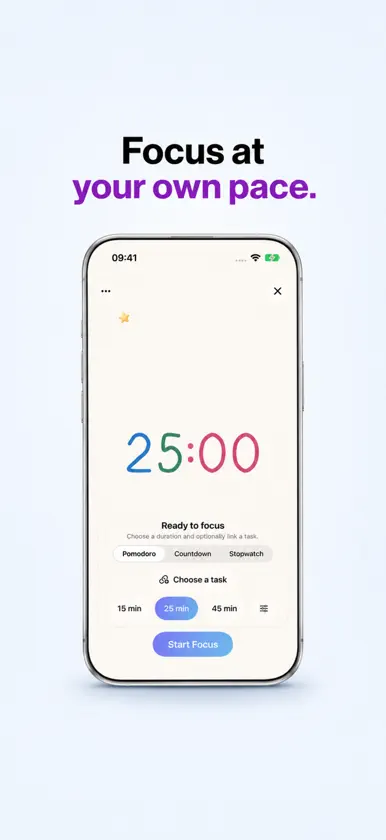
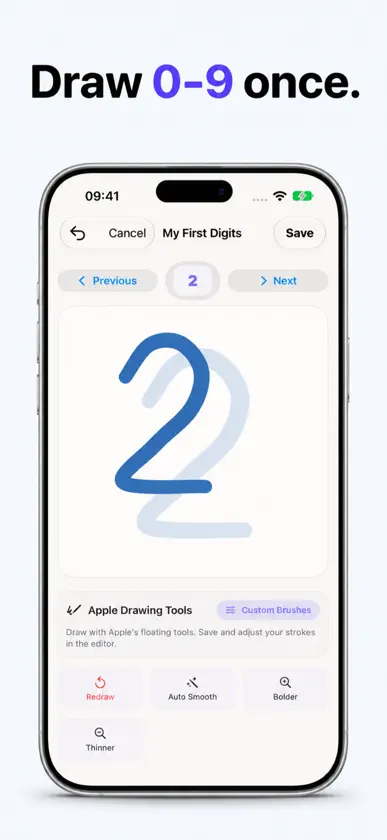
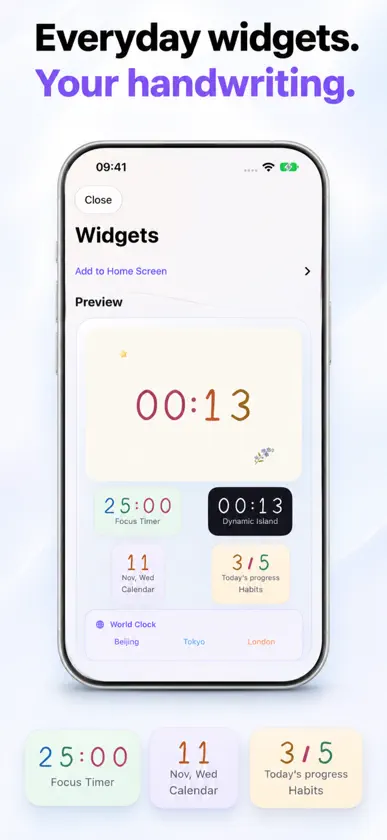
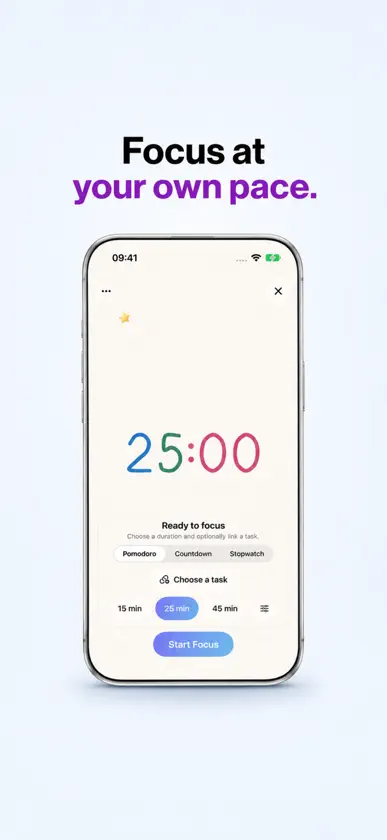
Clock widgets in your own handwriting. Clockffiti turns your handwritten digits into a working clock. Draw 0–9 in the Font Workshop, or start with a thoughtfully designed template and adjust its lettering, background, accessories and layout. Your handwriting, reused Save your own digit set and use it in clocks and creative projects. Keep the same personal lettering across your designs. Clocks with texture Explore paper, porcelain, luminous glass, stardust, woven thread and aurora finishes, with flip and rolling effects. The app renders the time live, and your design stays editable. A collection for every mood Start with 30 illustrated themes, built from individually editable animal, botanical and craft stickers. Explore 18 material presets, 8 desk clocks and 5 crafted analog dials. Move, resize or remove any of the 42 accessories while keeping your background and lettering. Full-screen desk clocks Adjust the time and date layout, size and color. Adaptive layouts support portrait, landscape and the changing displays of iPhone Duo. Widgets and focus Use Home Screen and Lock Screen widgets, focus timers, tasks and countdowns. Dynamic Island and Live Activities are available on supported iPhone models; system features vary by device. Room to create Enjoy wider previews and editing panels on iPad. The compatible iPhone and iPad app also runs on Macs with Apple silicon, adapting its navigation and content to the available window space. Pay once on the App Store. All built-in features are included, with no subscription or additional in-app purchase. Existing users receive the full feature set when updating. Updating does not cancel a legacy subscription automatically; manage it in Profile → Full Version → Previous Purchase Help.
What's new
Version 1.5.0 · Nov 11, 2026
Added 30 layered illustrated themes, 18 material presets, 8 desk clocks, 5 crafted analog dials and 42 independent accessories. Move, resize or remove animals, flowers and other decorations separately. Enjoy improved flip and rolling clocks, richer material lighting, and matching rendering in previews and saved artwork. Fixed full-screen rotation offsets, overlaps at enlarged sizes, and loss of template preview or editing state during rotation. Improved adaptive layouts for iPhone, iPhone Duo, iPad and the compatible app on Macs with Apple silicon. Clockffiti is now a paid download with all built-in features included. Existing users also receive the full feature set. Updating does not automatically cancel a legacy subscription; manage it in Profile → Full Version → Previous Purchase Help.
More from 亮亮 尹


You might also like
 TickCanvas祖刚 宋
 Glance : Your Photo Memoir世杰 戴
 AllyClockWonseok Lee
 ElceedeePeepSo, Inc.
 Doable: Reach Big GoalsRethinking.Studio
 Mini Chroma ClockDavid Mickey
 Cyatal: Digital Clock & WidgetADSTER TECHNOLOGIES PRIVATE LIMITED
 共此时 - 亲友时差与行程时钟龙飞 庄
 Bathyal: Spiral Water ClockStephen Zinn
 Antique Analog Clock WidgetMIDORI YOSHIDA