
Folio Reader
Vinner Escobar
No ratings yetBooksAges 4+
Screenshots




About this app
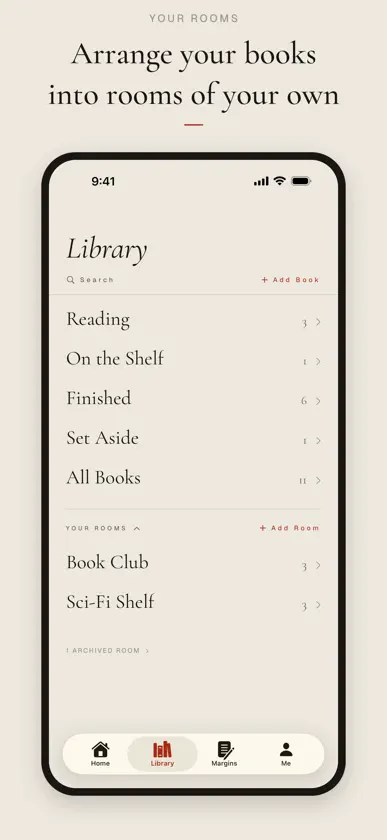
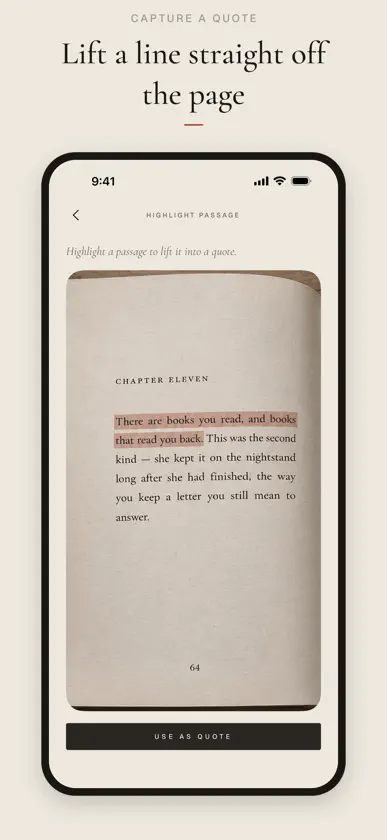
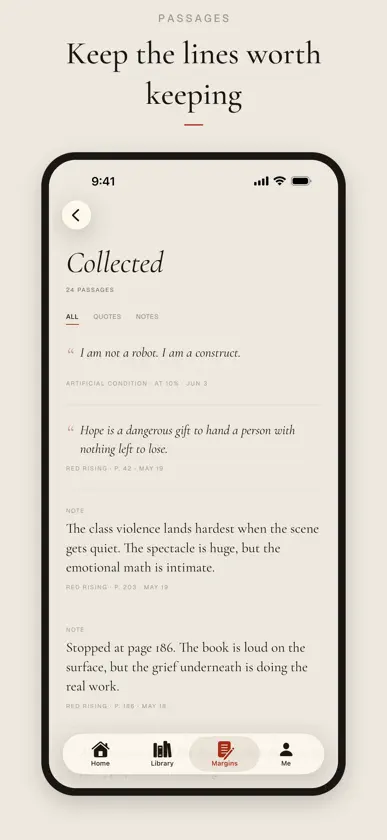
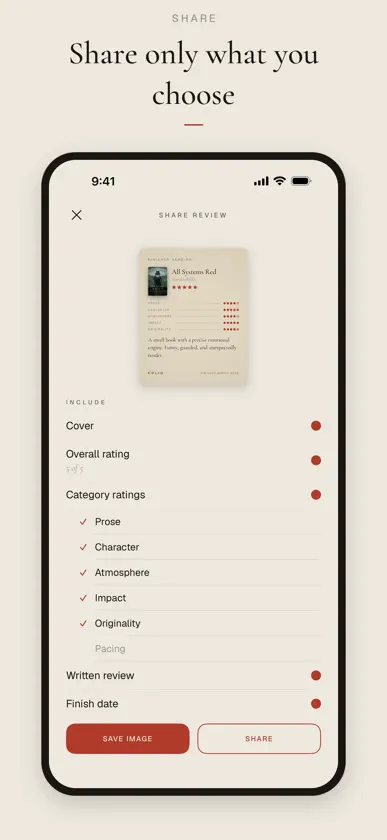
A home for the books you read. Folio keeps the books you've read, the passages you saved, and the reviews you wrote. All in one place, and all your own. Your library Every book has its place: Reading, On the Shelf, Finished, or Set Aside. Add a title by searching for it or scanning the barcode, and it shows up with its cover. Open Folio and pick up right where you left off. Quotes and notes Found a line worth keeping? Point your camera at the page and Folio pulls the words off it. Note the page, mark who said it, and the passage joins the rest of what you've collected. Snap the line and keep reading. More than stars Rate the prose, the characters, the pacing, or make up your own categories. Write the kind of review that actually sounds like you, not a row of stars and a shrug. Pass a good book Turn a book into a card worth sending, or share a link that drops it straight into a friend's Folio with one tap. The good ones are meant to travel. Privacy first No social feed, no social anxiety. Your books, quotes, notes, and reviews live on your devices and in your own iCloud, synced privately between them. There's no Folio account, and nothing we can see. You decide what to share, if anything at all. Always yours, always safe Your library syncs through your own iCloud, so it's safe even when your phone isn't. Get a new iPhone or reinstall Folio, and everything's right where you left it. Nothing to set up, nothing to remember. Folio is for readers who'd rather keep their reading close and private.
What's new
Version 1.4 · Nov 14, 2026
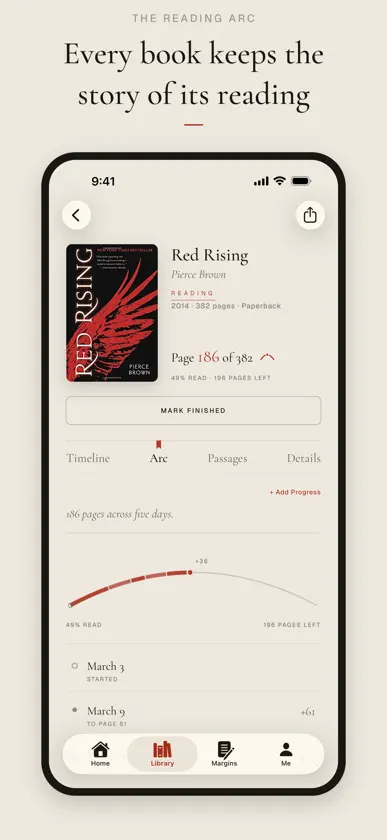
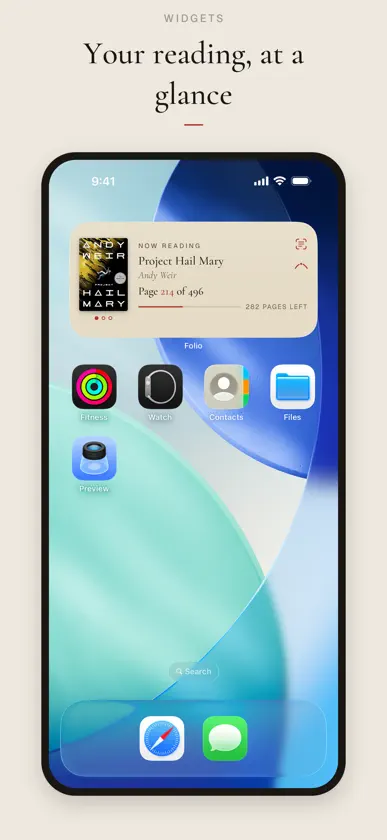
A NEW LOOK Folio now wears the tab bar and buttons of the latest iOS, so getting around feels like the rest of your iPhone, and a swipe from the edge takes you back. IPHONE DUO Open your Duo and Folio opens with it: two pages side by side, the book you're reading on one and everything about it on the other. A BOOK'S PAGE Every book now has four parts: its Timeline, its Reading Arc, its Passages and its Details. DETAILS Tap any line in Details to change just that line. Tap the cover to choose another, or Update Details to find your edition and pick which of its details to take. ROOMS A book on your shelf shows the rooms it lives in right under its title, and one tap adds it to another. WIDGETS Now Reading comes in four sizes. On the larger ones, your books sit side by side; tap one to bring it forward. This Year comes in a large size too, and a tap on From the Margins opens that passage. Larger text sizes fit better across Folio, and VoiceOver reads Home more clearly. And a handful of small repairs.
You might also like
All apps like Folio Reader → SorivMassimo Pasqualon
 Rubrica: Reading TrackerNicholas Thompson
 Parallel VerseLindsey Morris
 Auren: Text to Speech Reader21 Media
 ScreadAditya Chauhan
 Folio - Smart Book ReaderLaxman Shah
 Calibre AccessAurelien Chevalier
 FolioLinkRustam Gulov
 ReadBrew 読書記録・読書管理Boolean and Bean Pty Ltd
 Spoka: eBook & EPUB ReaderSoghomon Chilingaryan