
Useful QR Code Reader
katapu.net
No ratings yetUtilitiesAges 4+
Screenshots




About this app
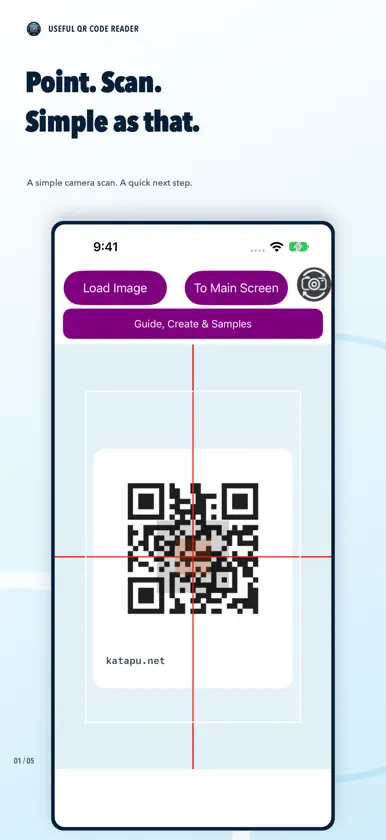
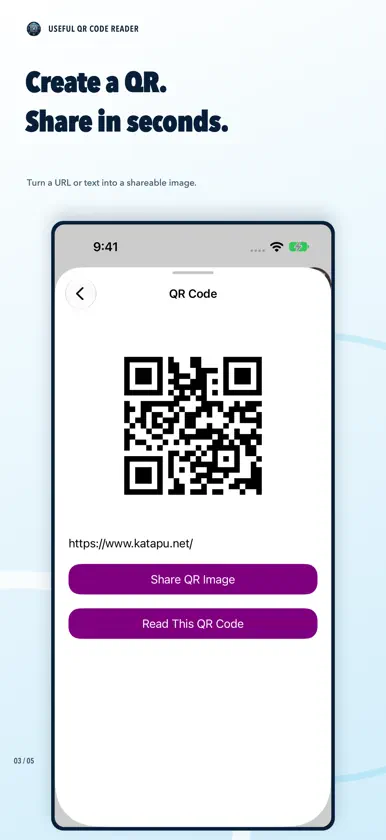
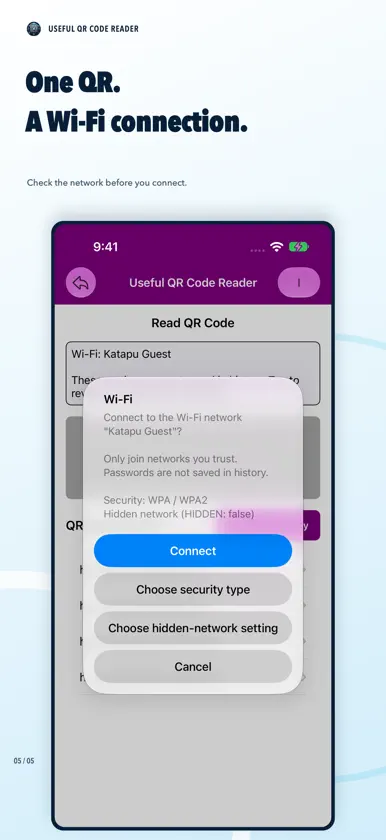
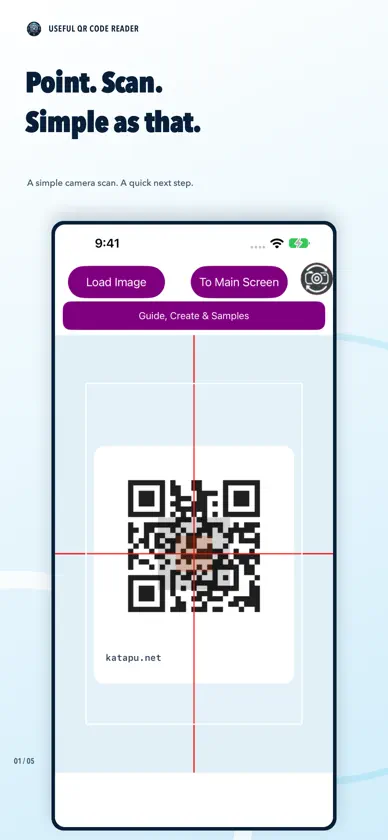
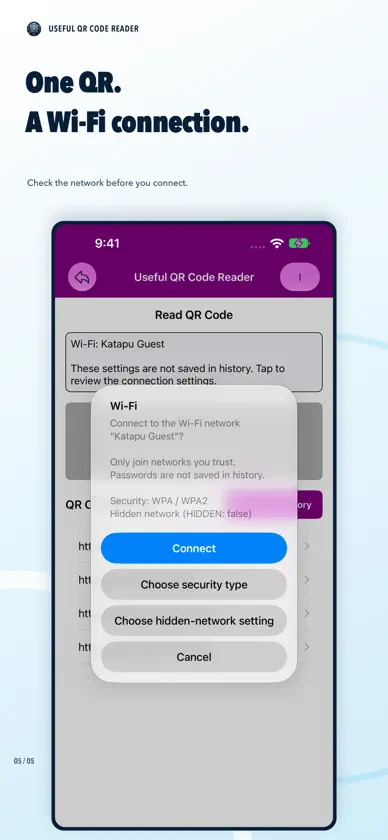
A convenient QR Code Reader is here! This app scans QR codes quickly and easily, and keeps a scan history. After launching, allow camera access and point at a QR code to scan. Scanned content appears at the top of the main screen. Tap to open in your browser, or long-press to copy to the clipboard. You can also tap "Load Image" to scan QR codes from photos/screenshots in your photo library. It's free to use, and an ad-free paid PRO version is also available! [How to Use] - Scan a QR code with the camera on the start screen. - Use the top-left button to scan from a photo. - Use the top-right button to go to the main screen. - Tap scanned text or history entries to open them in your browser. - Long-press scanned text or history entries to copy them. - Delete all history or remove individual entries. - Tap "I" at the top-right for app info, and use the back arrow to return to scanning.
What's new
Version 1.2.3 · Oct 26, 2026
- Addressed an issue that could prevent ads shown at launch from being dismissed on iPhone Duo.
More from katapu.net


You might also like
 Smart SolarIntelade Inc.
 Easy QR Reader - ScannerRamon A. Marchante Castellanos
 Universal QR-Scan&CreateYasuko Shikiuchi
 QR Reader-Unlimited scanRamalingam Sivaramakrishnan
 ScreenPenguin: Photo OrganizerKAZUKI KUMAZAWA
 Qrely - QR Code Reader & MakerSeiichirou Tanaka
 Touchless CountdownHideaki Uchikoshi
 QR Clock w/ Watch AppLegal Prompt Inc.
 YellowSafe Lite -against crimeKUJIGOJI LLC
 Seshat: Make Zundamon by voiceYuto Inagaki