
Screenshots


About this app
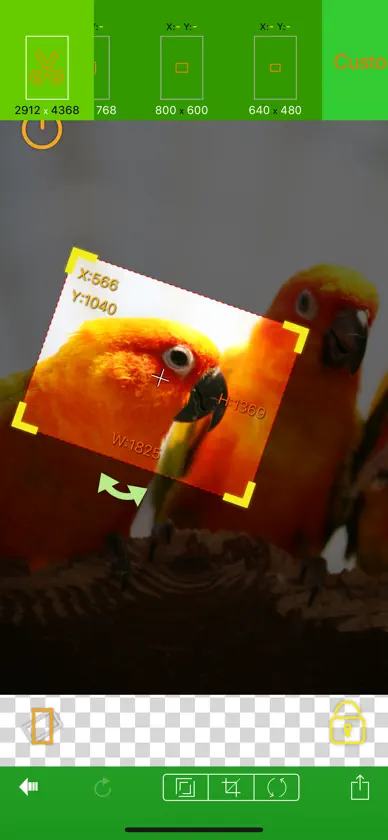
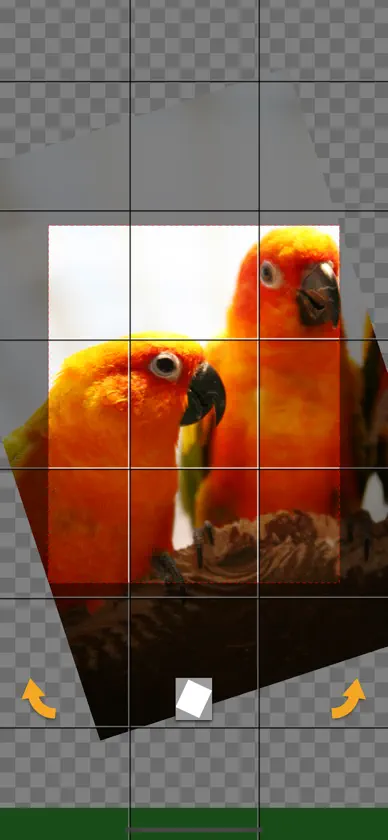
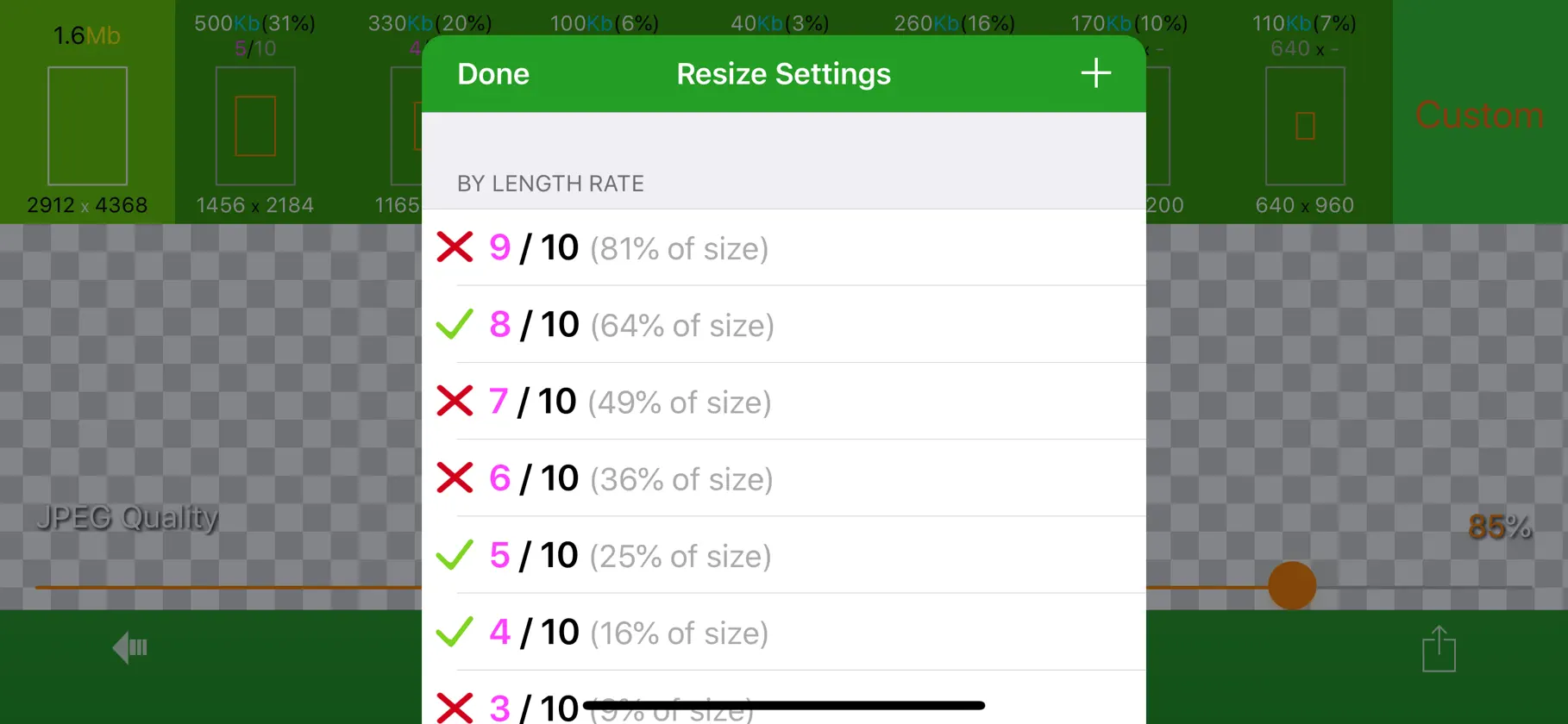
With EverClipper you can reduce your photo's size and change it's orientation. You can select photo's size from among 10 levels or from customized size and you can crop photo at any position and to any size. You can also rotate photo per 90 degrees or straighten it. Features - Resizing. You can resize a photo on it's length scale of one to ten. You can see the result of resizing before save it. - Customizable sets of resizing sizes. You can make presets of resizing sizes as you like. - Cropping. You can crop a photo at any position and to any size. - Customizable sets of cropping sizes. You can make presets of cropping sizes as you like. - Straightening. You can rotate a photo at any angle. - Flip horizontal or vertical. - Zooming and swiping. - Supporting for portrait mode and landscape mode. - You can save a photo you shrunk to photo albums. - You can pick a photo from photo albums.
What's new
Version 4.8.0 · Dec 18, 2023
- Updated minimum iOS version to 16.0 - Build with latest SDK
In-app purchases
The most popular purchases on the App Store.
- No AdsConsumable₩3,300
More from Koichi Otera


You might also like
 사진 동영상 압축 용량 줄이기 이미지 파일 크기 축소Saigen inc.
 TatePad - 세로쓰기 텍스트 편집기DRIP PRODUCTS LIMITED LIABILITY CO.
 StickyTalkingShigenori Kumagai
 SnapCalendar- with your photosYuka Okada
 AddressPrinterFumio Yoshida
 Compass Map BarometerSHIGETO TAKAGI
 Postock: 가족 서류·메모 정리Natsumi Kobayashi
 Crayon – 홈페이지 작성Next Hands Co., Ltd.
 共有メモ みんなのノート チームで使えるシンプルメモTSUKUTTEMITA, K.K.