
Final Cut Camera
Apple
4.6(211)Photo & VideoAges 4+
Screenshots



About this app
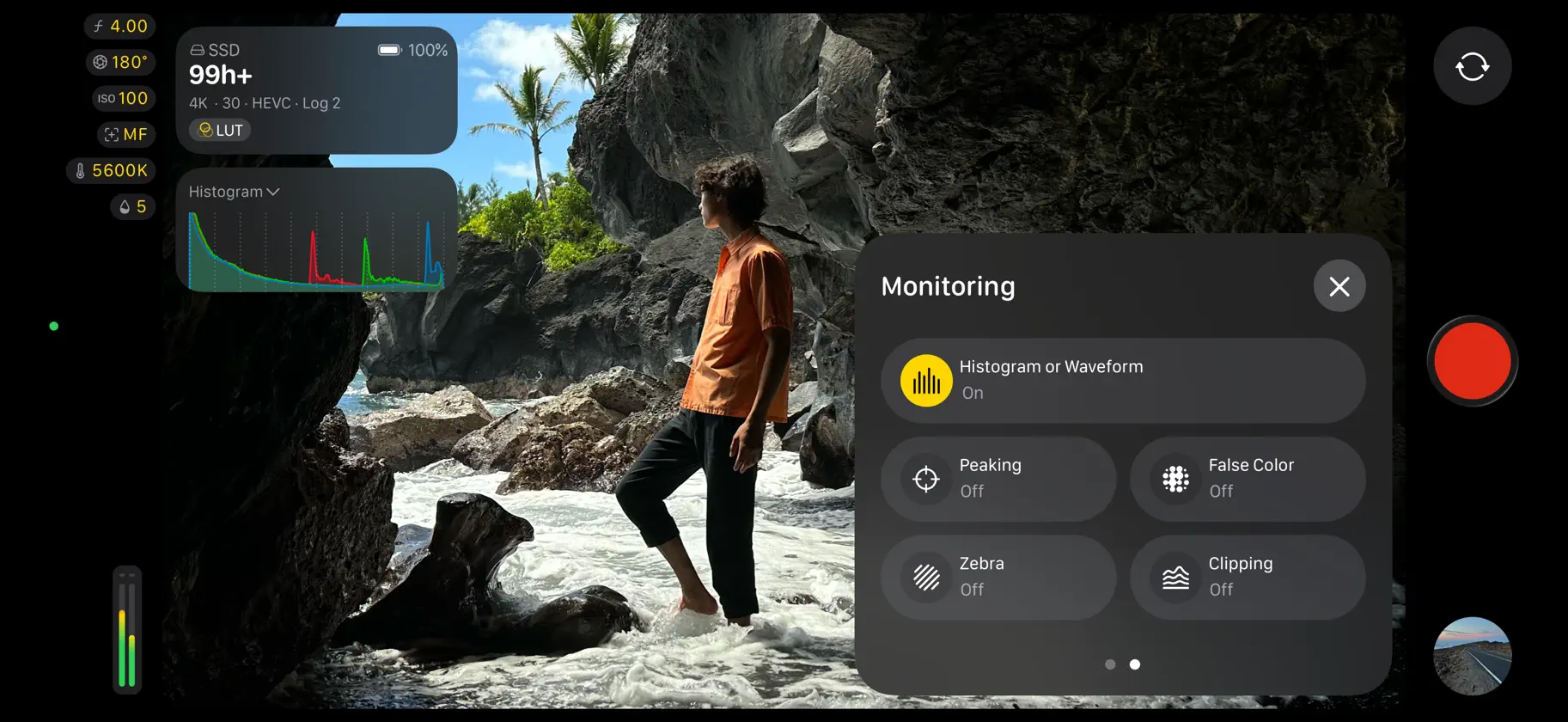
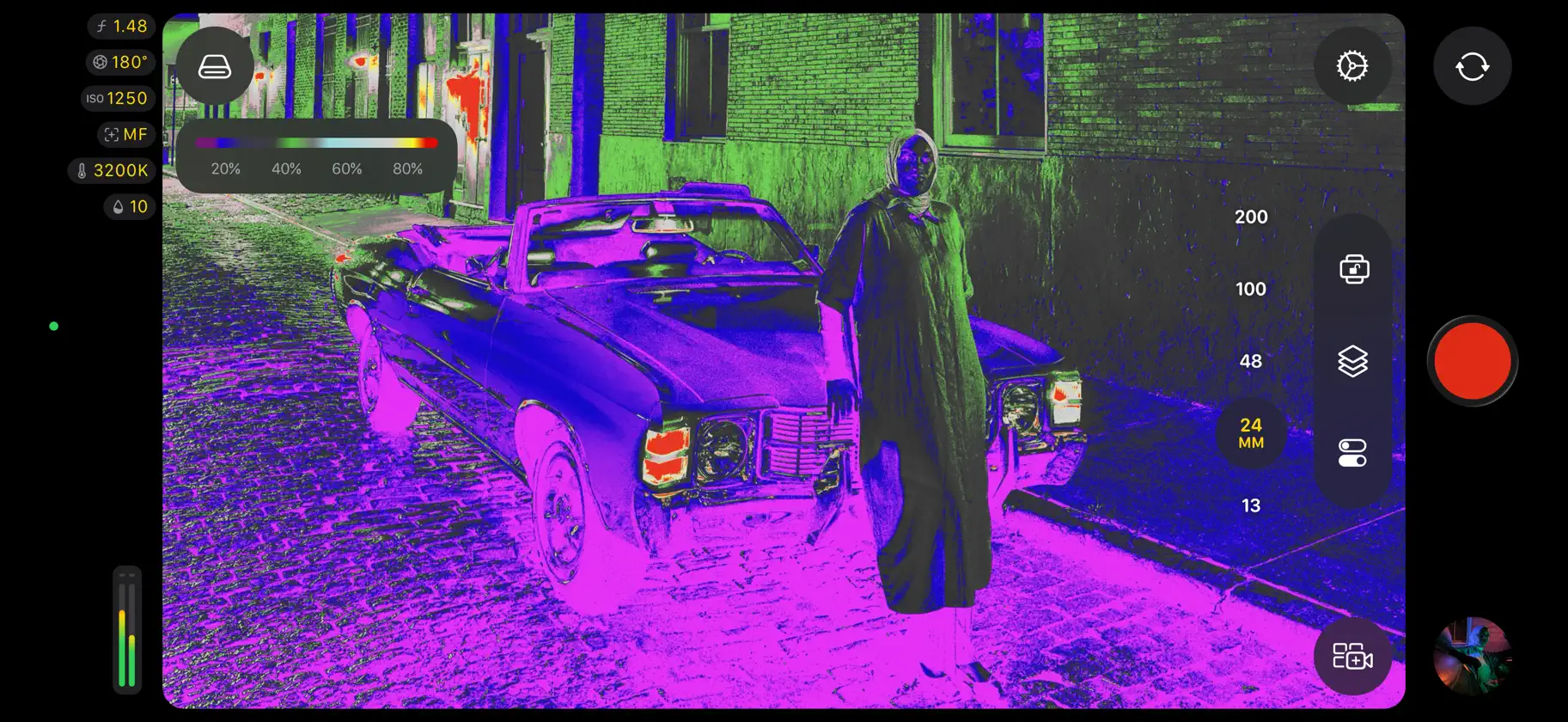
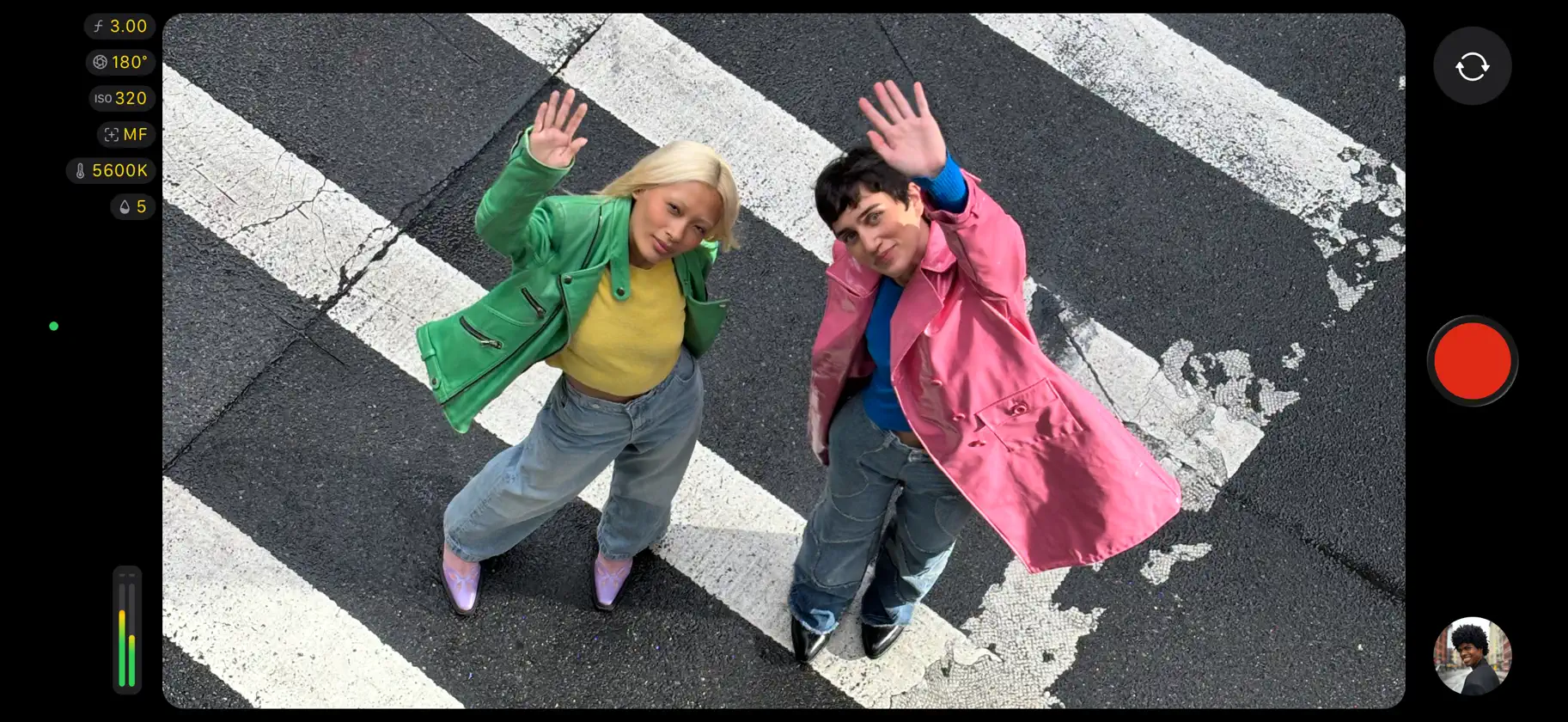
Final Cut Camera를 통해 감독의 관점에서 직관적이고 전문가급의 제어기를 사용하여 전체 비디오 제작을 총괄할 수 있습니다. Final Cut Camera를 실행 중인 최대 4대의 기기를 연결하여 실시간 멀티캠 세션을 매끄럽게 시작하고 iPad용 Final Cut Pro의 비디오 앵글을 미리 보고 녹화하고 동기화할 수 있습니다. 셔터 속도, ISO, 화이트 밸런스 및 수동 초점 등의 강력한 설정을 통해 캡처할 수 있습니다. 해상도, 프레임률, 색상 공간 등을 손쉽게 사용자화할 수 있습니다. 초점 피킹 및 노출 과다 표시기를 통해 비디오를 빠르게 모니터링할 수 있습니다. Final Cut Camera로 전문적인 비디오의 완벽한 샷을 조절할 수 있습니다. 전체 수동 제어기를 통해 전문적인 푸티지 캡처 • 다양한 해상도, 프레임률, ProRes 및 Apple Log 등의 코덱으로 손쉽게 녹화* • 풀 프레임 해상도와 놀라운 편집 성능을 위해 오픈 게이트에서 ProRes RAW 캡처** • ISO 및 셔터 속도 제어기를 통해 노출 설정 • 프리셋을 사용하여 화이트 밸런스를 조절하거나 사용자 설정 색상 온도를 설정 • 초점을 당겨 동작을 따르고 피사체를 선명하게 유지 • 특정 시간, 녹화 실행 또는 외부 타임코드 등 타임코드 옵션 활성화 • 호환되는 동기화 생성기를 사용하여 정확한 프레임 정렬로 여러 개의 비디오 소스 젠록** • 센터 스테이지 전면 카메라를 통해 iPhone을 움직이지 않고 세로 또는 가로 화면으로 유연하게 샷 프레임 설정*** • 더욱 몰입감 넘치는 사운드의 비디오를 위해 공간 음향으로 녹화**** • 안정화를 활성화하여 캡처 시 흔들림 및 움직임 감소 • 방향을 고정하여 기기 위치에 상관없이 프레임 설정을 일관적으로 유지 iPad용 Final Cut Pro의 실시간 멀티캠을 통해 최대 4대의 기기 미리 보기, 녹화 및 동기화 • iPad용 Final Cut Pro에 기기를 연결하여 실시간 멀티캠 세션 빠르게 시작***** • Final Cut Pro에서 바로 연결된 모든 기기에서 원격으로 미리 보기, 전문가급의 제어기 조절 및 녹화 시작 • Final Cut Pro 브라우저에서 자동으로 동기화된 미리보기 미디어를 통해 멀티캠 클립 즉시 편집 • 작업할 때 미리보기 미디어를 원본으로 매끄럽게 대치하는 백그라운드 미디어 전송을 통해 후반 작업 시간 절약 강력한 모니터링 도구를 통해 비디오 스타일 및 사운드가 완벽한지 확인 • 틸트 및 롤 표시기 또는 오버헤드 샷을 위한 십자형으로 비디오 레벨 조절 • Apple Log LUT를 적용하여 Apple Log 비디오를 SDR 또는 HDR로 미리 볼 수 있음* • 초점 피킹을 활성화하여 푸티지를 선명하게 표현 • 제브라 표시기를 사용하여 적절하게 비디오 노출 • 영상비 안내선 또는 그리드 오버레이를 통해 샷 프레임 설정 • 사용 가능한 녹화 시간 및 오디오 미터 모니터링 브라우저에서 바로 손쉽게 미디어 검토 및 전송 • 파일에 비디오를 저장하거나 연결된 외장 저장 장치에 녹화* • Final Cut Camera 브라우저에서 직접 푸티지 탐색 및 검토 • iPad용 Final Cut Pro에 빠르게 연결하고 미디어를 프로젝트로 직접 전송 • 편리하게 미디어 전송 일시 정지 및 재개 최신 iOS 또는 iPadOS로 업그레이드하는 것이 권장됨 * iPhone 15 Pro 이상 필요 ** iPhone 17 Pro 이상 필요 *** iPhone 17 이상 또는 iPhone Air 필요 **** iPhone 16 이상 필요 ***** Apple Creator Studio 구독 필요
What's new
Version 2.4 · Sep 29, 2026
• Explore a beautiful new design featuring easy-to-access settings, customizable overlays, two-finger tap to put focus on the viewfinder, a tally light to indicate recording, and more • Capture stunning video using the 48MP Fusion Main camera with variable aperture from F1.48 to F4, with aperture priority, shutter priority, and manual modes* • Monitor your video with the RGB parade and histogram** • Dial in your exposure with false color and clipping indicators with threshold settings • Nail focus using improved focus peaking with sensitivity control • Get Cinematic mode effects from regular video, including support for ProRes and Apple Log, to achieve beautiful bokeh you can adjust in Final Cut Pro*** • Send a clean video signal using an HDMI-to-SDI converter for broadcast quality streams**** • Set your genlock frame delay to compensate for image artifacts from a recorded display or latency differences between your iPhone and other genlocked cameras***** Also Recently Added: • Use Clean HDMI Out to send a clean video feed without overlays to an external monitor or recorder so you can stay focused on the image being captured***** • Choose from ProRes 422 HQ, ProRes 422, or ProRes 422 LT for incredible video fidelity and editing performance, with more options to balance image quality and file size****** • Disable digital zoom to to ensure every shot records at full optical resolution • Easily connect your iPhone to your Mac and import your media from Final Cut Camera into Final Cut Pro * Requires iPhone 18 Pro ** Requires iOS 27 *** Requires iPhone 18 Pro or iPhone Duo **** Requires iPhone 17 Pro or later and iOS 27 ***** Requires iPhone 17 Pro or later ****** Requires iPhone 13 Pro or later
More from Apple


You might also like
 Blackmagic CameraBlackmagic Design Inc
 Filmic LegacyBENDING SPOONS OPERATIONS SPA
 Sony | Monitor & ControlSony Corporation
 Monitor+HON IN UN
 Leica LUX - 프로 수동 카메라Leica Camera AG
 Luminar: AI 사진 편집기 - 필터와 효과Skylum
 Snap Pro Camera - 카메라 전문가용MIOPS TEKNOLOJI ANONIM SIRKETI
 RØDE CaptureRØDE Microphones
 Capture OneCapture One A/S
 Cinema P3 Pro CameraThomas Blackburn