
Timetracks4D
Masayuki Akamatsu
2.6(5)Photo & VideoAges 4+
Screenshots


About this app
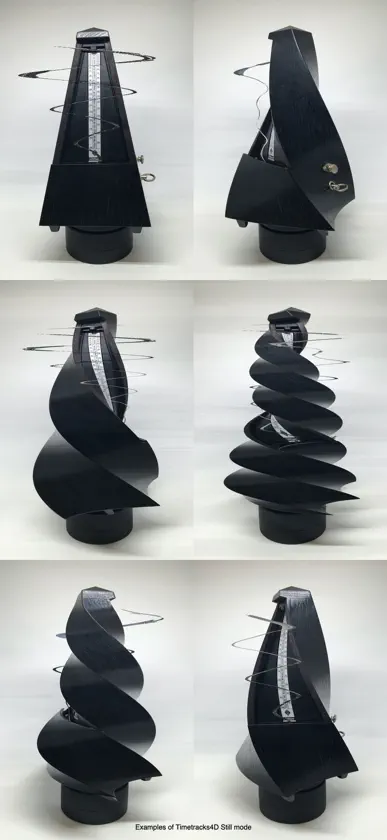
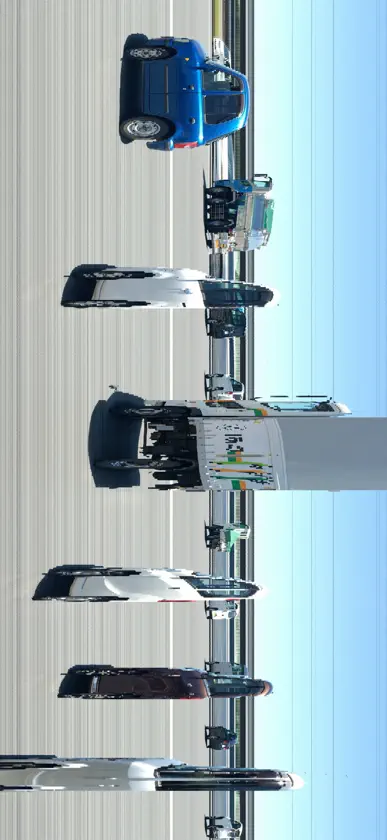
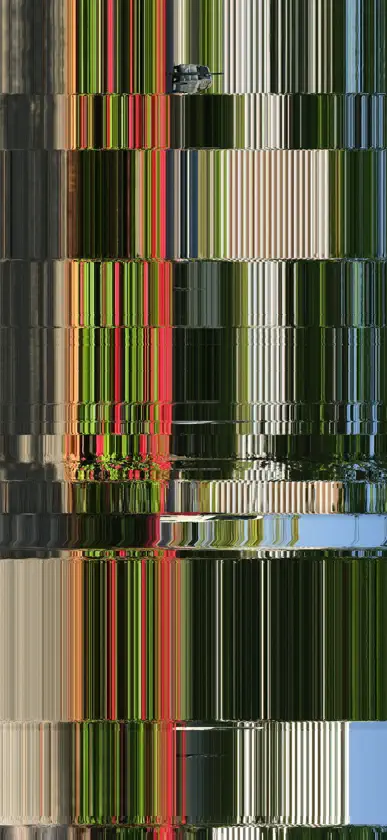
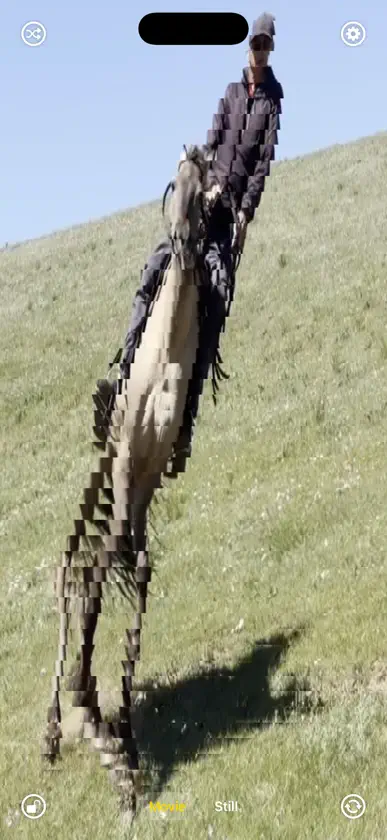
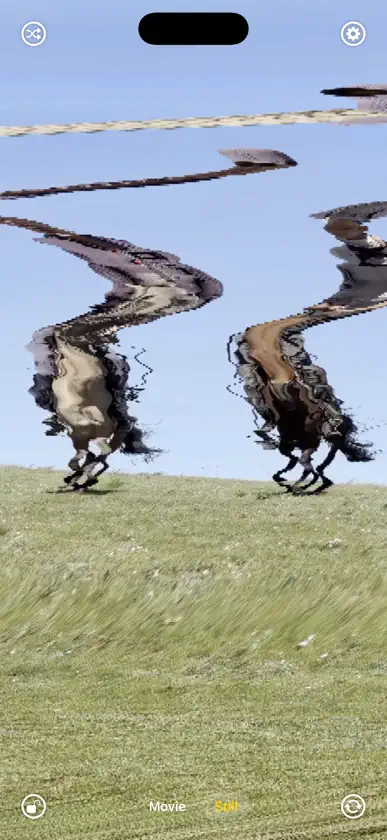
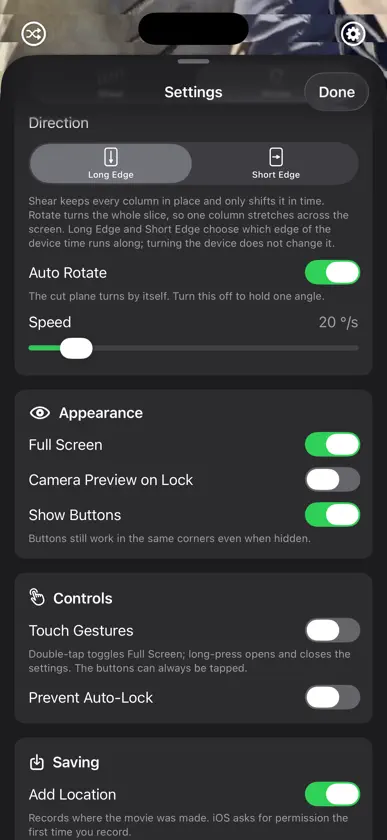
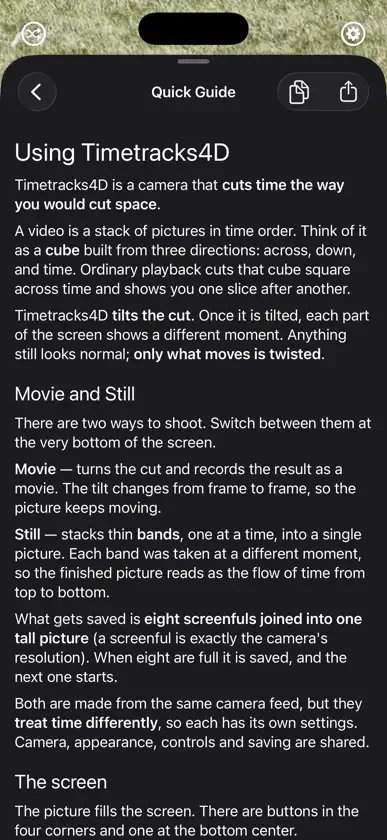
Timetracks4D는 시간을 공간처럼 잘라내는 카메라입니다. 영상은 가로·세로·시간의 세 방향으로 쌓인 정육면체라고 생각할 수 있습니다. 보통의 재생은 이 정육면체를 시간에 대해 똑바로 잘라 그 단면을 한 장씩 보여주는 것에 해당합니다. Timetracks4D는 그 단면을 기울입니다. 기울이면 화면의 위치마다 다른 시각이 찍히고, 멈춰 있던 것은 그대로, 움직인 것만 비틀립니다. ■ 두 가지 촬영 방식 [Movie(동영상)] 단면을 돌리면서 녹화합니다. 한 프레임마다 기울기가 바뀌므로 화면이 계속 움직입니다. Angle(각도), Speed(속도), Window Time(시간의 폭)을 바꾸면 비틀리는 방식이 달라집니다. [Still(정지화)] 가느다란 띄를 한 줄씩 쌓아 한 장의 이미지를 만듭니다. 각 띄는 서로 다른 시각에 찍힌 것이므로, 완성된 이미지의 위아래가 그대로 시간의 흐름이 됩니다. 슬릿 스캔이라 불리는, 초대 Timetracks부터 이어지는 촬영 방식입니다. 카메라 해상도 그대로의 한 화면분을 여덟 개 세로로 이은 긴 이미지로 저장합니다. 같은 카메라 영상으로 만들지만 시간을 다루는 방식이 다르므로, 설정도 각각 따로 준비되어 있습니다. ■ 주요 설정 - Camera(후면/전면), Zoom (Lens), Resolution(해상도), Frame Rate(프레임 레이트) - Transform(Shear/Rotate)와 시간이 흐르는 방향(Long Edge/Short Edge) - Auto Rotate의 Speed, Angle, Window Time - 띄의 움직임(One-way/Palindrome/Wave/Fixed/Drift/Random) - 띄를 내보내는 Interval(프레임 단위부터 시간 단위까지) - Scan Width(띄의 굵기) - Full Screen, Show Buttons, Touch Gestures, Prevent Auto-Lock - Add Location(촬영한 장소 기록) 설정을 무작위로 바꾸는 버튼이 있습니다. 무엇을 만져야 할지 모르겠다면 우선 이 버튼을 눌러 보세요. ■ 잘 찍으려면 기기를 고정하세요. 기기가 움직이면 화면 전체가 함께 움직여 피사체의 움직임과 구별할 수 없게 됩니다. 삼각대나 받침대에 두는 것이 확실합니다. 움직이는 것을 찍으세요. 멈춰 있는 것을 멈춘 기기로 찍으면 어느 시각을 읽어도 같은 그림이라 아무 일도 일어나지 않습니다. 걷는 사람, 손의 움직임, 물, 자동차, 바람에 흔들리는 것이 적합합니다. 익숙해지면 기기 쪽을 움직여 보세요. 더 복잡한 형태를 만들 수 있습니다. ■ 가격 무료로, 기록 이외의 모든 기능을 사용할 수 있습니다. 카메라도 설정도 자유롭게 만질 수 있고, 완성될 그림이 그 자리에서 화면에 나옵니다. 먼저 여러 가지로 시험해 보세요. 그리고 Full Access(앱 내 구입·한 번만 결제)를 구입하면 광고가 사라지고 동영상과 정지화를 저장할 수 있게 됩니다. 또한 지금까지 Timetracks를 구입하신 분은 다시 구입하실 필요가 없습니다. 앱을 업데이트하면 Full Access가 자동으로 활성화됩니다.
What's new
Version 3.0.2 · Sep 21, 2026
Minor fixes. (3.0.2)Minor fixes. (3.0.1)Timetracks has been rebuilt from the ground up and renamed Timetracks4D. (3.0.0) ■ New Movie mode It treats video as a cube of width, height and time, and records while tilting the cut through it. The cut keeps turning, so the picture twists as it moves. Angle, rotation Speed and Window Time are all yours to set. ■ Still mode rebuilt - Shoots at the camera's own resolution (up to 4032 x 3024). - High frame rates are now available (up to 240 fps). - Saves a long picture: eight screenfuls joined end to end. - Wave, Drift and Random have been added to how the band moves. - The interval between bands runs from single frames to hours. - A progress ring around the shutter shows how far the picture has come. ■ Other improvements - Front camera and lens switching. - A button that randomizes the settings. - A quick guide inside the app. - The place you recorded can be saved with the file. - Support for 120 fps (ProMotion) displays. ■ Pricing has changed The app is now free, and everything except recording is yours to try. Removing the ad and saving your work come with Full Access, a one-time purchase. If you have already bought Timetracks, you do not need to buy anything. Full Access turns on by itself when you update.
In-app purchases
The most popular purchases on the App Store.
- Full AccessConsumable₩6,600
More from Masayuki Akamatsu


You might also like
 SLIT_STUDIOJinyu Meng
 Time Flow SketchRyu Furusawa
 SliceTimeCamReflection through Design Studio
 TimeSlicer Camerayoshihiro kunihara
 SNS 개인정보 체커katapu.net
 PoloskaNIKITA SHANIN
 Tail Cam: Motion Trail EffectSerhii Rymar
 Slit Scan CameraAnton Heestand
 Tempo Experimental CameraAashman Goghari
 CATcam 猫マップカメラDaisaku Harasaki