
Wifi Code
Julien Kermarec
No ratings yetUtilitiesAges 4+
Get it free on the App StoreOpens Apple's App Store
Screenshots

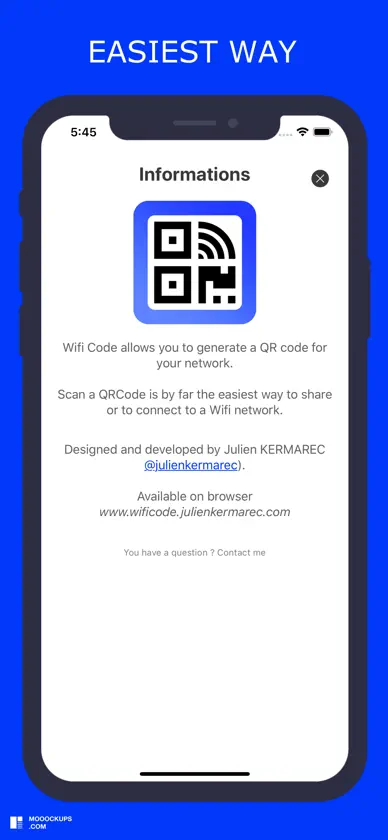
About this app
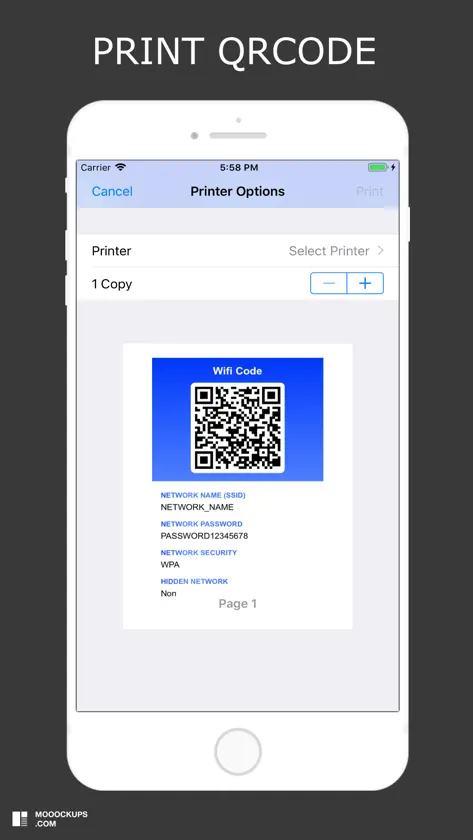
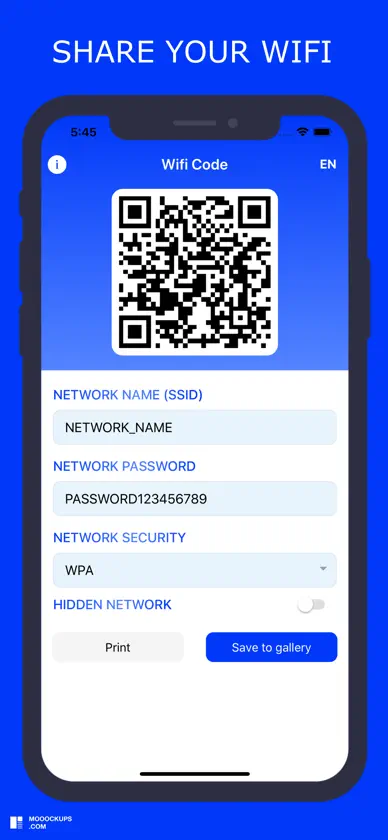
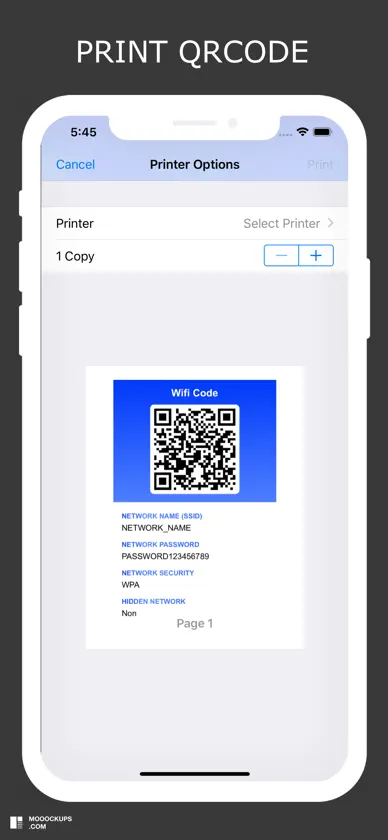
Wifi Code allows you to generate a QR code for your Wifi network. You want to share your wifi network: 1) Enter the name of your network (SSID) 2) Enter your network password (if you have one) 3) Select your type of network security (WPA default, WEP) 4) Select whether your network is hidden or not 5) Print and save the QRCode generated by the application This is by far the easiest and most convenient way to connect to a Wifi network. You want to access a wifi network: 1) Open your camera or scan application 2) Scan the QRcode 3) Connect to the wifi network
What's new
Version 2.0.4 · Feb 23, 2025
Bugfixes
More from Julien Kermarec


You might also like
 Wifi Share Manager - Wifi QRNikhil Viradiya
 WiFi QR Connect: 와이파이 연결David Serrano Canales
 WiFi QR 코드 생성기Grima Hdez
 QRFi - WiFi QR Code generatorJames Tapping
 QR 코드가 있는 내 와이파이Tevfik Yucek
 QR 코드 스캐너 생성 앱Tevfik Yucek
 who is using my wifi scannerSounak Sarkar
 와이파이 비밀번호: 와이파이 & 와이파이 속도Nolan Townsend
 Super QR Code ReaderDavid Serrano Canales
 WiFi Share Helper - QR codehao wang