
Annotate: Screenshot Markup
Timo Josten
No ratings yetProductivityAges 12+
Screenshots








About this app
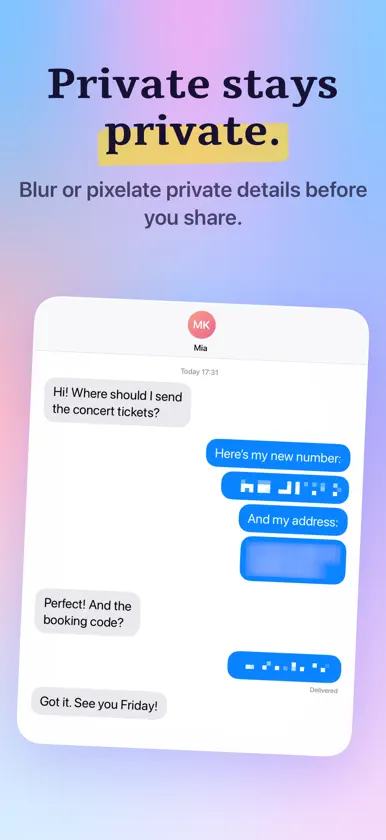
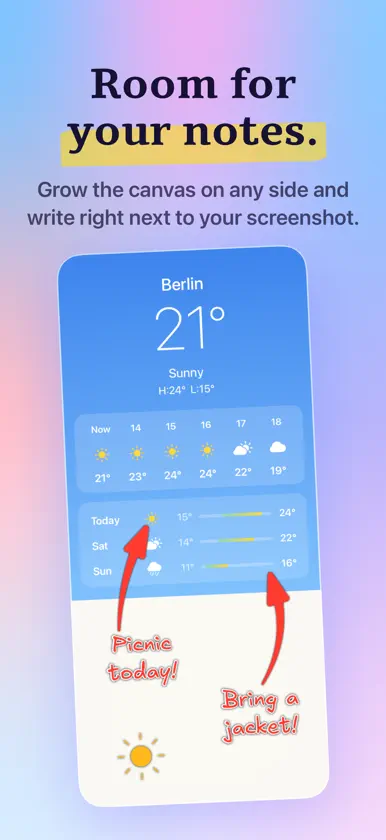
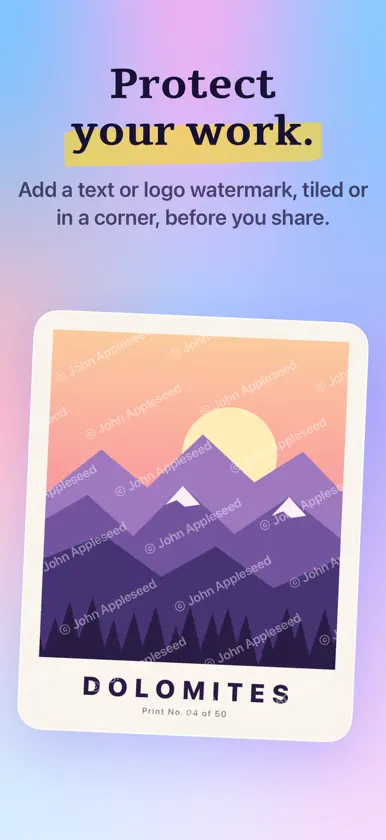
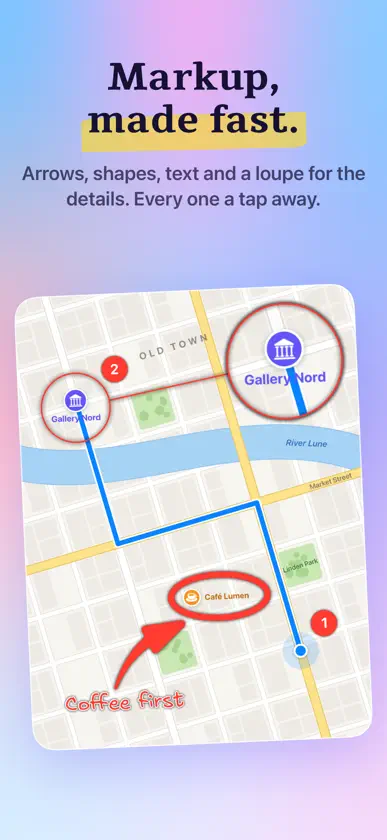
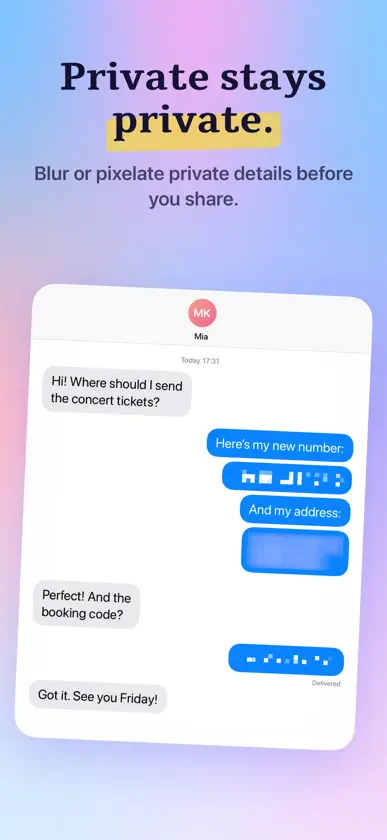
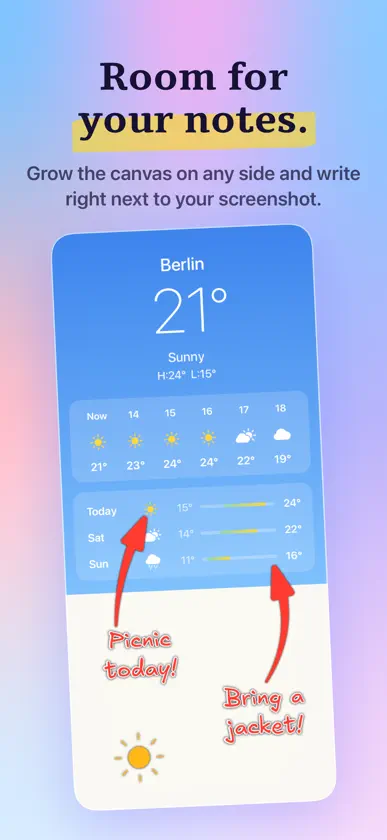
Annotate helps you quickly mark up screenshots and images with clean, readable shapes and text - built for fast, polished results on iPhone and iPad. • 17 tools: Crop, Blur, Pixelate, Text, Number, Stamp, Rect, Oval, Arrow, Pen, Marker, Highlight, Loupe, Backdrop, Image, GIF, Watermark • Clean shapes and highlights, plus freehand pen and marker • Animated GIFs - bring your screenshots to life: search KLIPY right in the editor, drop a GIF on the canvas, and your export turns into a video. Powered by KLIPY • Text with font, size, alignment, and optional background • Number badges and SF Symbols stamps (with search) • Blur or pixelate areas, and use a loupe to magnify details • Auto-Redact: detect and hide sensitive info in one tap - credit cards, phone numbers, emails, license plates, and faces • Full control over style: stroke width, fill, outlines, shadow, opacity, configurable arrowheads, and more • Free rotation - turn shapes, text, stamps, images, GIFs, and more to any angle with a precision dial • ∞ Layers: one layer per annotation - select, reorder, and delete • Helpful extras: snapping for neat alignment, undo/redo, zoom to fit/100% • Apple Pencil ready - palm rejection kicks in automatically so the Pencil draws while your fingers still pan and pinch • Grow the canvas - add space on any edge to make room for callouts and shapes • Backdrop styles - frame your screenshot with gradients or solid colors, and choose whether the backdrop pads the canvas or fits inside it • Watermark - add text or a logo across the whole image (tiled) or in a corner to brand and protect your work • Templates - save a set of annotations, backdrop, and watermark, then reapply them to any image; positions adapt to the new aspect ratio • Start from Photos, Files, clipboard, or a blank canvas - or pick an iOS device preset (iPhone 17, iPad Pro, etc.) • Export and share fast (PNG, JPEG, or HEIC) • Shortcuts - run Auto-Redact and Framing from the Shortcuts app, Spotlight, and Siri Test free for the first 5 annotated images. Annotate is brought to you by the developer of Dropshare - the file sharing app for macOS and iOS.
What's new
Version 1.12.1 · Oct 24, 2026
• Full iPhone Duo support: unfolded, the large inner display gets the iPad layout with the floating Style sidebar, popovers, and the full tool palette, and folded, the outer display keeps the iPhone layout. The layout follows the available width instead of the device type, so it switches as you fold or unfold, and resized windows on iPad adapt as well
In-app purchases
The most popular purchases on the App Store.
- Full VersionConsumable$9.99
More from Timo Josten


You might also like
 Vocapa - Capture & Share NotesPatrick Diezi
 Screen AnnotatorPrasanna Kumar Tumula
 Mark Draft: Screenshot Markup勇强 温
 Scanno – PDF-Scanneraketo GmbH
 Bookmarks - Send To SelfGILI
 Quick Annotate9468-7969 Quebec Inc.
 Prime Timer: Just One ButtonMischa Hildebrand
 CoreFilesDANIEL ROSIER
 Lineár CalendarTheMM
 Zettel - Quick NotesAlexander Moritz Weichart