
Auto Scroll PDF
Seiya.k
No ratings yetProductivityAges 4+
Screenshots


About this app
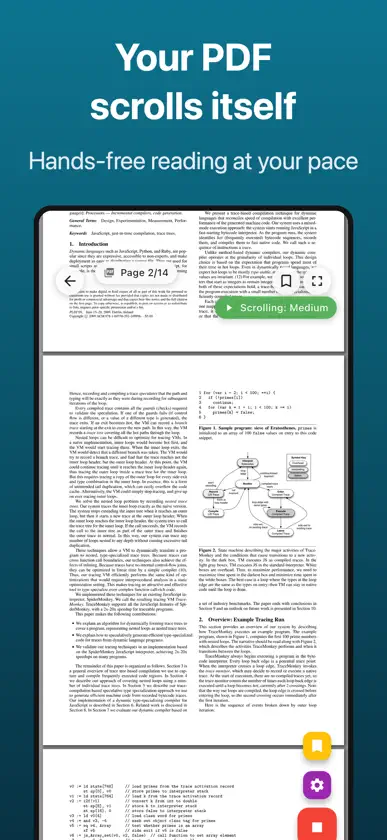
Hands full but need to read a PDF? We've all been there. Auto Scroll PDF scrolls your documents automatically at your own pace — whilst you cook, study, or present. No more stopping to turn the page. PERFECT FOR: - Cooks following recipes in the kitchen - Students reviewing notes and study materials - Speakers using it as a teleprompter for presentations - Anyone who wants a relaxed, hands-free reading experience - Musicians reading sheet music during practice or performance KEY FEATURES: - Automatic Scrolling: Continuous smooth scroll or page-by-page mode - Adjustable Speed: Slow, medium, fast, or fully custom speed control - Page-by-Page Mode: Set intervals from 1 to 60 seconds per page - Bookmarks: Save and jump to your favourite pages with one tap - Dark Mode: Easy on your eyes, day or night - Full Screen: Distraction-free reading mode - Recent Files: Quick access to previously opened PDFs - Sample PDFs: Try the app instantly with built-in samples Download now and enjoy hands-free reading. Terms of Use (EULA): https://www.apple.com/legal/internet-services/itunes/dev/stdeula/ Privacy Policy: https://fillapps.com/privacy/
What's new
Version 1.4.15 · Nov 5, 2026
• The Full Screen button now sits just above the speed bar, below the Settings button, right next to play and speed. You enter and exit full screen from the same spot.
In-app purchases
The most popular purchases on the App Store.
- Premium (Lifetime)Consumable$12.99
- Premium (Monthly)Subscription$1.49 / month
- Premium (Yearly)Subscription · 7 days free trial$6.99 / year
More from Seiya.k


You might also like
 PDF Reader: Auto Scroll & ScanRajesh Ray
 PDF AutoScrollParan
 AutoScroll: Hands-Free ReadingJoenardson Divino
 Auto Scroll Reader: ScrolllySobhi Arood
 Scroll ReaderDzmitry Sotnikov
 PresentCast: Playlist Casting雷 陈
 ReadSync - PDF ReaderAlper Albayrak
 Athena Eye Control - ReaderAthena Accessible Technology, Inc.
 Notia - Infinite WhiteboardYoshinori Suzuki
 Bookil - PDF Library & ReaderLabee LLC