
Screenshots
About this app
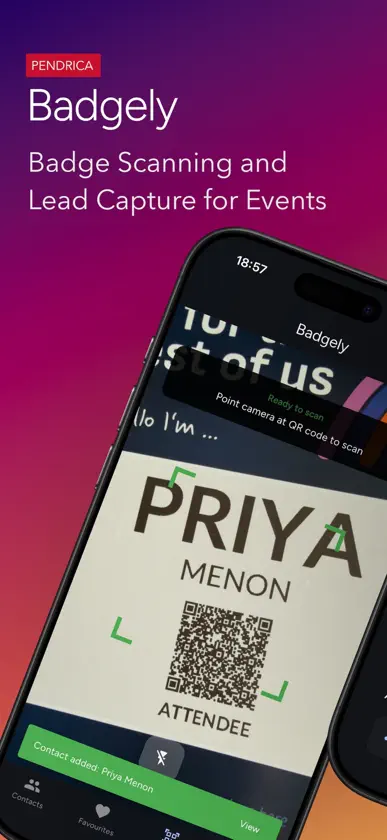
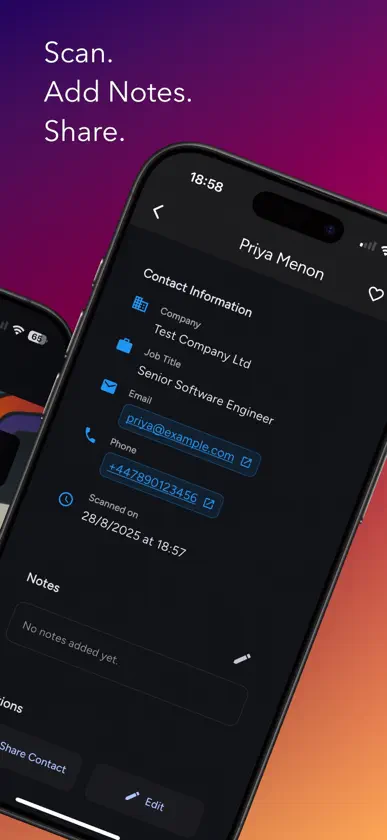
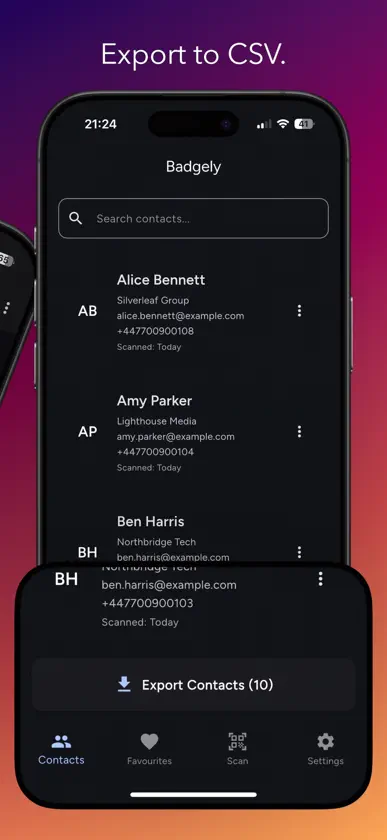
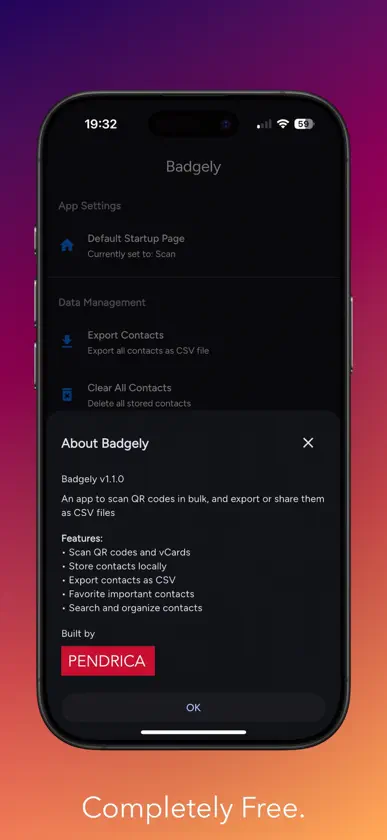
Badgely helps sponsors and exhibitors capture leads from event badges. Scan a badge’s QR code to read the vCard contact, add notes for follow‑up, and export everything to CSV when you’re done. No login. No cloud. Your data stays on your device until you choose to export. Key features vCard scanning: reads standard vCard QR codes on badges (name, title, company, email, phone). Notes: add quick notes or next‑steps right after each scan. De‑duplication: avoid accidental duplicates when scanning the same badge again. CSV export: one‑tap export via the iOS share sheet (Mail, Files, Drive, etc.). Offline by design: scanning works without a network connection; data is stored locally. Privacy‑first: On‑device only: scanned contacts and notes are stored on your device. No accounts, no analytics, no tracking, no ads. You control when and where data is exported. Getting started: Open the app and allow camera access. Point at the badge QR to capture the vCard. Review contacts and add a note. Export leads to CSV from the Contacts screen.
What's new
Version 1.1.5 · Sep 12, 2025
We continue to make performance and functionality improvements. We look forward to your feedback!
You might also like
 EventFullContact Media Ltd
 Carl KammerlingAdventoris Limited
 BizClik LiveBizClik Media
 Conference News EventsMash Media Group
 Multidrop WarehouseSenteca Limited
 Exhibition News EventsMash Media Group
 NorthspringJPM Real Estate Management Limited
 Inventor-e SmartStoresInventor-e
 PixSell 3Aspin Management Systems Ltd.
 Korbyt Room PanelRMG Enterprise Solutions, Inc.