
BinPlanner
Zijian Zhao
No ratings yetUtilitiesAges 4+
Screenshots
About this app
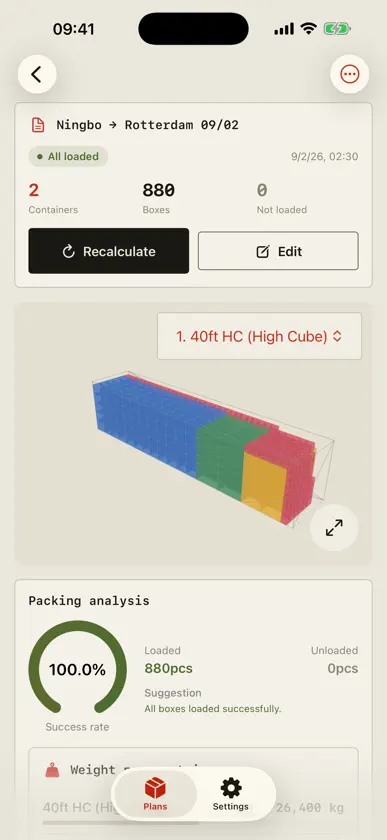
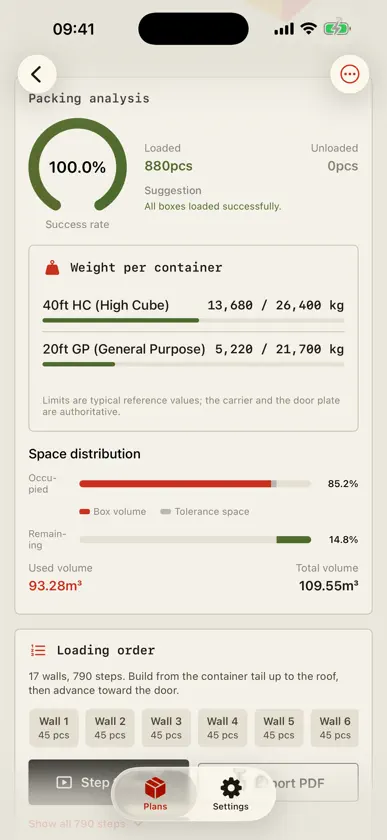
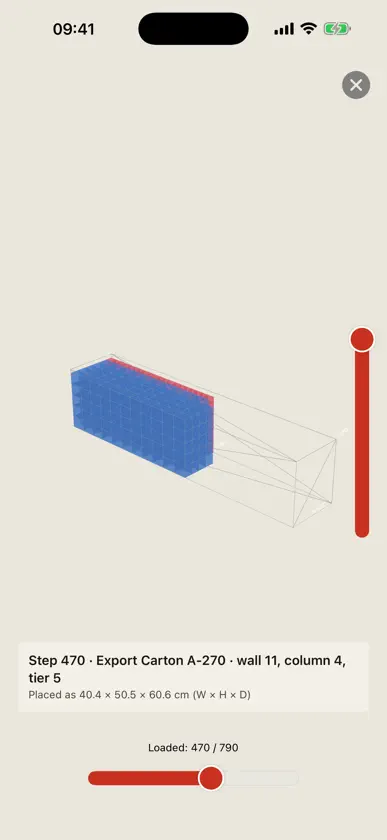
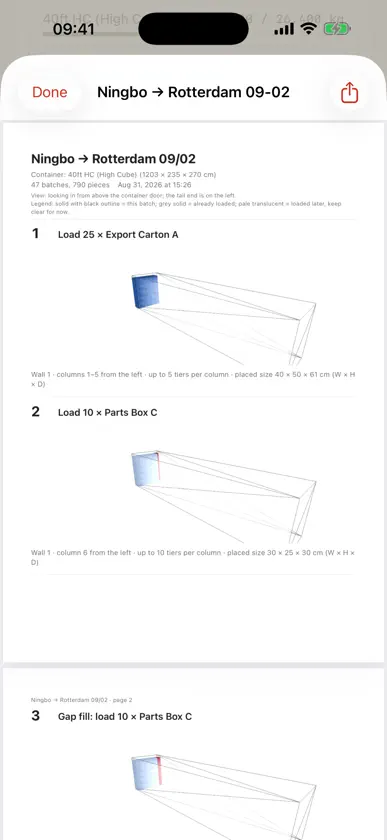
Stop guessing, start planning! BinPlanner is your professional 3D tool for container load planning. Our smart algorithm instantly creates an optimized packing plan — and the order to load it in, tail to door. - Multi-Container Planning: Mix 20'GP, 40'GP, 40'HC and custom sizes in one plan. - Executable Loading Order: Which box type, how many, which wall, which column, how many tiers. - PDF Loading Plan: One section per batch, each with a 3D diagram. Print and go. - Intuitive 3D Visualization: Rotate, zoom, and use a vertical slicer to inspect the arrangement. - Step-by-Step Animation: Visualize the packing sequence box-by-box with a simple slider. - Weight Per Container: Load against typical payload limits, warned before you book. - Know What Didn't Fit: Which box types, why, and a one-tap way to add a container. - Smart Optimization: Prioritizes stacking stability and space utilization. - Flexible Setup: Standard containers and fully custom sizes, with expansion and clearance settings.
What's new
Version 1.5.0 · Sep 1, 2026
- Added support for multiple containers in a single plan, including 20'GP, 40'GP, 40'HC and custom sizes. - Added a loading order specifying the box type, quantity and placement for each step, with step-by-step 3D replay. - Loading plans can now be exported as PDF, with a 3D diagram for each batch. - Added per-container weight with overload warnings. - Unfitted cargo now lists the box types and the reason, with a one-tap option to add a container. - Improved the packing algorithm for significantly faster calculation and better space utilization. - Fixed a crash when a box type quantity was zero, and cases where the app became unresponsive during long calculations; calculations now show progress and can be cancelled. Existing plans are unchanged after upgrading.


