
Screenshots
About this app
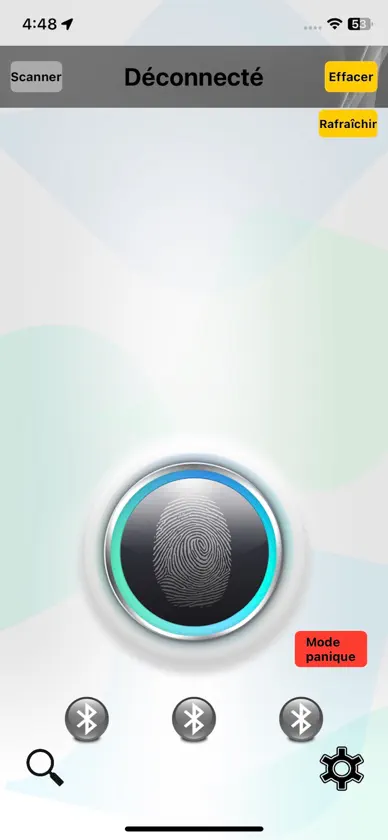
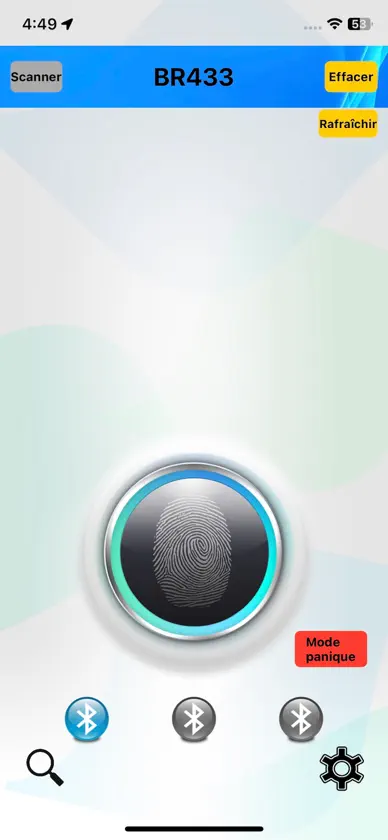
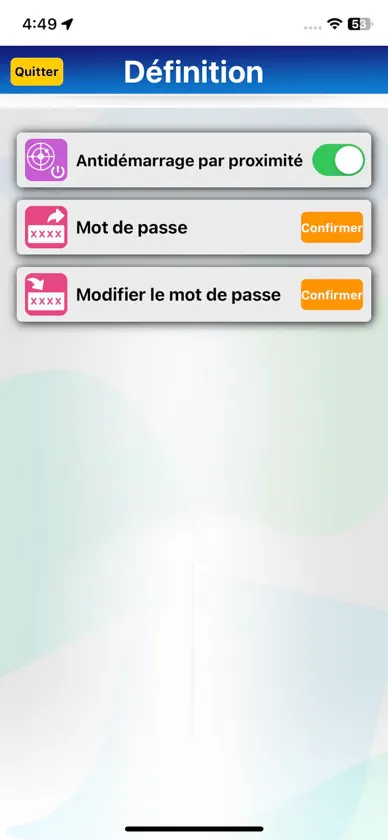
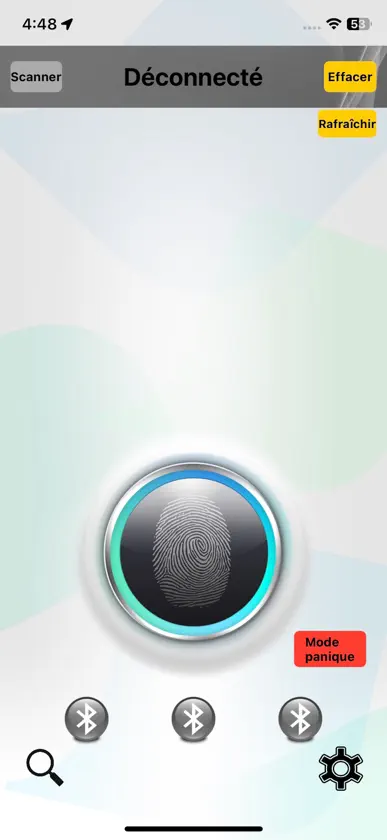
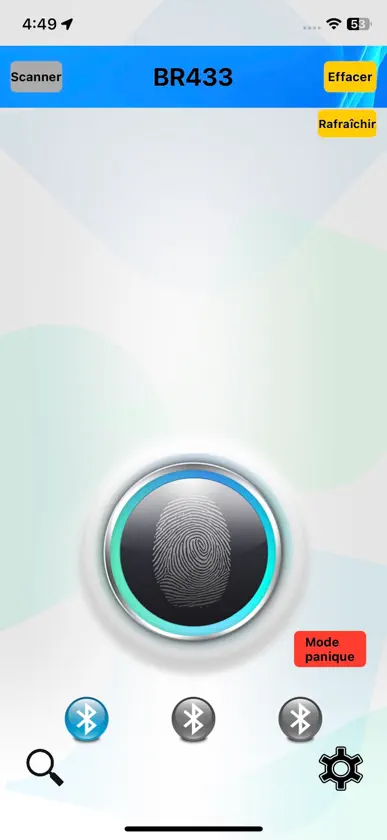
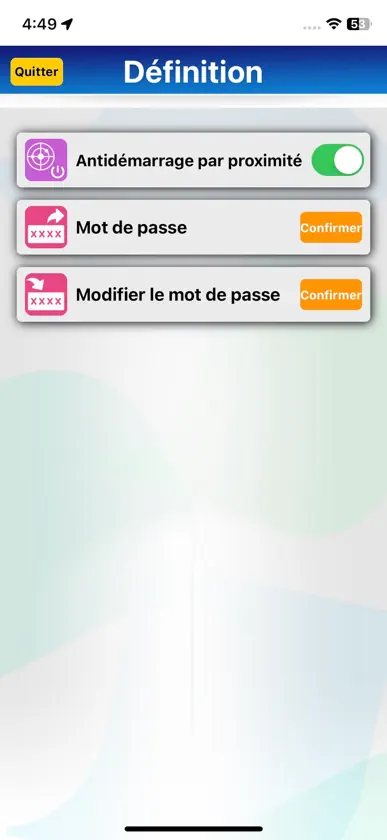
iPhone Bluetooth pairing Pair using iPhone system Go to Settings > Bluetooth and turn on Bluetooth, Click BR433 and enter the PIN Code 123456 to pair. Attention: Only the first iPhone can use system pairing, the second and third Smartphones can only be paired using the APP. APP Connect and Pair the BR433 Open the APP, then press the top left At list selection: Click BR433, to link, within 30sec., please enter default Connect Key Code (123456) to connect. After that, it will show whether to pair. If you need to pair, please click “OK” -> enter 123456 then click pair. The smartphone will be pair with BR433. Maximum pairing with 3 iPhone. Note: If you did not pair the BR433 with your iPhone you will need to enter the Connect Key Code every time to connect. Attention: According Bluetooth feature limit, only one phone can connect and work with main unit each time, must disconnect present connected phone(switch Off Bluetooth or keep connected phone over Bluetooth range)before enable connect another phone Bluetooth. So please disconnect all paired phones before pair a new iPhone.
What's new
Version 1.1.5 · Oct 21, 2025
Modify UI graphics and text content
More from iKey Corp.


You might also like
 Battery AI camWHIPIN LUE
 VECHLINE BatterieGALIX SAS
 MEZZO - Smart ControlTBB Power Co., Ltd
 Cam Hub: ONVIF NVR ViewerYu-Chiao Wang
 Synapse: Device CheckNexus Link LLC
 ClockChime – Speaking Clock小明 张
 MEZZO ANTILOPETBB Power Co., Ltd
 BEEPER ScooterLebi Computer Technology Co. Ltd.
 ScamZero: AI Scam CheckMiguel Palma
 YunfrogsXiamen Zhengdong Electronics Co., Ltd