
BREAKING BORDERS
tarienna GmbH
No ratings yetGraphics & DesignAges 4+
Screenshots




About this app
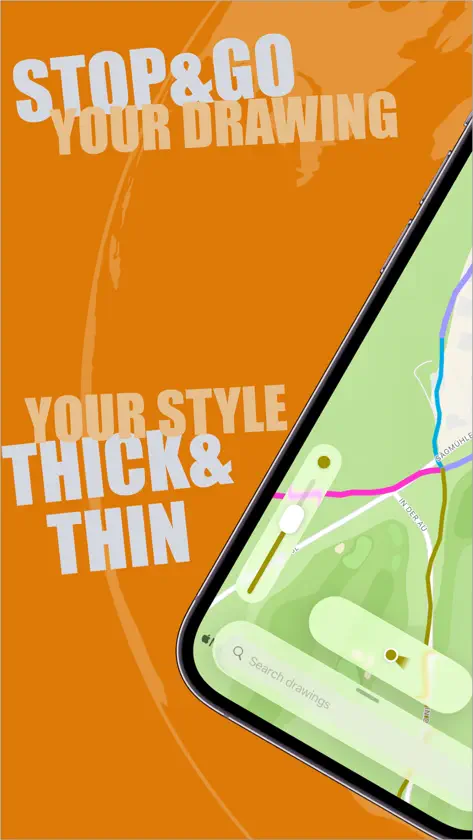
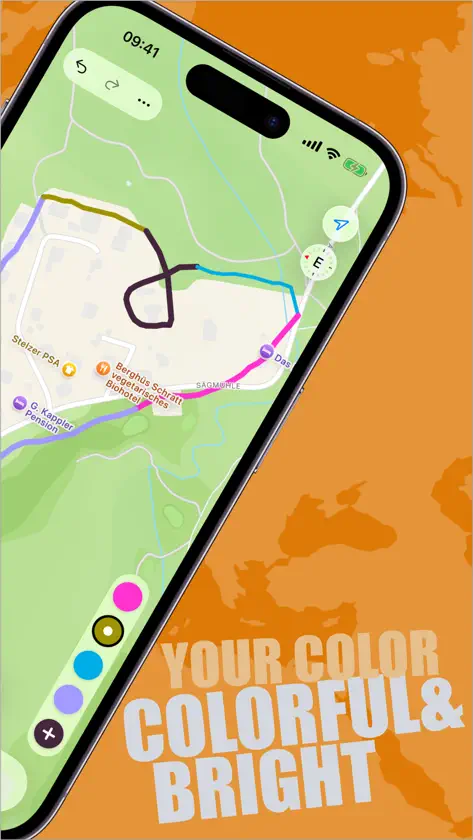
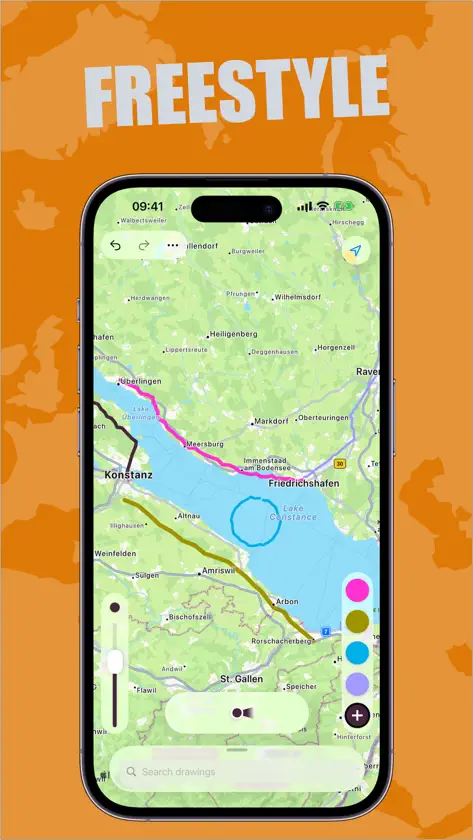
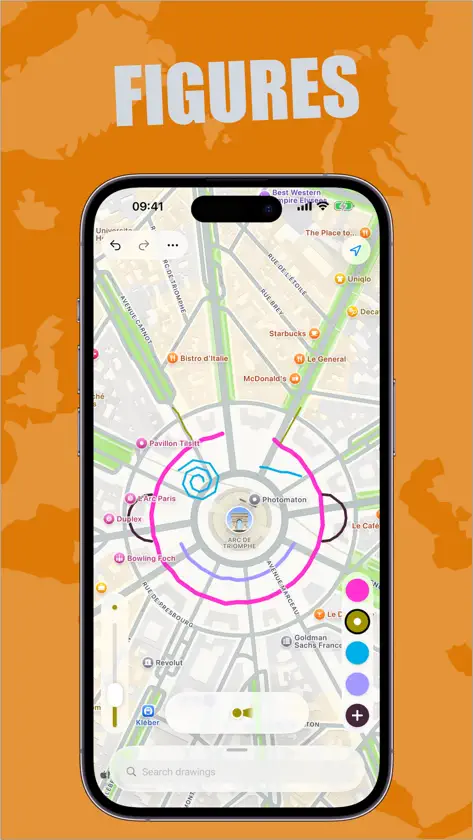
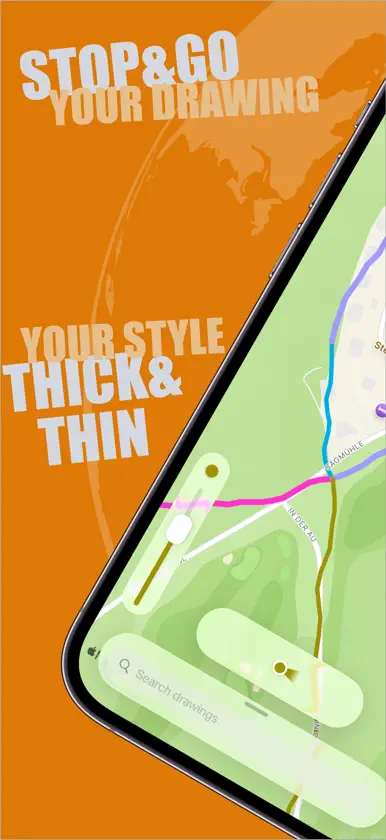
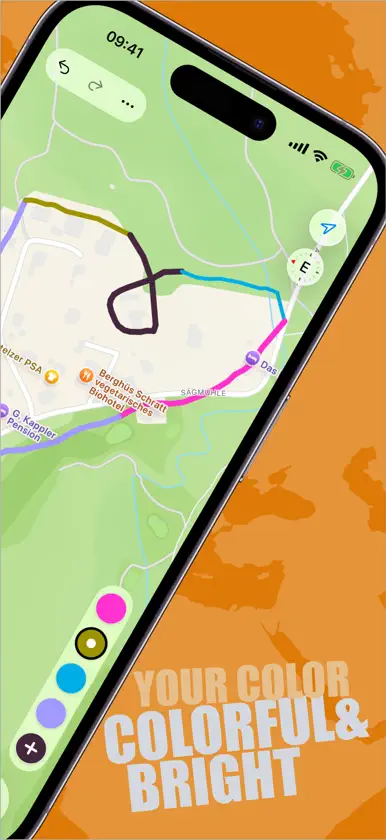
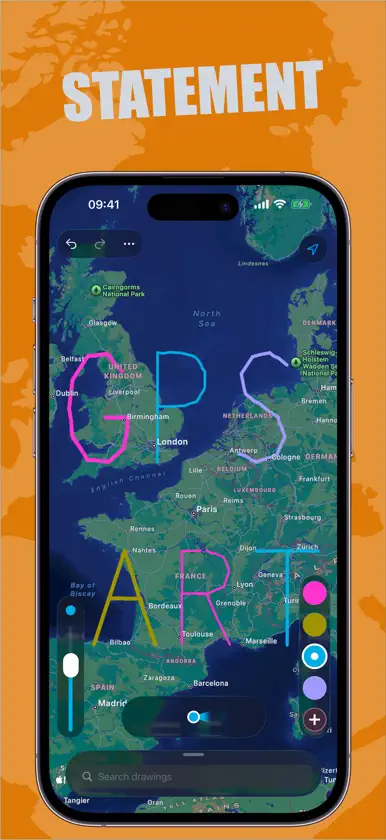
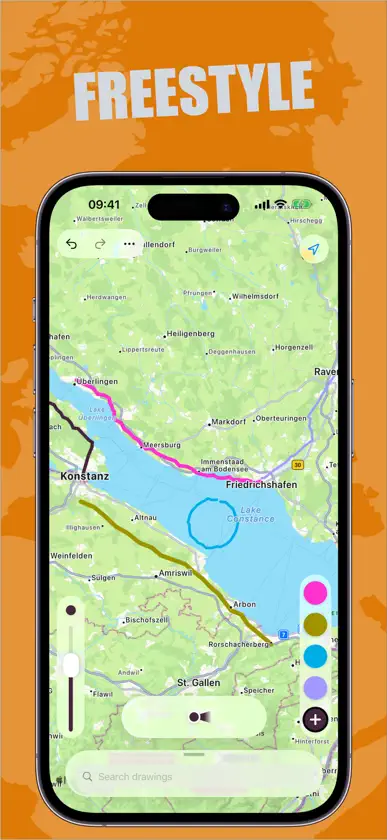
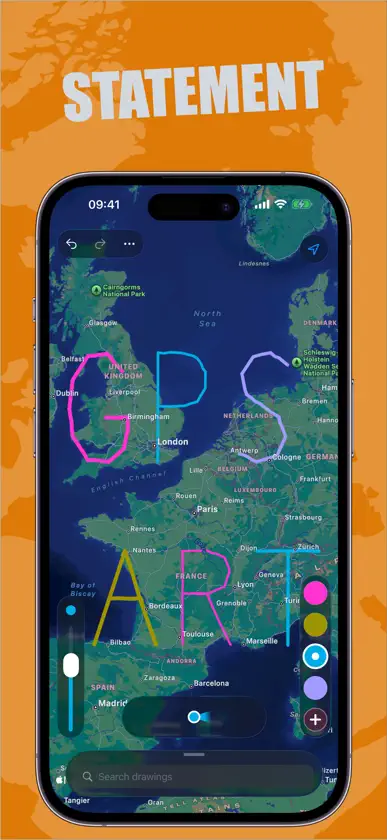
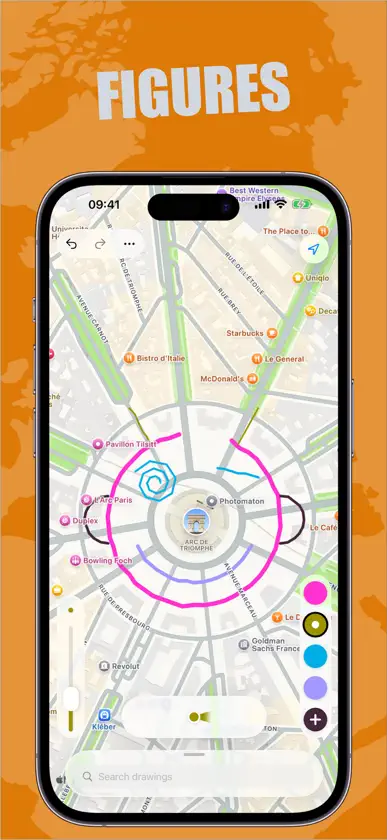
Roll, walk, drive and draw cool pictures to share as you go. Now create GPS drawings in your own style. With the new BREAKING BORDERS app, GPS Drawing is easier, more colorful, and more imaginative. Easier because you no longer have to draw your work in one stroke. Start today, stop when it rains, and continue drawing tomorrow when the sun is shining. More colorful because you choose the colors yourself. The more you change colors, the more colorful your GPS drawing will be. More imaginative, because you can use different stroke widths when drawing. Imagine how creative you can be from now on, drawing stroke by stroke, choosing your own colors and stroke widths. Drawing - Choose from five colors - Change colors while drawing - Select the line width - Change line width while drawing - Start a new drawing at any time - Switch from one drawing to the next - Put pen down and start drawing at a different location - Start today and finish tomorrow - Delete or restore lines Manage and share your GPS drawings - View all your GPS drawings in a list with the date they were created and modified. - Share drawings with others Save resources - App works in the background - Use the app offline - Works also in flight mode
What's new
Version 1.1.0 · Nov 6, 2026
A Completely Redesigned Drawing Experience BREAKING BORDERS has been rebuilt around the map. All drawing tools now float right where you need them, and your drawings live in an elegant bottom panel, inspired by the apps you already know. New Floating Tools - Color palette and stroke width picker float above the map - Undo and redo are always within thumb's reach - Cleaner map view with more room for your artwork Your Drawings, Beautifully Organized - New bottom panel with your drawing collection - Pull it up, swipe it down, it moves like you expect - Improved search, the panel expands while you type and tells you when nothing matches - Drawings without strokes now show a friendly placeholder instead of an empty tile Refined Stroke Editing - The preview map stays fixed above the stroke list - Your whole drawing is visible with a comfortable margin, nothing gets cut off - A confirmation protects you from deleting a stroke by accident Fixes - Removed strokes no longer flicker on the map when you switch drawings or zoom - If location access is turned off, the app now guides you straight to Settings instead of leaving you waiting - Fixed a crash when opening the stroke editor for certain drawings Create stunning GPS artwork, now with the most refined canvas yet.
In-app purchases
The most popular purchases on the App Store.
- TrailblazerConsumable$1.99
More from tarienna GmbH

You might also like
 Portafolio: Own your workRogelio Robledo Ruiz
 Oil Painting Canvas - OleosaBlue EdgeZ LLC
 Open UIEmpathetech
 Symmetry Studio: MandalasNisha Jain
 NFT Creator & Mint, Pirix LabDedaldev Doo
 PixelssSounds Creative LLC
 Animation Creator: FlipArt 2DDuc Tran Trung
 BrainrotKawaii
 AI Car Modifications - AutoModDung Vu
 Clown Voice ChangerQamar Ali Khan