
Cloud Developer Exam Prep
CHOI SEONGMIN
No ratings yetEducationAges 4+
Screenshots







About this app
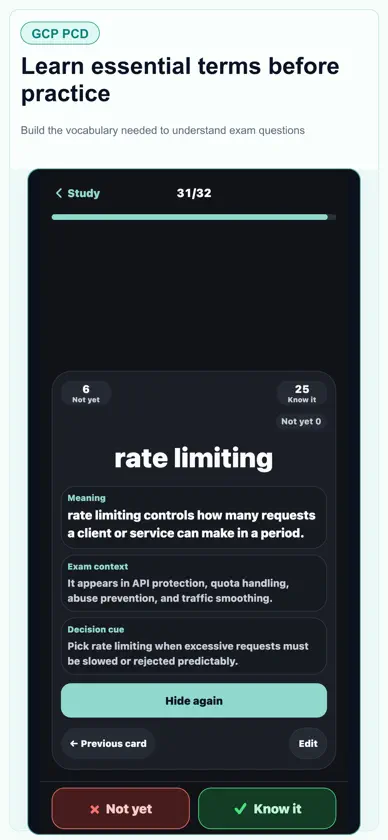
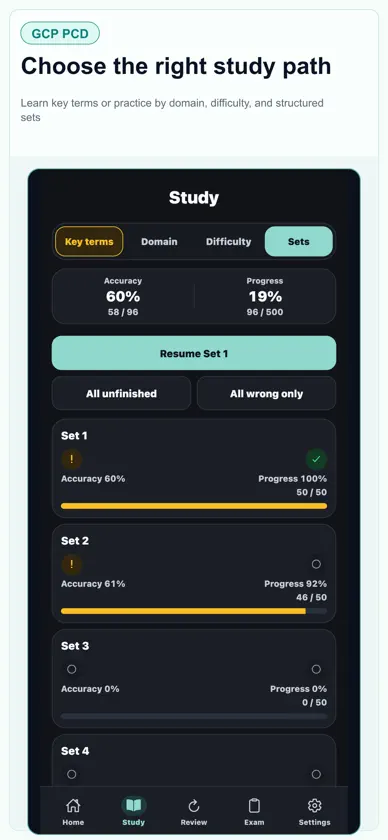
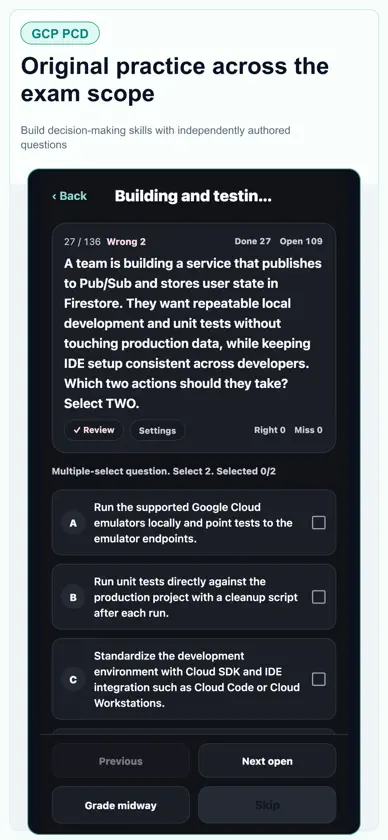
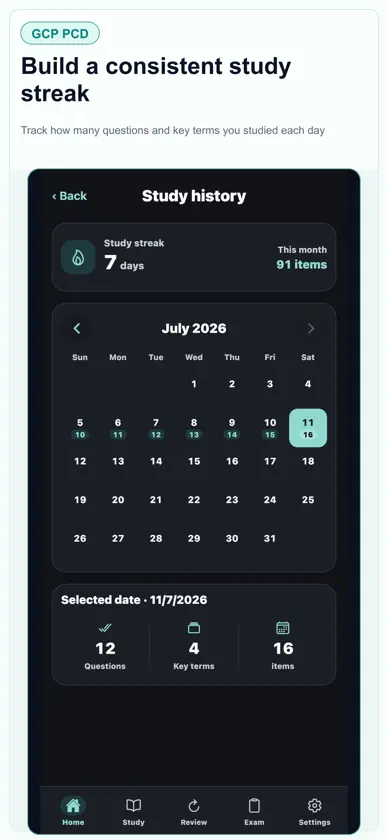
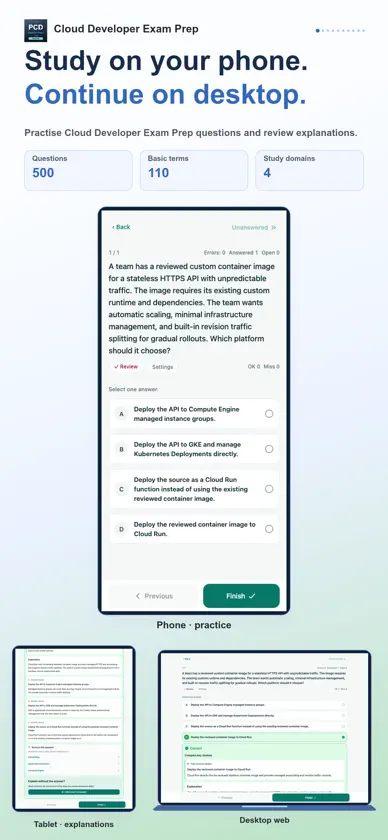
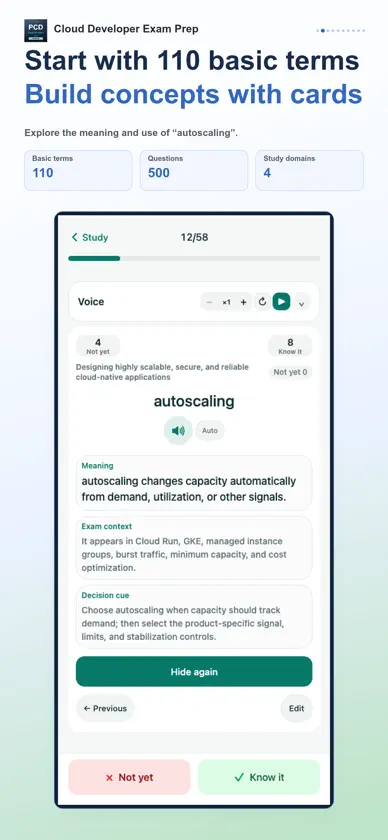
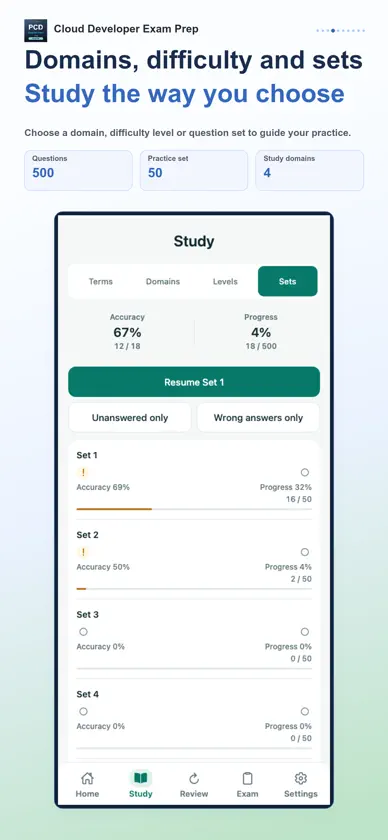
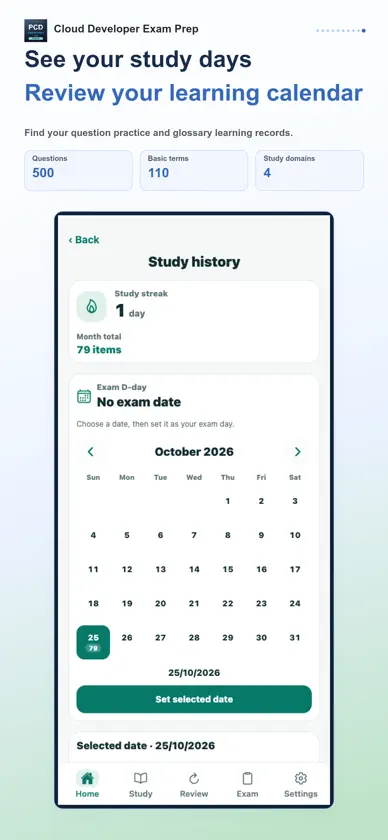
Keep studying across your phone, tablet and desktop. Use your phone on the move and a tablet or desktop when you want more room to study. Connect the same StudyCert account to continue your learning in the app and on the desktop web. Prepare for Professional Cloud Developer with 500 practice questions and 110 key terms. Study coverage · 4 areas • Designing highly scalable, secure, and reliable cloud-native applications • Building and testing applications • Configuring cloud-native applications for deployment • Integrating applications with Google Cloud services 1. Build your foundation with key terms Use flashcards to learn meanings, exam context and selection cues. Mark terms as known or not yet known, then revisit unstudied or unfamiliar cards. Edit card content to suit your learning and restore the original when needed. 2. Practice and understand each answer Study in 50-question sets, by domain or by difficulty. Work through single- and multiple-choice questions, then read the explanation for the answer and each option. Choose all, unfinished or wrong questions; shuffle questions and choices; use a study timer; and resume where you left off. From the results of domain study, continue with key terms and related questions in the next domain. 3. Review mistakes and uncertain concepts Choose recent errors, review marks or repeated mistakes on the Review screen and practice them again. Check accuracy by domain alongside the terms you know or still need to learn. The glossary report shows term-learning status and accuracy on related questions together. 4. Check your preparation with a mock exam Practice time management with 50 questions in 120 minutes. Change answers before submission, resume a saved exam and receive grading when time expires. Afterwards, see correct, wrong and unanswered counts, your score and domain results, then revisit mistakes. This practice feature uses the included questions and does not determine an official exam score or pass result. Tools that fit your study routine Optional audio study reads terms and meanings aloud. Choose whether to include exam context and selection cues, set repeats and pauses, and control playback with the mini player. In the mobile app, audio can continue in the background and with the screen locked. A study calendar, learning streaks, weekly goals, reminders for unmet goals and light, dark or system themes support your routine. Learning records are managed for each supported language. Some features require paid access. Check the included features and price on the purchase screen. Purchase restoration is supported. This is an independent study aid, not an official, affiliated or endorsed app of any exam administrator or certification body. Exam names and trademarks belong to their respective owners.
What's new
Version 1.0.12 · Oct 29, 2026
Improved question and explanation quality. Fixed an issue that could prevent questions from appearing when study history contained removed questions. Improved compatibility of existing study records and review features.
In-app purchases
The most popular purchases on the App Store.
- Lifetime AccessConsumable$4.99
More from CHOI SEONGMIN
 TOPIK Korean Vocab Hangul-L6CHOI SEONGMIN
 AIGP·CIPP/US·E·CIPM PrepCHOI SEONGMIN
 品質管理2・3級 試験対策CHOI SEONGMIN
 LinuC Level1・2 試験対策CHOI SEONGMIN
 A+ Core1·2·Network+·Tech+ PrepCHOI SEONGMIN
 CompTIA Security+·CySA+ PrepCHOI SEONGMIN
 Security Ops/Design/Build PrepCHOI SEONGMIN
 DevOps·GitHub Foundations PrepCHOI SEONGMIN
You might also like
 Cloud Developer Pro PrepAITYTECH
 Professional Cloud Dev 2026Trieu Tran
 GCP-PDE Data Engineer ReviewEXAMCERT PTY LTD
 경비지도사 1차2차 기출문제 모의고사 개념정리 문제은행dasong sim
 Cloud Pass:AWS・Azure・GCP ExamJunseok Oh
 컴퓨터그래픽스기능사-기출문제, 오답노트, 해설풀이Jongmin Kim
 YKI TestShamnad Padinjarechalil Shaji
 AWS Card ClashAMZN Mobile LLC
 AWS Cloud Practitioner: 2025Best Fun Games
 Frontend MastersMJG International, LLC