
Connect Spaces
Connect with spaces
5.0(2)BusinessAges 17+
Screenshots

About this app
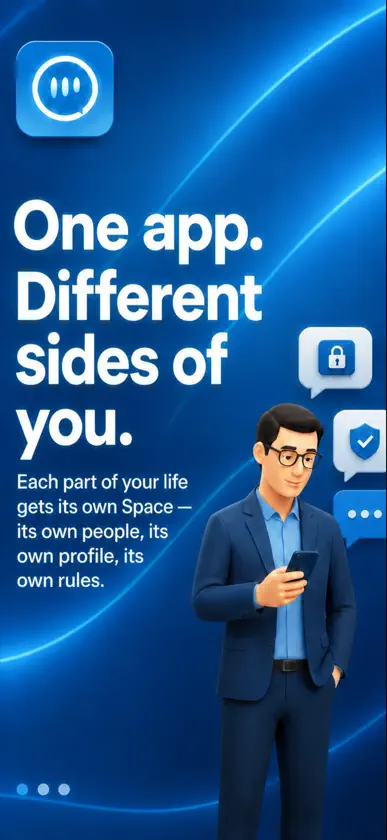
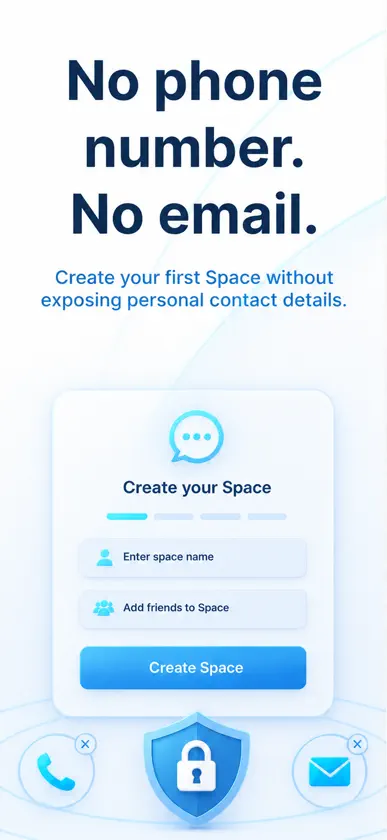
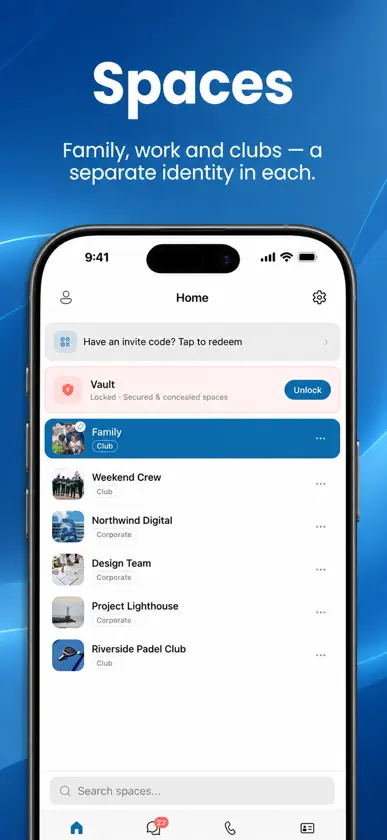
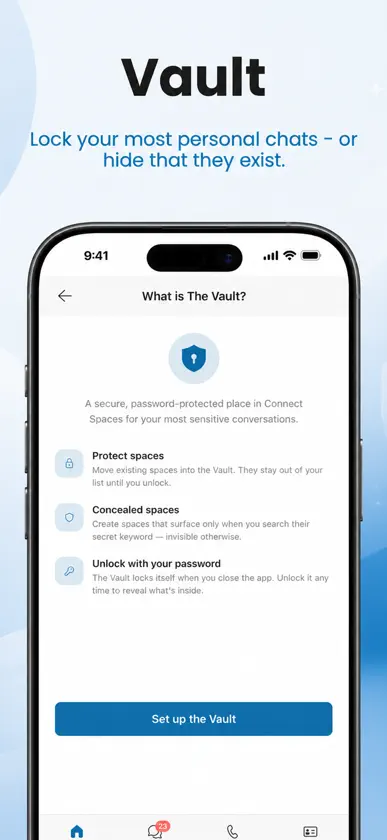
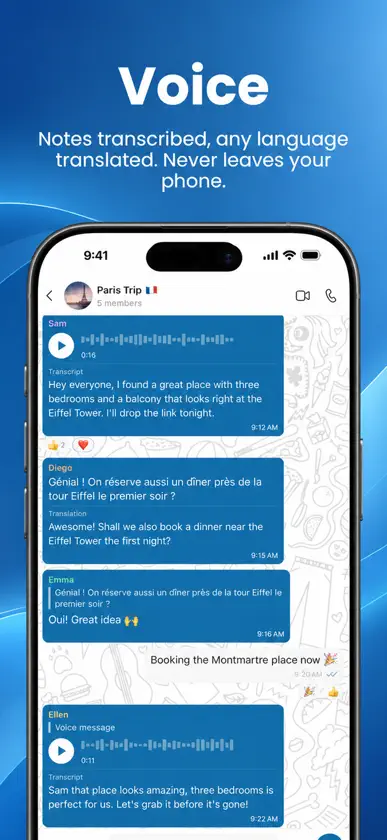
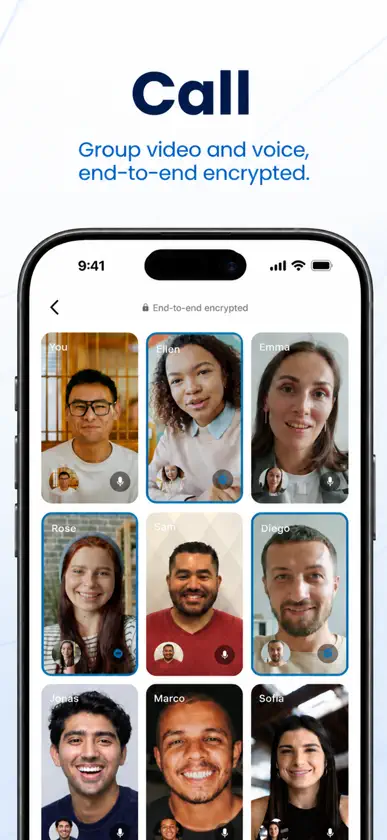
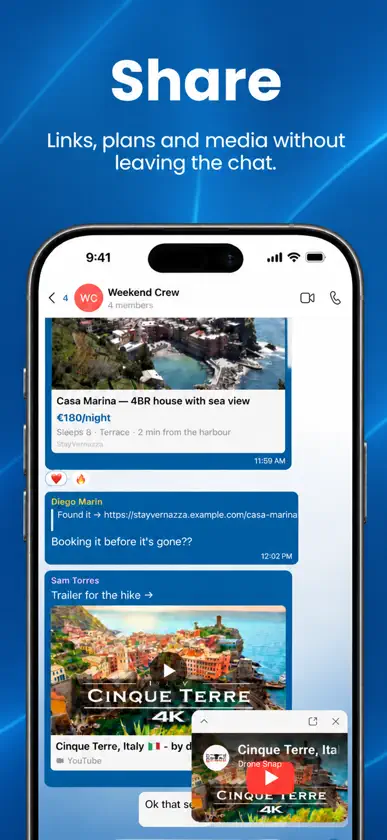
Your work chat and your family chat shouldn't live in the same list. Connect Spaces gives every part of your life its own Space, each with its own people, its own profile, and its own rules. One app, one login, and no blending of the contexts you keep apart. NO PHONE NUMBER. NO EMAIL. Create your first Space without handing over personal contact details. You decide who can find you and how. A SPACE FOR EACH PART OF LIFE Family, work, clubs, and private relationships each get a separate Space. Membership, conversations, files, and profiles stay where they belong and do not follow you into the next one. A DIFFERENT YOU IN EVERY SPACE One account does not mean one public identity. Present the name, photo, and details that fit each Space, and keep unrelated parts of your life separate. THE VAULT Lock your most personal Spaces behind a PIN or biometrics, or conceal them so they cannot be found at all. Configure how and when the Vault locks, and keep notification content private for the Spaces it protects. VOICE THAT STAYS ON YOUR PHONE Send voice notes and have them transcribed, in any supported language, without that audio leaving your device. CALLS AND GROUP VIDEO Move from a conversation to one-to-one or group voice and video without leaving the Space, end-to-end encrypted. SHARE WITHOUT LEAVING THE CHAT Links, plans, files, and media stay with the conversation and the people who belong to it. CONTACTS THAT RESPECT CONTEXT One account, different names, photos, and context-specific profiles. Discovery and reachability stay scoped to the Space you are in. ONE APP. DIFFERENT SIDES OF YOU. Messaging, calls, files, and people stay familiar. What changes is the boundary around each conversation.
What's new
Version 1.7.11 · Nov 9, 2026
Meetings get host controls and more than one screen share at once. Hosts and co-hosts decide who can share and draw, mute people on entry or all at once, work through raised hands, spotlight someone, and make co-hosts. Several people can share their screen at the same time, you pin the cameras and shares you want to keep in view, and a share can be paused, taken over with Present instead, or viewed full screen. Also in this update • Pointer mode next to Pen on a shared screen, so everyone sees where you point • On iOS 26, share your screen's sound along with your voice • Open iOS Video effects and Mic mode from the meeting's Camera sheet • Turn off meeting sound on your device, or mute one person just for you • Open a meeting before it starts and it joins you when it begins • Turn your iPhone sideways in a call or in the meeting room to use landscape • On iPad, a redesigned message box with the formatting tools in one card • React with any emoji, type :name to find one, and short emoji-only messages show large • GIFs now send and play animated, and Live Photos send as Live Photos • Links without https:// are clickable, and Find in this chat shows every match in a message • While you share your screen in the app, Connect Spaces holds its own pop-ups and shows what you missed when you stop • Old calls that already ended no longer ring or show as missed after your phone was offline • German, Dutch, Portuguese and Turkish wording refreshed


