
Deck - Presentation Remote
DOU Inc.
No ratings yetProductivityAges 9+
Screenshots



About this app
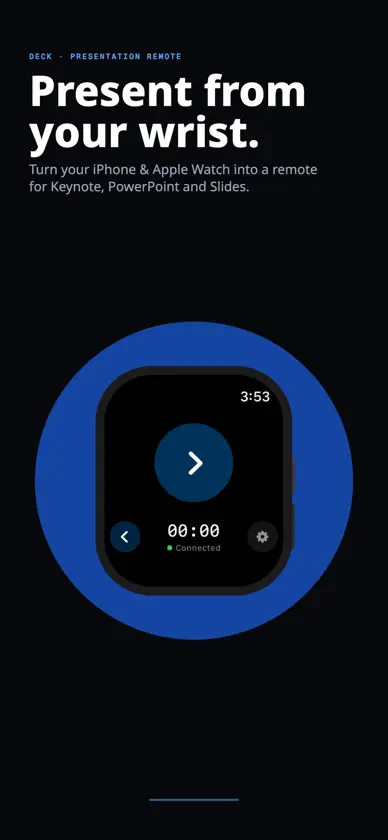
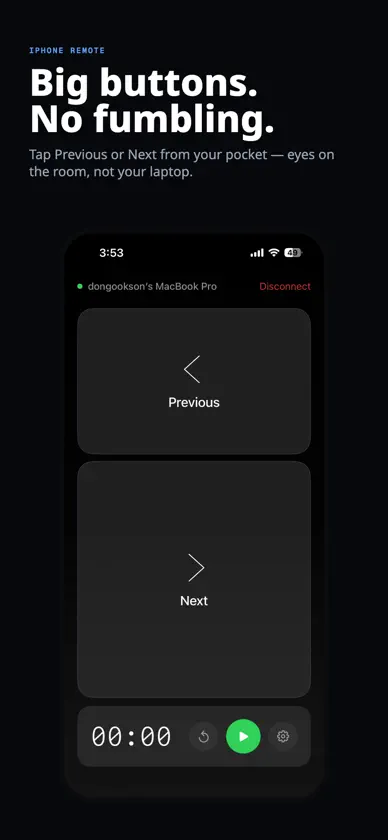
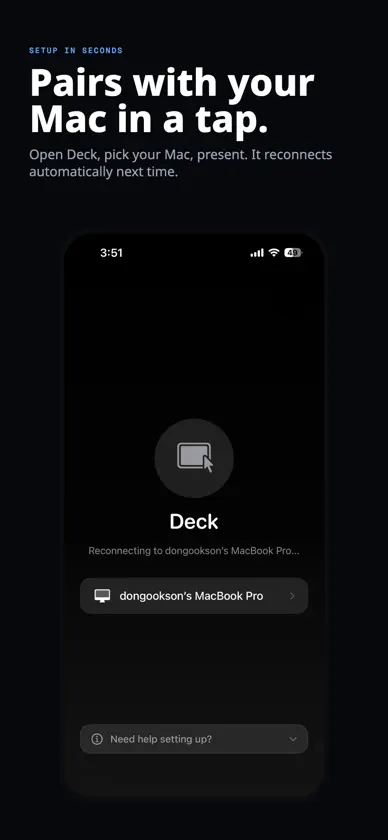
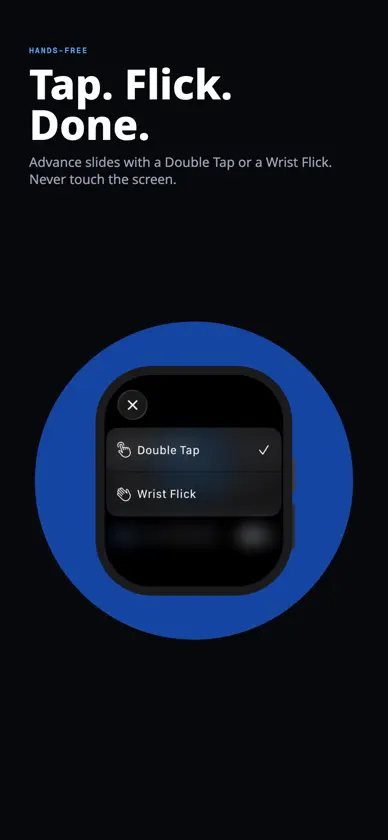
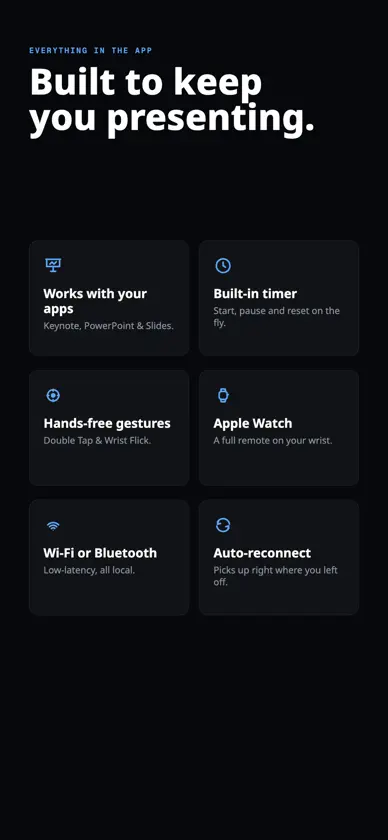
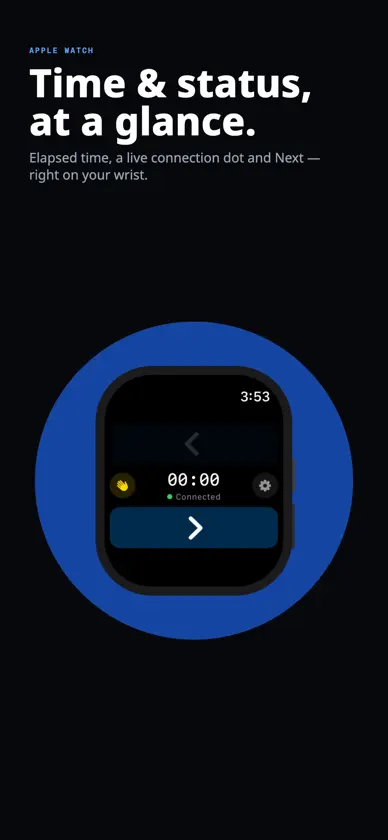
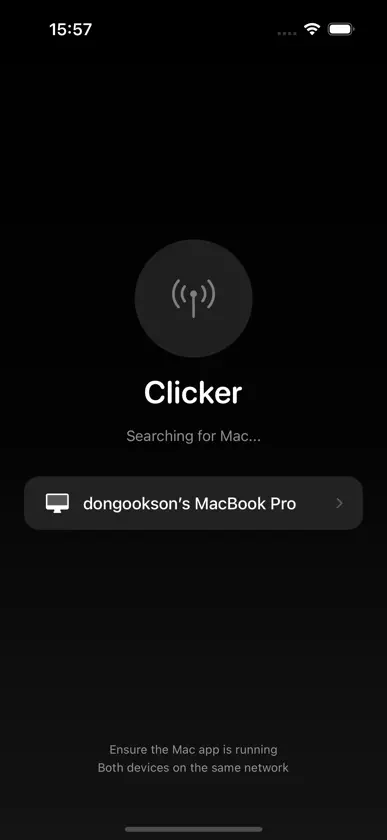
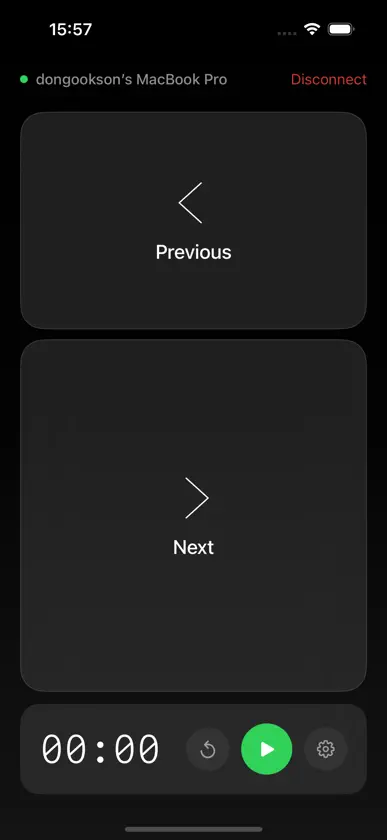
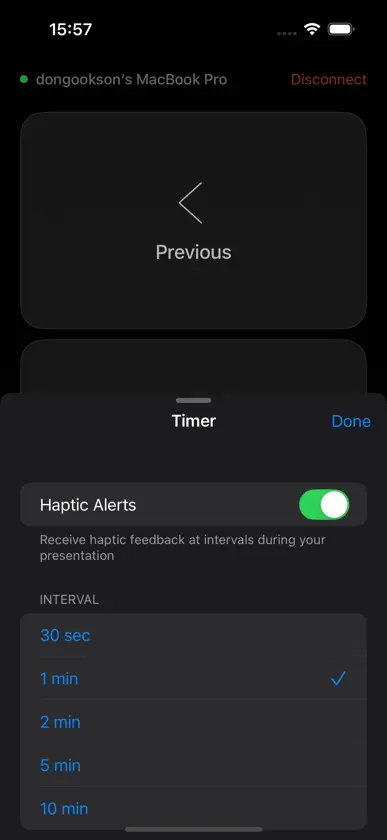
Deck turns your iPhone into a wireless presentation remote for Mac. Control Keynote, PowerPoint, Google Slides, or any app that uses arrow keys — no dongle, no Wi-Fi router, no cloud account required. HOW IT WORKS Install the free Mac companion app. Open Deck on your iPhone. Tap your Mac in the list. That's it — you're live in under 10 seconds. Everything stays on your local network. Nothing leaves your devices. APPLE WATCH SUPPORT Control slides from your wrist without touching your iPhone. - Double-tap gesture: advance hands-free on Apple Watch Series 9+ - Wrist flick: flick forward or back to navigate slides - "No Going Back" mode: disable backward flick for accident-free forward-only presenting - Digital Crown: rotate to move through slides FEATURES - Works with Keynote, PowerPoint, Google Slides, Figma, and more - Peer-to-peer: direct Mac to iPhone connection, no internet needed - Presentation timer with haptic alerts at custom intervals - Live Activities: see your timer on Lock Screen & Dynamic Island - Dark mode only, optimized for stage and low-light visibility - Always-on screen during presentations, no connection drops - Color-coded timer bar: green, yellow, orange, red SUBSCRIPTION Deck Pro - $19.99/year Includes a free 7-day trial. Cancel anytime. REQUIREMENTS - iPhone running iOS 18 or later - Mac running macOS 14 (Sonoma) or later - Apple Watch optional (watchOS 10+) - Both devices on the same local network Terms of Use (EULA): https://www.apple.com/legal/internet-services/itunes/dev/stdeula/
What's new
Version 1.12 · Jun 23, 2026
ClickerRemote is now "Deck - Presentation Remote"!
In-app purchases
The most popular purchases on the App Store.
- ClickerRemote ProSubscription · 7 days free trial$19.99 / year
More from DOU Inc.

You might also like
 Clicker – Presentation RemoteAppTrix AB
 SlideLynk: PPT Control RemoteAbhishikth Raj Marepally
 PowerPoint RemoteKEIGO KAWAKAMI
 Presenter Remote: Slides & TVTomas Zacha
 NanoVoice: AI Voice KeyboardAndy Tran
 Movere RemoteHugo Munoz
 Codictate: AI DictationEmil Lykke Grann
 FocusLoop AppJeff Chen
 Agent Meter: AI UsageShuo Deng
 Animant: Present in 3DJonathan Benjamin