
Ember: Markdown Notes
Rene DeAnda
No ratings yetProductivityAges 4+
Screenshots









About this app
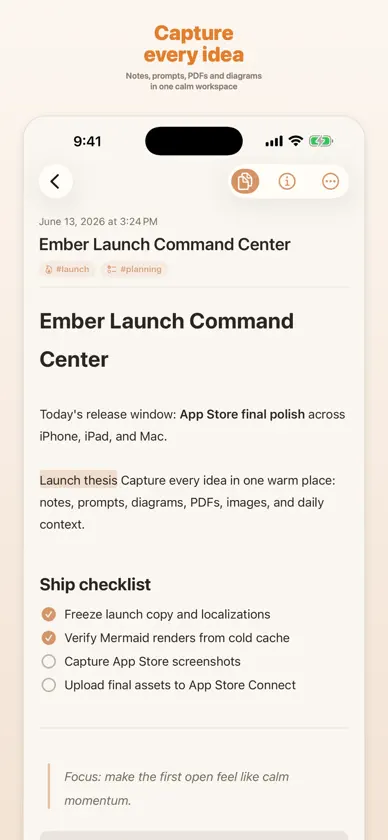
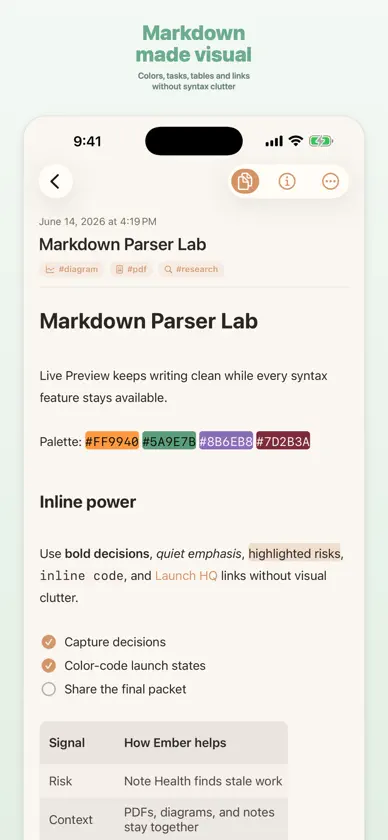
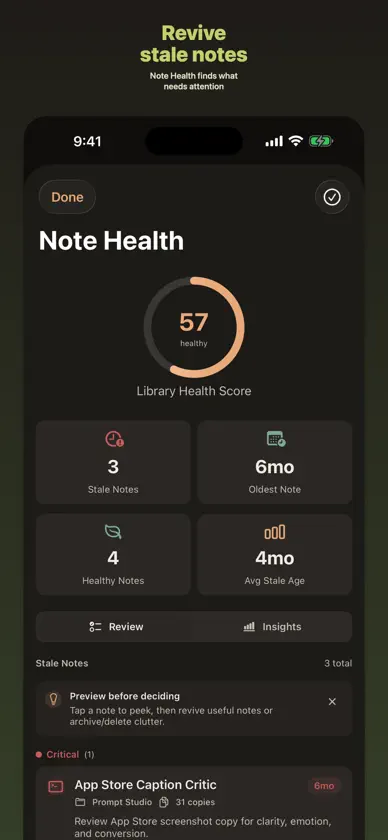
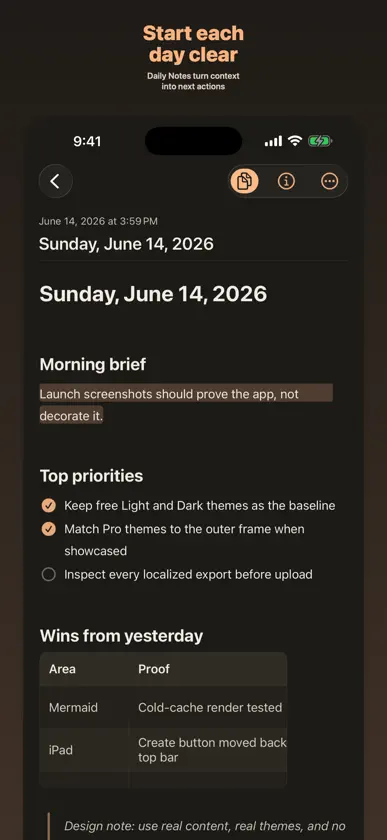
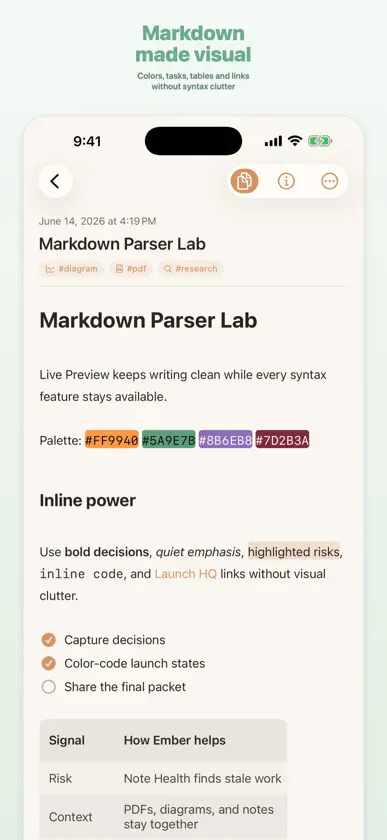
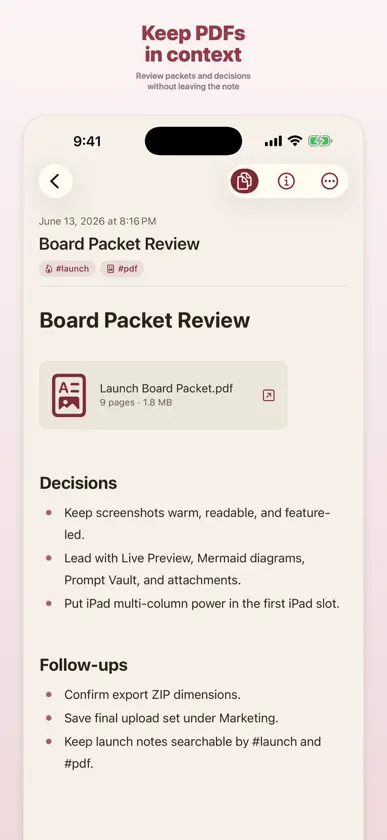
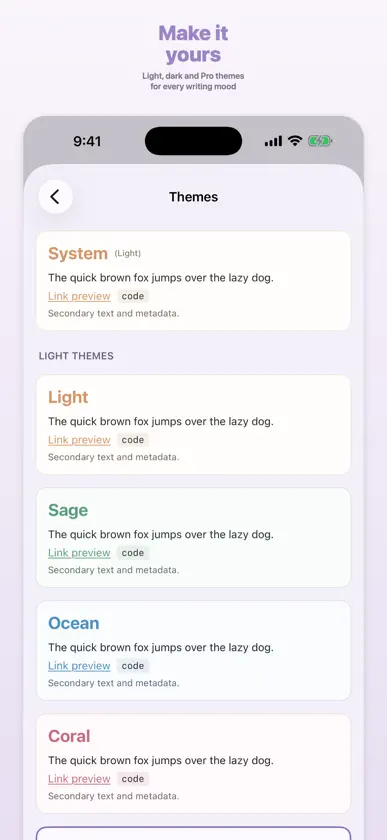
Your notes should feel like home. Ember is a warm, fast place to think — Markdown notes, PDFs, diagrams, voice memos, and a vault of reusable prompts, all in one calm workspace that syncs across iPhone, iPad, and Mac. WRITE IN RICH MARKDOWN A live editor with real formatting: headings, tables, task lists, links, highlights, footnotes, and code — rendered as you type, never in your way. Bullets, numbers, and checkboxes feel native and effortless. MORE THAN TEXT Drop PDFs, images, diagrams, and voice notes right inline. Your references live beside your writing, so everything about a thought stays in one place. A VAULT FOR YOUR PROMPTS Keep the prompts you reuse for writing, research, and planning in a dedicated Prompt Vault — organized, searchable, and a tap away when you need them. STAY ORGANIZED, STAY FAST Daily notes, folders, tags, smart filters, and pinned notes keep things tidy, and instant search finds anything the moment you look for it. YOURS EVERYWHERE Ember runs natively on iPhone, iPad, and Mac, with optional private iCloud sync, widgets, and a Share Extension for capturing from anywhere. FREE TO START Capture notes, PDFs, prompts, and attachments with the full editor — free, no account required. EMBER PRO Unlock advanced themes and alternate icons, premium writing and organization workflows, and deeper Prompt Vault tools, as a subscription or a one-time lifetime purchase. PRIVATE BY DESIGN No accounts. No ads. No selling your words. Your notes stay on your device and your own iCloud. Make a home for your thinking. Download Ember Notes. TERMS & PRIVACY Terms of Use (EULA): https://www.apple.com/legal/internet-services/itunes/dev/stdeula/ Privacy Policy: https://embernotes.app/privacy
What's new
Version 1.2.0 · Oct 10, 2026
What’s New in Ember 1.2.0: * Connect ideas with @mentions and inline #tags, including nested tags, autocomplete, and easy navigation between related notes. * Organize your notes with unlimited basic tags, improved tag management, and smarter ways to rename, merge, and find related content. * Find more with improved search inside images and PDFs, including matching text, attachment names, and page references. * Get started faster with separate note and prompt templates, plus 18 ready-to-use prompts for everyday tasks. * New portrait widgets for iOS 27, with improved layouts, richer note previews, and quicker access to your notes. * Initial Siri AI integration for iOS 27, available in beta on supported devices and languages, with clearer Siri, Shortcuts, and Spotlight settings. * Enjoy a better Daily Notes experience with easier actions, an improved calendar, and simpler ways to revisit archived entries. * Create and edit tables more naturally, with improved formatting, scrolling, and reliable Undo and Redo. * Enjoy improved editing for images, PDFs, checklists, links, and other rich Markdown content, including smoother navigation between notes. * Numerous refinements to performance, stability, themes, folder management, and overall editing reliability.
In-app purchases
The most popular purchases on the App Store.
- Ember Pro AnnualSubscription$34.99 / year
- Ember Pro LifetimeConsumable$99.99
- Ember Pro MonthlySubscription$3.99 / month
More from Rene DeAnda


You might also like
 Artificial PDF — PDF to TextAlperen Eroglu
 Raven: Markdown Notes & EditorThomas Sivilay
 Capibara - Your Markdown NotesSimone Pellicelli
 Cool NotepadMd. Saiful Islam Saif
 Feedglot: RSS with Translation国淇 胡
 Etched: Markdown NotesSoyeon Noh
 Secret Notes – Private NotepadAndreas Grauf
 Tida TasksDaoud Mansour
 Metis: Markdown NotesBurlac Mihail
 Slips - Quick NotesMatthew Langford