
Screenshots
About this app
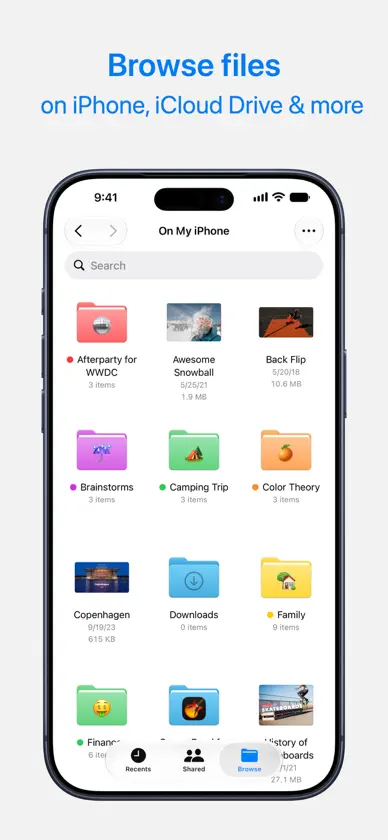
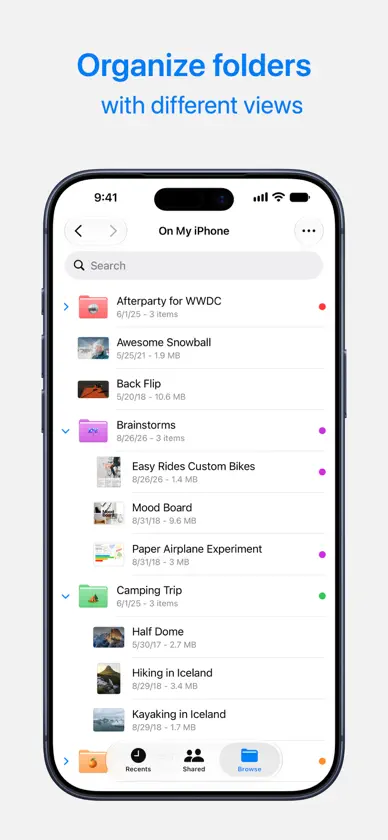
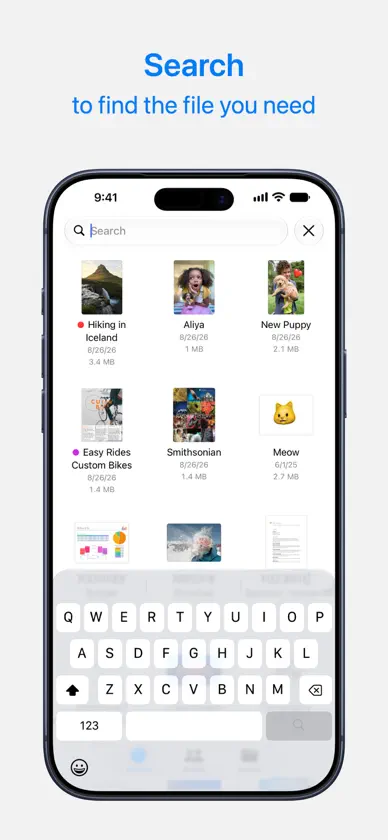
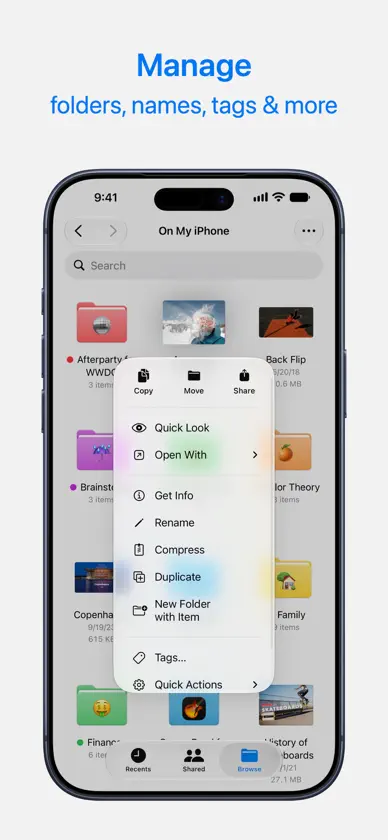
Access and organise your files no matter where they’re located — on your device, in the cloud, on an external drive or file server— with Files. The Recents view displays the files you’ve been working on lately in high-resolution thumbnails. Use the powerful Browse view to navigate folders, organise your files with tags, move files between folders and search. Files also makes it easy to access iCloud Drive and third-party cloud storage services such as Dropbox, Box and OneDrive. Features • Press the Files icon in the Dock or Home screen to quickly open a file from anywhere • Connect an external drive or SD card to your device to access the files • Connect to a file server at work or a home PC using SMB from Files. • Use tags to organise files stored with different cloud providers and across different apps. • Pin your favourite folders in Browse view for quick access to the ones you use most. • Give people access to any file stored in iCloud Drive by sharing a link from the Files app. • Drag and drop to select files and organise them into folders.
What's new
Version 2.8 · Oct 19, 2026
Bug Fixes and Feature Enhancements
More from Apple


You might also like
 iFiles - File Manager BrowserYajing Qian
 My FileManager - DocumentsGyoom
 Owlfiles - File ManagerSkyjos Co., Ltd.
 i-USB-Storer裕雨 程
 i-FlashDeviceShenZhen 0101 technology Co.,Ltd
 File ManagersLaxay Gajera
 Vivitar Mobile Reader振峰 皮
 uDiskShenzhen Brown Bear Technology Co., LTD
 WinZip: #1 zip & unzip toolWinZip Computing LLC
 File manager - File ExplorerBhalala Hiren Bharatbai