
FoxFeed: RSS Reader
承金 洪
No ratings yetUtilitiesAges 4+
Screenshots


About this app
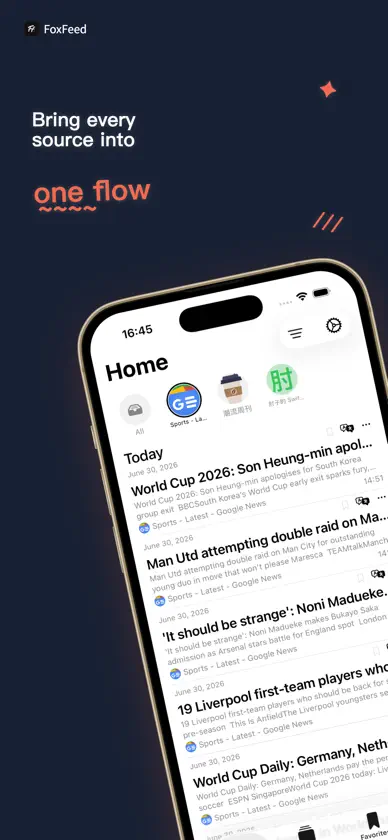
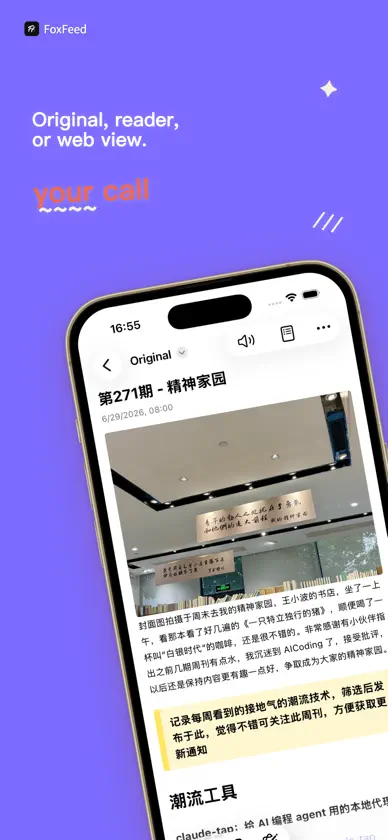
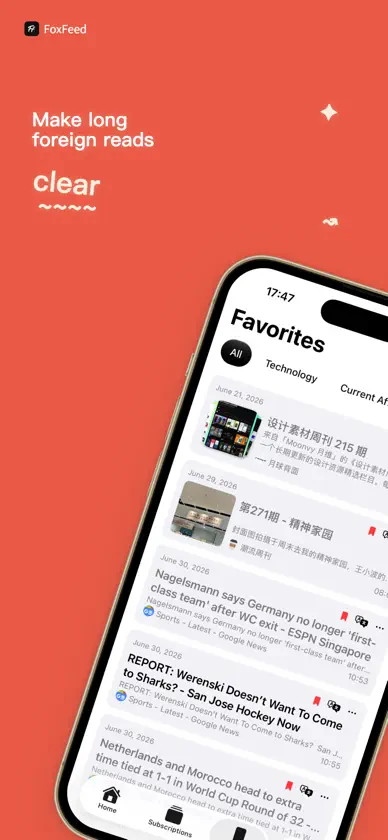
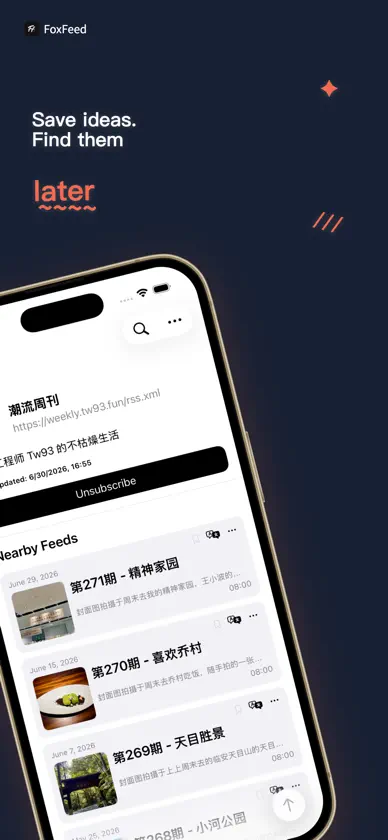
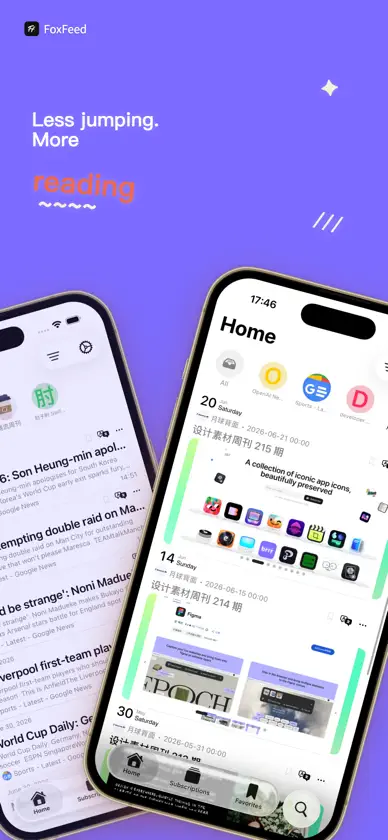
Information is scattered across websites, blogs, communities, and apps. You scroll through everything, yet remember nothing. Reading should not be endless switching back and forth, but a steady, focused rhythm. FoxFeed brings scattered information sources into one clean timeline, keeping every article exactly where it belongs. 「All Subscriptions in One Place」 Add a URL, scan a QR code, or import OPML for batch migration. Bring websites, blogs, media outlets, and update sources together in one place, so you no longer have to worry about finding the right entry point. Supports multiple formats, including RSS、Atom、JSON Feed、RDF, and more. 「Clean Timeline Reading」 The home page organizes the latest articles by date and supports filtering by all, unread, and individual subscription sources. Read what you want one by one, while read articles are automatically hidden, allowing reading to return to focus itself. 「Original · Readable · Web」 Article details support original content, readable mode, and web mode, while preserving the complete table of contents structure. Open articles in an external browser or share them with one tap whenever needed, for a smooth and seamless experience. 「Favorites、Tags & Search」 Save articles worth reading again, and organize them with tags. Find them quickly later through search, so inspiration is never lost. 「Translation」 Supports article translation, bilingual comparison, smart summaries, intelligent tag annotation, and text-to-speech. Grasp the key points of long articles in seconds, remove language barriers from foreign content, and greatly improve reading efficiency. 「Deep Customization」 Subscription groups, refresh frequency, retention period, themes, and icons can all be freely customized according to your habits. Helps you organize scattered information sources into a stable personal reading flow. 「Subscription Cancellation Instructions」 1. The subscription is an auto-renewing service. After purchase confirmation, the fee will be charged to the user’s iTunes account. 2. Within 24 hours before the membership period ends, the system will automatically charge the account and extend the membership service by 1 month. 3. To cancel the subscription, please manually turn off auto-renewal at least 24 hours before the current subscription period ends. 4. Cancellation path: Open iPhone「Settings」> go to「iTunes Store & App Store」> tap「Apple ID」> select「View Apple ID」> tap「Subscriptions」under「Account Settings」> find and cancel “Recurring Subscription”. 「Privacy Policy & Terms of Service」 * Privacy Policy: https://logspot.hocgin.top/Feed/?active=privacy-policy * Terms of Service: https://logspot.hocgin.top/Feed/?active=terms-of-service
What's new
Version 1.1.0 · Oct 10, 2026
Optimized compatibility issues.
In-app purchases
The most popular purchases on the App Store.
- Annual PlanSubscription · 3 days free trial$8.99 / year
- Monthly PlanSubscription$0.99 / month
- Weekly PlanSubscription$0.99 / 7 days
- Lifetime PlanConsumable$14.99
More from 承金 洪


You might also like
 blockit easyTim Weiss
 轻松阅读 - RSS订阅与AI整理山东金悟信息科技有限公司
 Wallrap: Wall Tap SurveyRobert Corbin
 Newsnobo: RSS News ReaderNan Yu
 Gazette: RSS News ReaderGalanga Studios
 Keenly News路明 关
 Shine Note Capture Inspiration晓松 高
 卫星导航地图-高清3D街景北斗定位地图火烧云台风监测Shenzhen Chunjiang Yueming Technology Co., Ltd.
 Polyshell Browser湘姗 许
 Marklit - Text Renderer明明 常