
HTML Serve
Ahmed El-Gendy
No ratings yetUtilitiesAges 4+
Screenshots




About this app
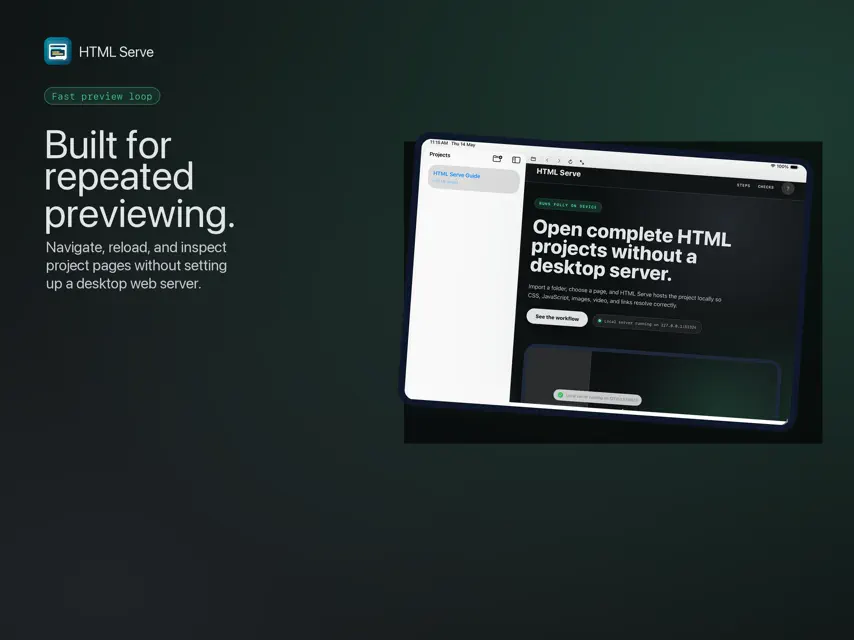
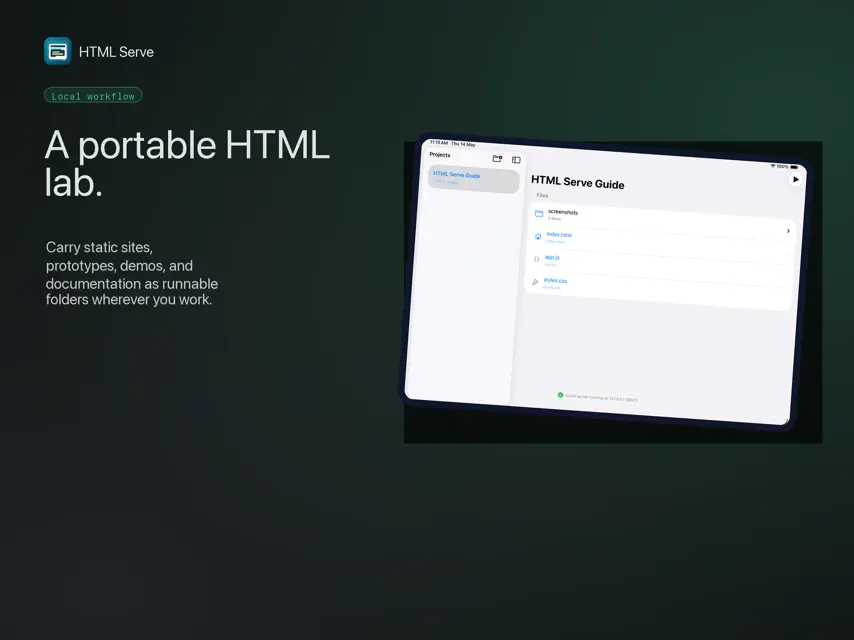
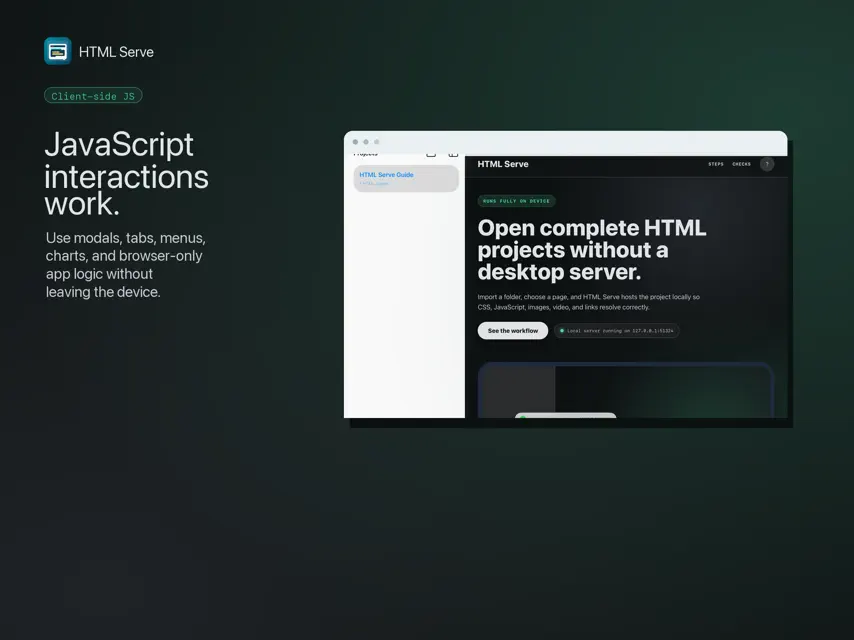
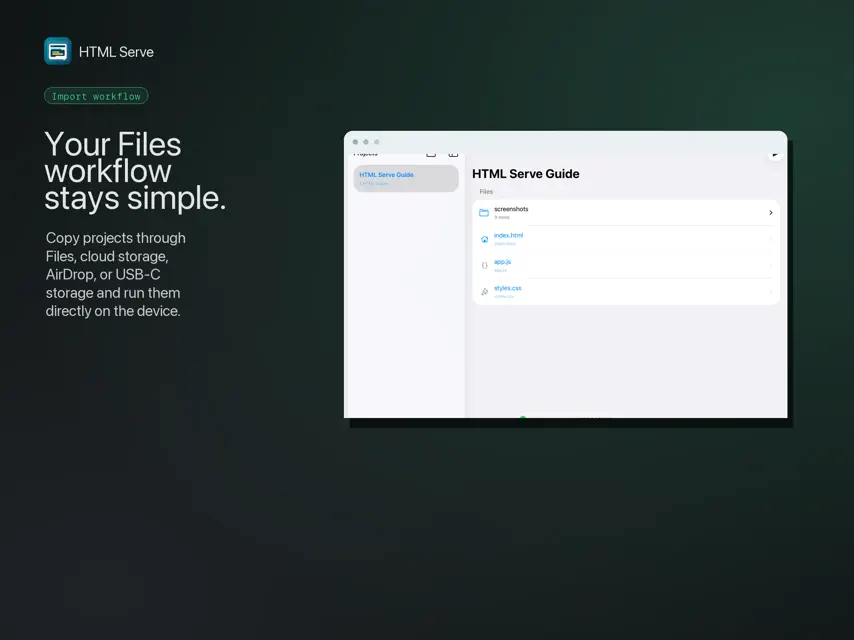
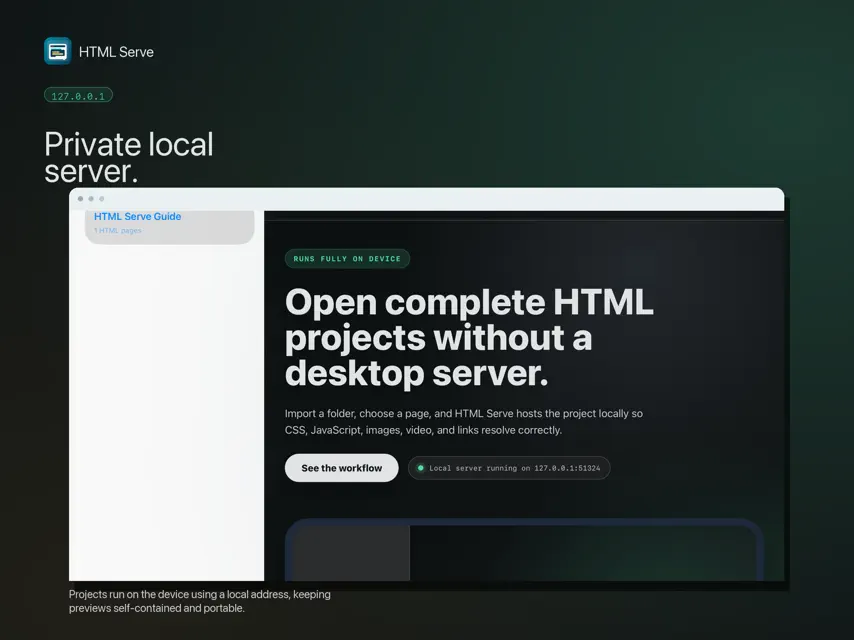
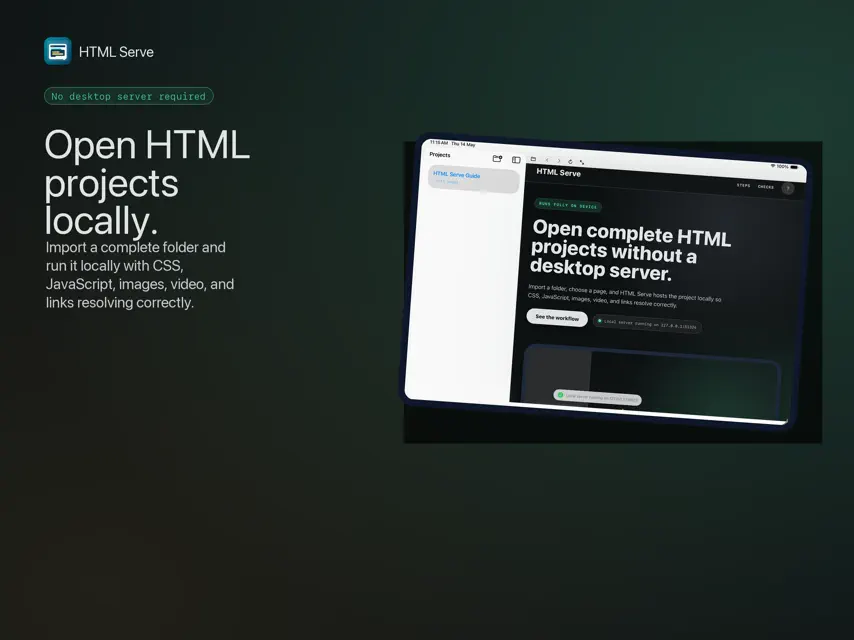
HTML Serve lets users import static HTML project folders from the Files app and run them locally on device. The app creates a local project library, scans folders, shows HTML pages and supporting files, and previews projects through an embedded browser powered by an on-device loopback server. It is designed for static projects that include HTML, CSS, JavaScript, images, PDFs, video, audio, and other local assets. Key features: - Import full project folders from the Files app - Browse folders and files inside each imported project - Run HTML pages locally inside the app - Serve static assets through a local device-only server - Support JavaScript interactions such as modals, navigation, charts, and client-side UI - Preview common assets including images, PDFs, .mov, .mp4, and other files - Use fullscreen mode for presentation and review - Work offline after importing a project - Mark projects as favorites and open a default project at launch - Resume the last page you viewed in each project - Open projects from Home Screen quick actions, the Shortcuts app, or htmlserve:// links - Link folders in place instead of copying them to save storage - Optionally share a project over local Wi-Fi with a scannable QR code - Rename projects, search your library, and use keyboard shortcuts - Available in English and Turkish HTML Serve is built for users who need to review static HTML deliverables, prototypes, reports, dashboards, and local web projects directly on device without an external server.
What's new
Version 1.2.0 · Sep 19, 2026
Fix bugs enhance overall performance


