
KeyBindControl
YUTAKA MIMURA
No ratings yetUtilitiesAges 4+
Screenshots

About this app
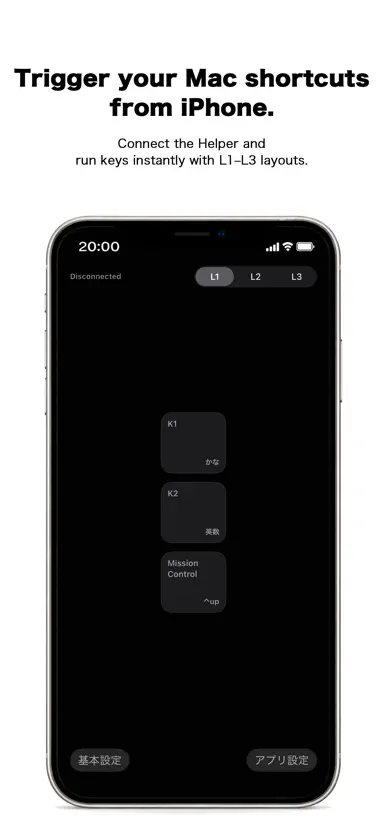
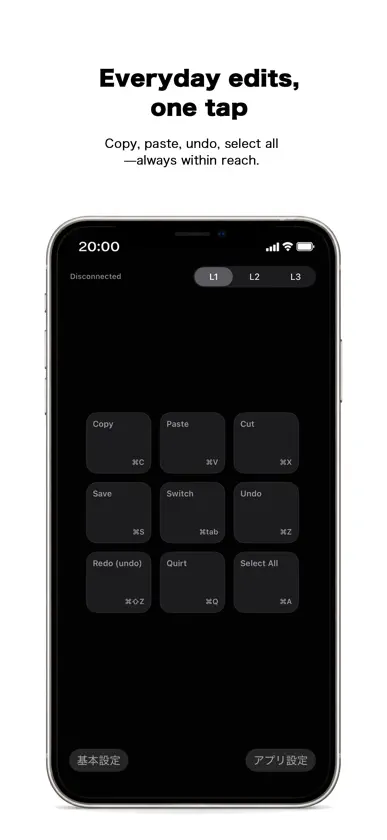
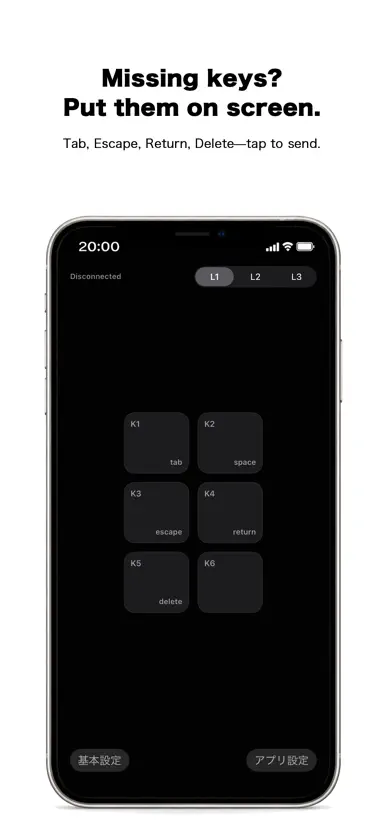
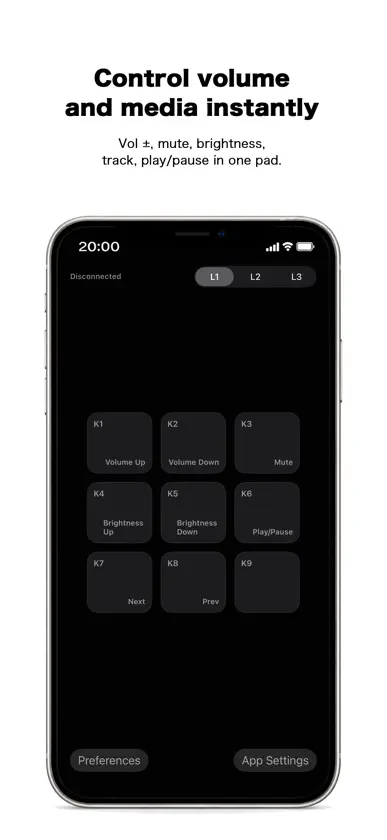
KeyBindControl is a macro pad app that lets you execute mac/windows shortcuts and keyboard actions from your iPhone or iPad. By using your iOS device as a customizable control panel, you can trigger frequently used shortcuts, key combinations, and actions on your Mac/windows with a single tap. This helps streamline your workflow and reduces the need for complex keyboard input during work, presentations, or creative tasks. KeyBindControl works together with a dedicated Helper app running on mac/windows. https://www.atlascope.idatabase.info/app/keybindcontrol/en/how.html Actions are executed only when explicitly triggered by the user from the iOS app. The Helper does not perform background automation or continuous monitoring. Key Features ・Execute mac/windows shortcuts and keyboard actions from iOS ・Customizable macro pad layout for your workflow ・Secure connection with a mac/windows Helper app ・Local network communication only, no unnecessary external data transfer Privacy KeyBindControl is designed to operate solely for transmitting user-initiated commands to mac/windows.It does not collect personal information or send data to external servers. Privacy Policy:https://www.keybindcontrol.idatabase.info/en/privacy.html Terms of Use Please review the Terms of Use below for details about usage conditions and disclaimers. Terms of Use:https://www.keybindcontrol.idatabase.info/en/terms.html
What's new
Version 2.4 · Jun 21, 2026
fixed bugs
In-app purchases
The most popular purchases on the App Store.
- KeyBindControl Pro (Lifetime)Consumable$14.99
- Support Development (Large)Consumable$9.99
- Support Development (Small)Consumable$0.99
- KeyBindControl Pro (Yearly)Subscription$9.99 / year
- KeyBindControl Pro (Monthly)Subscription$0.99 / month
More from YUTAKA MIMURA


You might also like
 Padme - Custom keypad for MacGiuseppe Bertolini
 Docksy: Macro DeckDYAL SINGH
 Sidekey: Wireless KeyboardKaihong Chen
 QuickPad - Touch & ControlKAZUHIRO KAKIMOTO
 GridBar: Tile Shelf & MacrosJonas Hoettler
 SLnayanShenzhen Shenglong Technology Co., Ltd
 eTrackPad: Wireless TrackpadBatuhan Tufekci
 TabletHIDMax Murphy
 WiOOWidesign srl
 DeckPad - Macro PadAndy TUNG