
Label Codes
Bino Solutions SRL
No ratings yetProductivityAges 4+
Screenshots



About this app
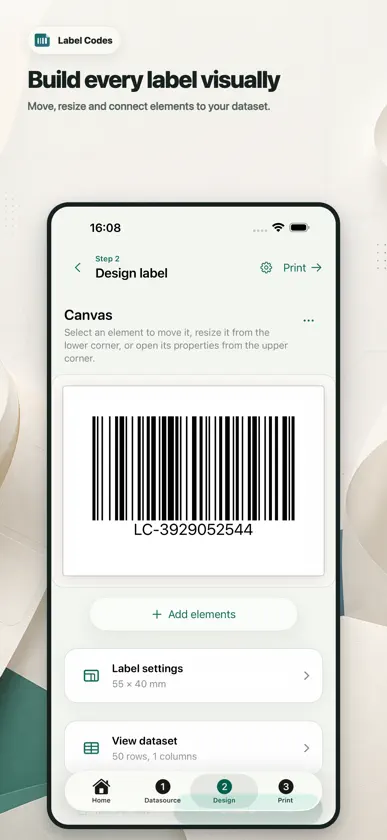
Turn your data into labels with Label Codes for iPhone and iPad. Import a CSV or Excel (.xlsx) file, generate a batch of barcodes, or reopen a saved project. Design labels with text, barcodes, QR codes and images, then preview the result before printing. • Start with ready-made templates or customize your layout. • Adjust label size, select rows and set the number of copies. • Print with AirPrint or compatible network and Bluetooth LE printers. • Export labels as PDF, PNG or SVG. • Save your projects and transfer them between devices and the web designer. Printer support depends on the model, command language and connection. Print a test label before a large batch. Free to download and use. No account is required for native label creation.
What's new
Version 1.0.1 · Oct 5, 2026
- Undo and redo changes while designing labels. - A cleaner editor with an alignment grid and improved iPad layout. - Print a test label before starting a full batch. - Better handling of large print jobs. - Print labels even when some fields are empty.
You might also like
 DocLensr: PDF ScannerISTACK DEVELOPMENT
 NiostarZhuhai Zywell Technology Co., LTD
 Star Label PrintSTAR MICRONICS CO.,LTD.
 Inventory Tracker: Smart StockManuel Worlitzer
 Wild SpotterCharles T. Bargeron
 Webasyst Task Tracker for WorkWebasyst
 CC Tool AppWalker Frederick
 Label Printer Address StickersJordan Zeleny
 Moe Memos宇霆 郭
 Pos printer PrinterAppDevline Spa