
Longlight
JIACHENG GUO
No ratings yetPhoto & VideoAges 4+
Screenshots



About this app
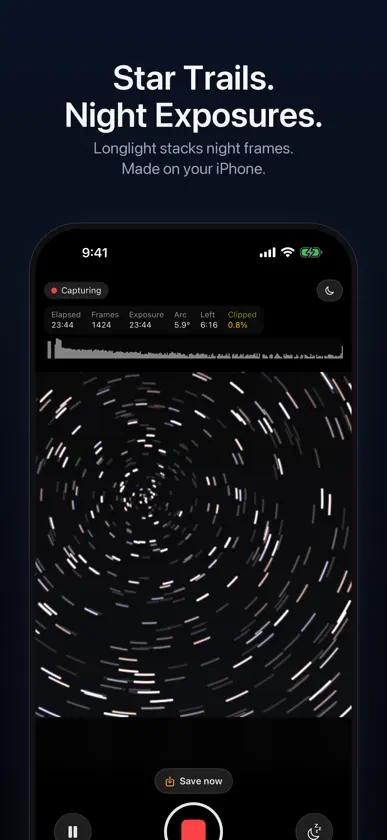
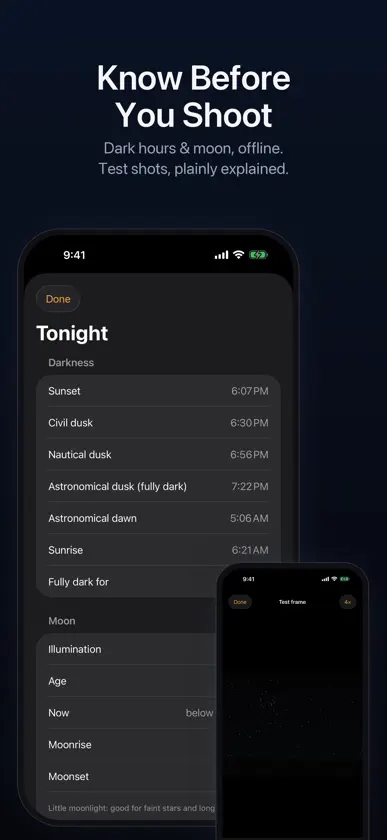
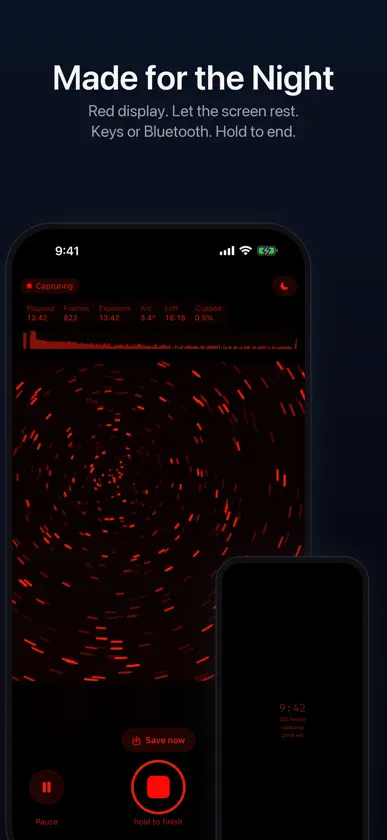
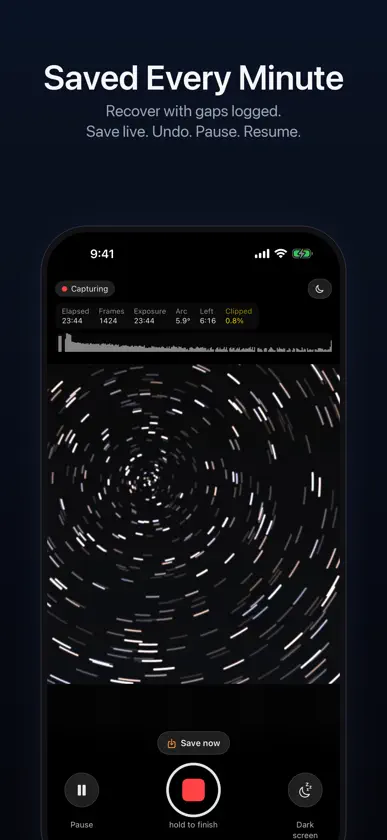
{APP_NAME} is a long exposure camera for iPhone, free to download. A single frame has an exposure limit of about one second. The app stacks short frames in real time to build a longer exposure. The viewfinder shows the growing photograph, and stopping at any time gives you a complete image. Automatic checkpoints save your progress every minute. Presets Shoot star trails and light trails from cars, boats or planes with Lighten stacking. Smooth water, clouds and crowds with Average stacking. Start Light Painting, draw with light, then tap to stop. Clean Night averages frames to reduce noise in static night scenes. Manual unlocks all controls in the same interface. Every preset is a parameter set for the same engine. Manual Controls Single-frame shutter speed and total duration have separate, visible controls. Shutter and ISO ranges come from your phone's actual limits, shown in the interface. Choose Lighten or Average stacking, select a physical lens, lock white balance in kelvin, and capture individual frames as HEIF or Bayer RAW DNG on supported models. Use manual lens-position focus, a focus magnifier and star autofocus assistance. Check exposure with zebra warnings, a histogram and an overexposed-area percentage. Save custom presets and keep your last settings. Composition and Planning Take a test frame for plain-language feedback on star count, sky brightness, focus and overexposure. Night-vision gain helps you preview the scene. A level and 3:4, 4:5, 9:16 and 1:1 crop guides help with framing. The Tonight card calculates sunset, astronomical dusk and dawn, moon phase, moonrise and moonset offline. Night Use and Reliability A call, system interruption or crash need not erase the session: recover an image from the checkpoint saved each minute, with gaps recorded. If headlights sweep the foreground, undo the latest minute and keep the rest. With original frames retained, remove selected minutes after shooting and restack. Save an image during capture without stopping, pause and resume, or continue stacking onto the same image after finishing. Guards monitor heat, battery and storage, automatically ending capture and saving at critical levels. A red interface and a black rest screen support night sessions. Large text shows elapsed time, frame count and battery; two taps wake the screen. Long captures require a press and hold to finish; Light Painting stops with a tap. Use volume buttons, Camera Control or a Bluetooth remote, with a remote self-test in Settings. Delayed start and a pre-shoot checklist cover battery, Low Power Mode, free space and call reminders. Output Save HEIF or JPEG to Photos with add-only permission, or export 16-bit TIFF. EXIF includes lens aperture, equivalent focal length, accumulated exposure and frame count. Retain and share every original HEIF frame, or DNG frame when using RAW capture. The stacked image is not RAW. Save the growing image as an MP4 time-lapse. Every session includes a full report with frame count, accumulated exposure, per-frame settings, camera, capture path and why it was selected, plus interruption records. Session packages are visible in Files. Adjust exposure and black point after shooting. Privacy Fully offline. No account and no data collection. All processing stays on your device. Photo location tagging is off by default and optional. Requires iOS 18 or later. Interface available in English and Simplified Chinese.
More from JIACHENG GUO

You might also like
 StarlapseRustam SALAVATOV
 Eagle Image StackerAL MUATASIM AL MAADI
 Aperto - Pro CameraMaksim Logvinov
 ZoomBoost: HD Ultra ZoomALGORITHM LLC apps
 Blackout CameraMatthew Wong
 InfiZoom - Camera彩霞 梅
 AstroStacker: Stack the SkyAhmed Al-Mahmud
 SANDMARC CameraSandmarc LLC
 Pro Cam - Portrait & CinemaGinnyPix
 Long Exposure Camera: Night XPTwo Up