
Map Builder
Thomas Anthony Beech
No ratings yetGraphics & DesignAges 4+
Screenshots

About this app
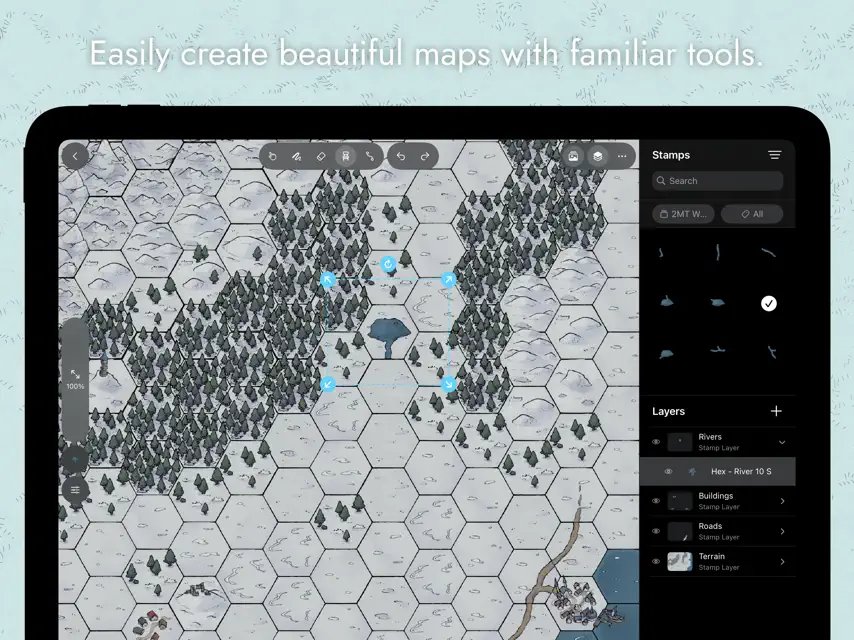
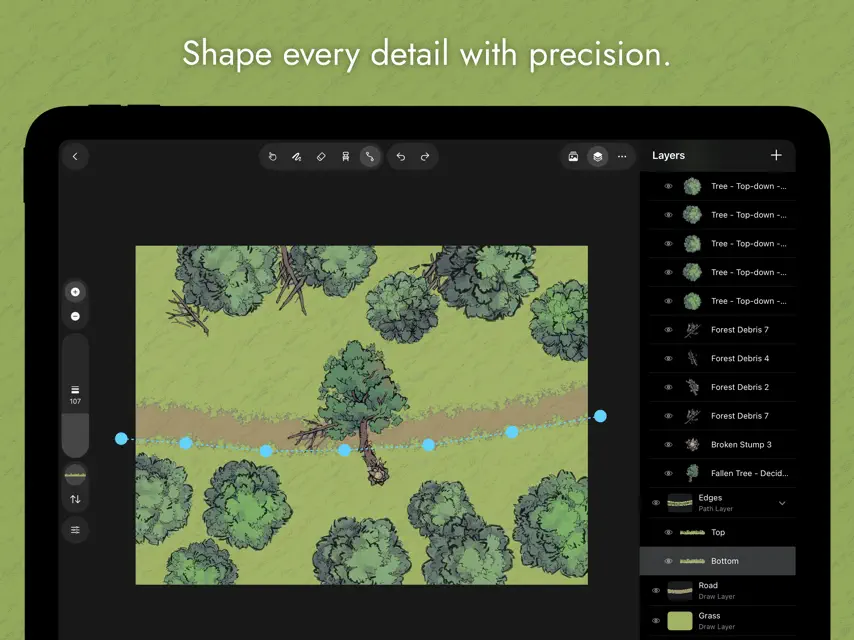
Bring Your Worlds to Life, One Map at a Time Map Builder makes it easy to draw beautiful, custom battle maps for your tabletop RPGs. Whether you're a Game Master designing an epic campaign or a player crafting a personal quest, Map Builder gives you the tools to build immersive worlds with ease. - Built-In Asset Manager Organize your assets with custom tags, collections, and categories—everything you need is just a tap away. - Import DungeonDraft Assets Use the packs you already own to jumpstart your map-making. - Layered for Precision Manage terrain, roads, buildings, and more with full layer control for clean, detailed layouts. - Intuitive Interface Designed for creativity—no clutter, just the tools you need, right where you expect them. - Simple but Powerful Tools Draw terrain, drop in objects, carve winding paths, and build your world one brushstroke at a time. Assets used with permission from 2-Minute Tabletop.
What's new
Version 2.3.0 · Dec 11, 2025
This update brings a fresh round of creative tools and quality-of-life upgrades to help you build even better maps. New features - Icon and List Views for Assets: Switch between compact icon tiles or detailed list rows in both the asset library and asset picker. - Background Opacity: Fine-tune the opacity of your map’s background color. - True Isometric Grid: A brand-new isometric grid option joins the existing square, hexagon, and diametric options. - Unified Color and Texture Picker: Colors and textures now live in one streamlined picker for faster selection. - Advanced Brush Texturing: Offset, rotate, and mirror brush textures to achieve exactly the look you want. - Drag and Drop Stamps: Drop stamps directly onto your map from the asset picker for a smoother, more tactile workflow. Bug fixes - The previous “Isometric” grid has been renamed to the more accurate "Diametric" grid. - The brush diameter preview now renders accurately while resizing. Can’t wait to see what you create next!
You might also like
 FantasyMapAIAKIRA SASAKI
 FantasyCityAIAKIRA SASAKI
 Fantasy AI: Art GeneratorRiafy Technologies Pvt. Ltd.
 Pixel art maker - InkticaRobert Filip Odrowaz-Sypniewski
 DarkRef - Art Reference BoardTimothy Patrick Dommett
 ShotGlide: The Storyboard AppJeremy Haccoun
 Doodraw: Animated DrawingAlexis Gridel
 3D Pose Reference & Easy PoserHa Vu Thi
 Voxel Max: 3D ModelingAdrian Andreca
 DGArtHeng Jia Liang