
Micapaint
SHOGO SEKI
No ratings yetGraphics & DesignAges 4+
Screenshots

About this app
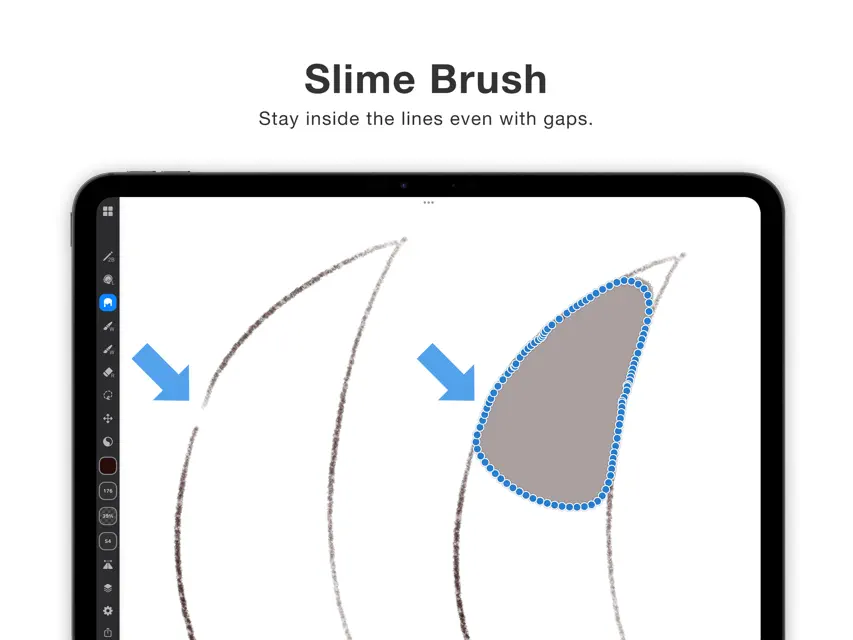
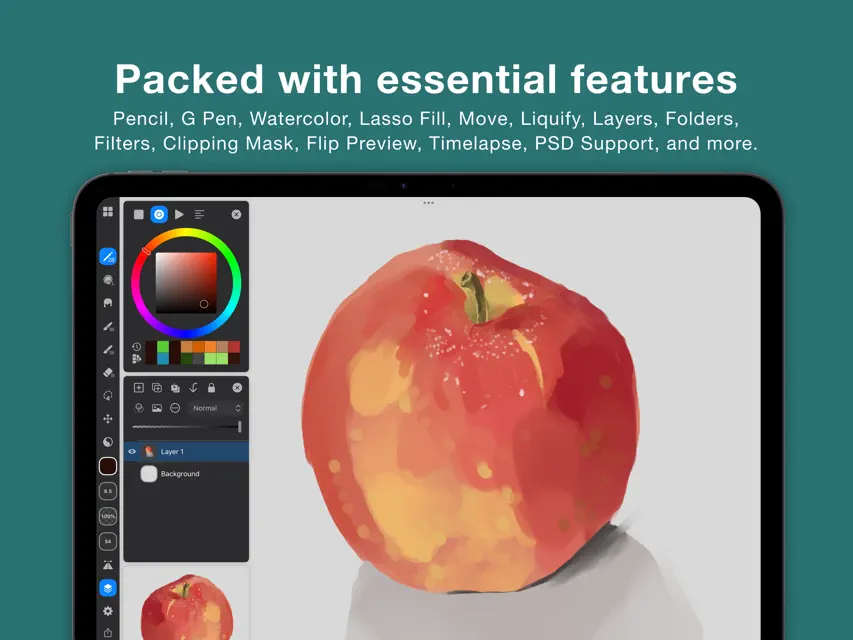
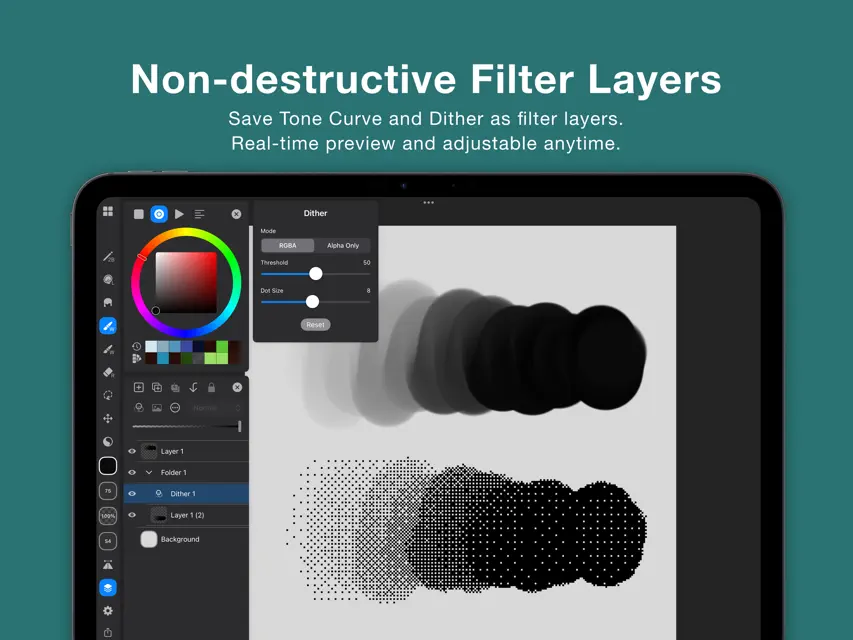
Made with a love of painting, Micapaint puts a delightful drawing experience above everything else. Key Features - Smooth brush performance at 120fps: even 1000×1000 blending brushes run fluidly. - "Slime Brush" that fills regions without spilling outside broken lines. - A simple, workspace-first UI that maximizes your canvas. - No ads. Use most tools without limits, for free. Free Features - Pencil, G-pen, watercolor blending, blur - Lasso fill - Unlimited layers (as long as memory allows) - Layer folders - Clipping masks (yes, even for folders!) - Canvas flip for preview - Alpha lock - Filters (Hue/Saturation/Lightness, Brightness & Contrast, Tone Curve, Noise, Dither, Gradient Map, Blur, Chromatic Aberration) - Filter Layers (Non-destructive adjustment layers) - Saturation adjustment that preserves perceived brightness - Selection & transform - Liquify (push, expand, pinch, rotate, reset) - Paint bucket fill - Image import - Standard blend modes - Mini canvas view - Reference images displayed over the canvas - PSD import / export - Undo / redo - Adjustable stabilizer strength - Barrel roll support - Customizable toolbar (button count & layout) - Color history and swatches - Timelapse recording - Crop / resize the canvas you're editing (free up to 5 times) Pro Features (available with in-app purchase) - Canvas reordering - Brush export and import - Unlimited canvas crop / resize
What's new
Version 1.14.2 · Nov 4, 2026
- Fixed an issue where the app could crash during screen transitions on iPadOS 27 - Improved stability
In-app purchases
The most popular purchases on the App Store.
- Micapaint Pro (Lifetime)Consumable$11.99
You might also like
 Pastelapixiv Inc.
 SeePaint: Draw, Sketch & PaintLaitu Technology Co., Limited
 iLMiNA - Drawing & PaintPGN Inc
 MediBang Paletta:Drawing AppMediBang inc.
 1BitPencilHALVAL Ltd.
 크레페 CREPECOOKIEPLACE Inc.
 MagicalDrawAki Ueno
 VRM Pose Filertomoyuki iwami
 Scribble Board – FreehandMITSUKO MARGOT KUBOTA ONO
 Charactool: Customizable PoserUJULIN Co.