
MSB FIVE
Mobisys GmbH
No ratings yetBusinessAges 4+
Get it free on the App StoreOpens Apple's App Store
Screenshots
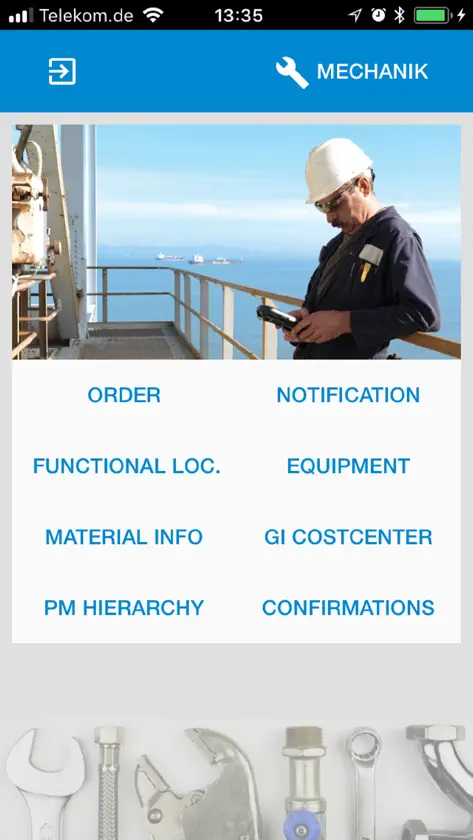
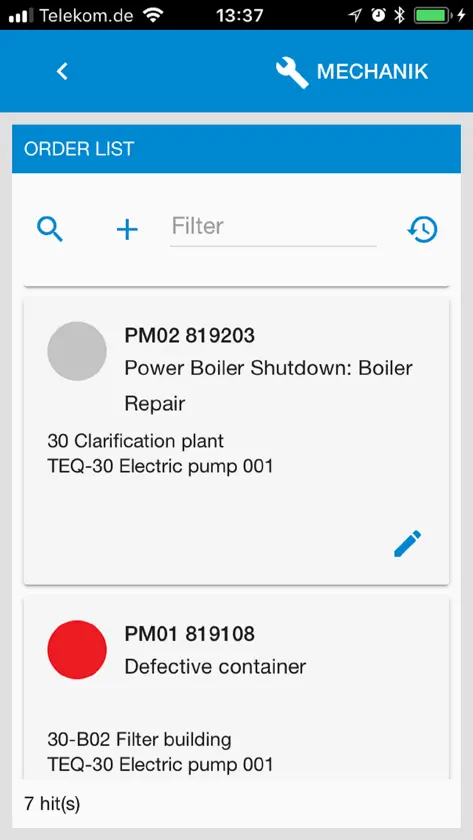
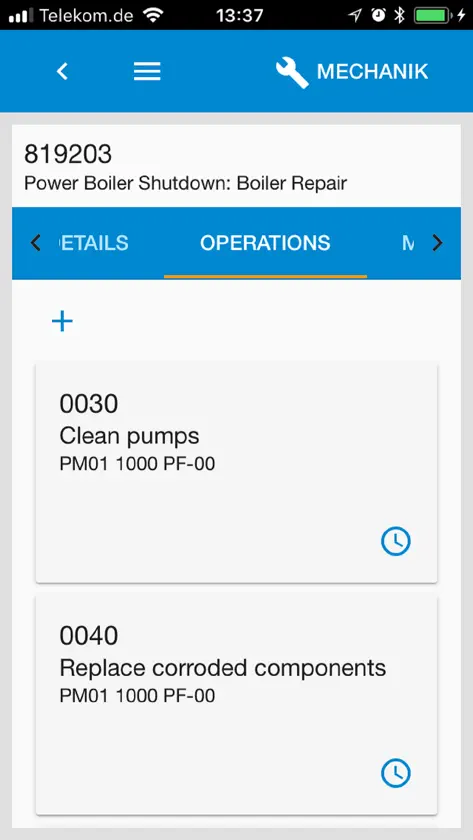
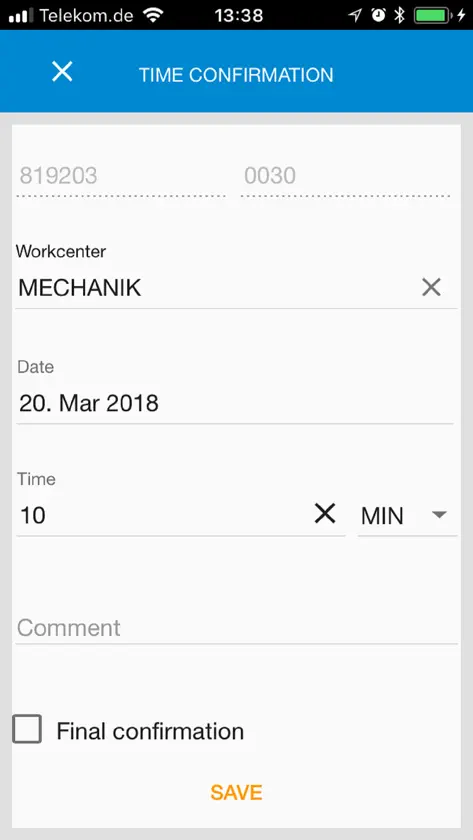

About this app
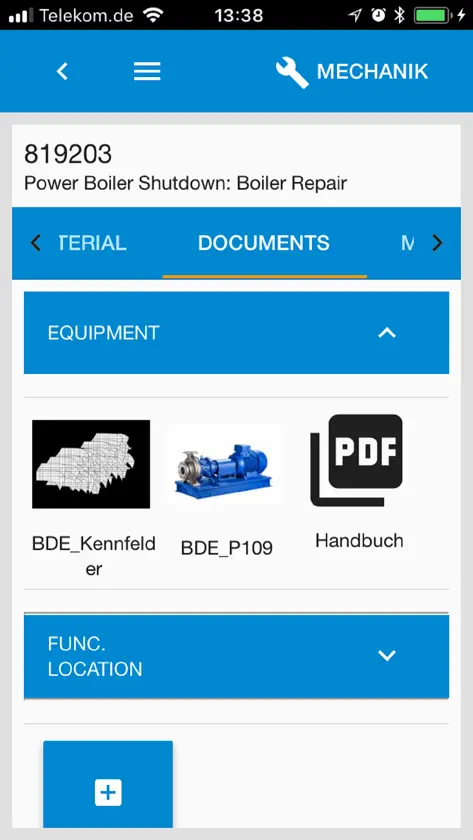
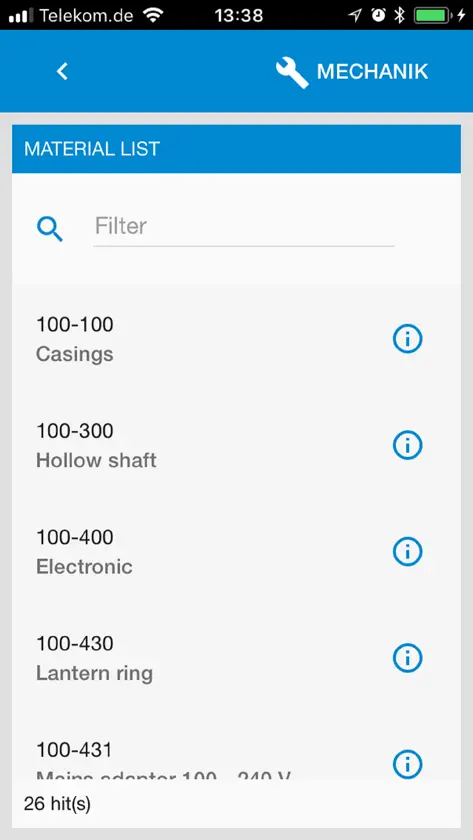
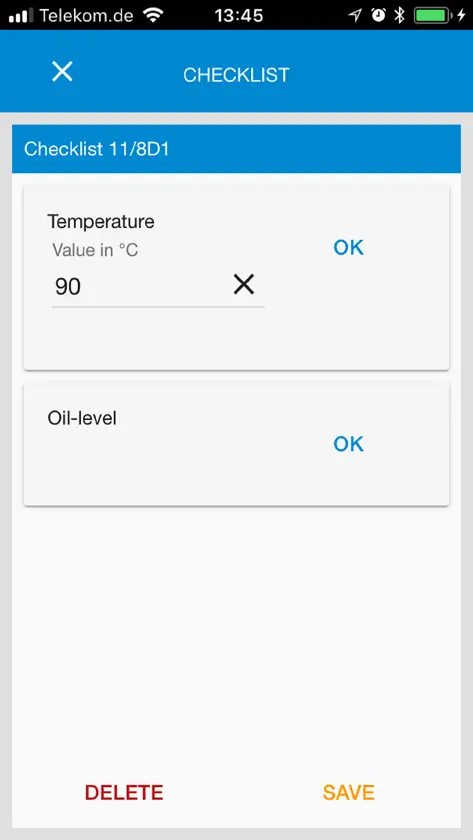
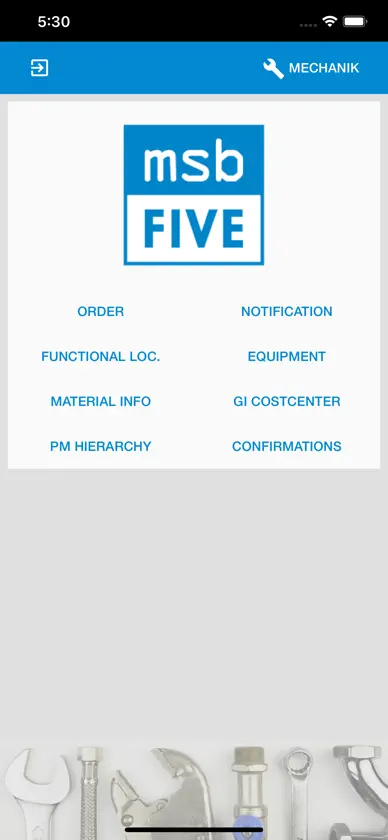
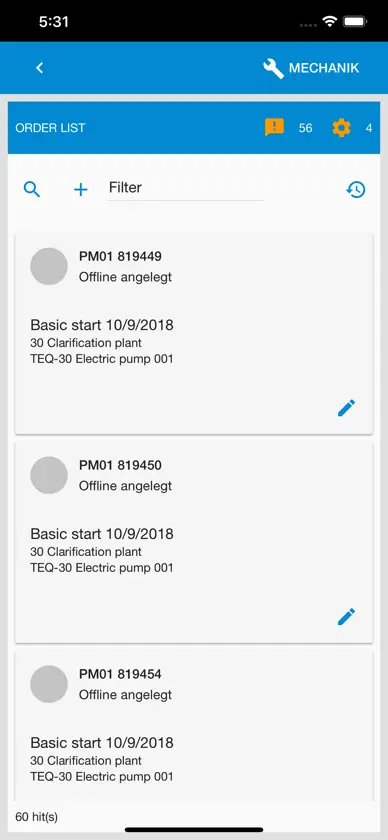
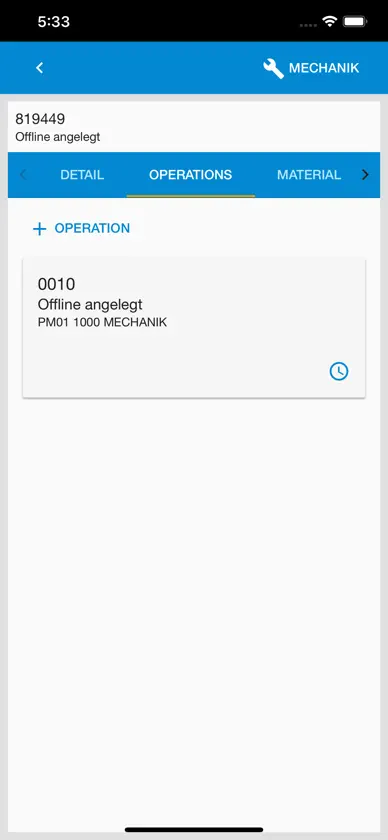
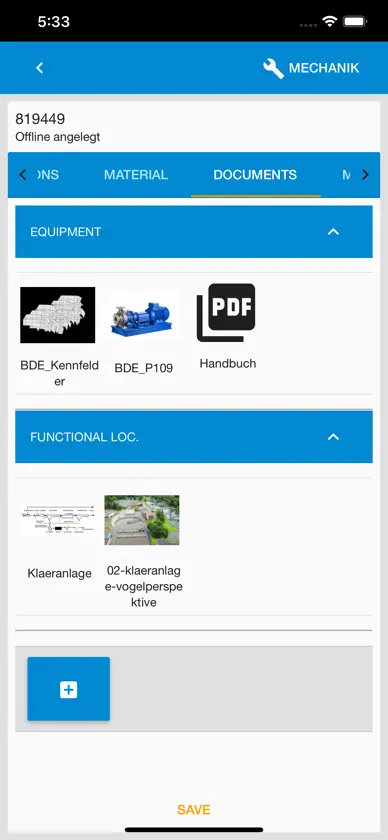
Use the MSB FIVE App to connect to the MSB FIVE Add-On on your SAP system. Test example processes by connecting to our demo server. In Step 4 of the Device Wizard – The connection tests will fail with the error message "The device ID xxxxxxx is not enabled in MSB Device Management" due to security reasons. Please contact us by sending an email to support@mobisys.de and providing the DeviceID and we will put the device on the whitelist. After we have activated your device you can login and test the demo processes.
What's new
Version 5.1.0 · Feb 18, 2026
New - Update Dependencies Bugfix - Changes to a file in FileExplorer were not displayed.


