
Oh! Right
SOO CHAN HWANG
No ratings yetProductivityAges 4+
Screenshots
About this app
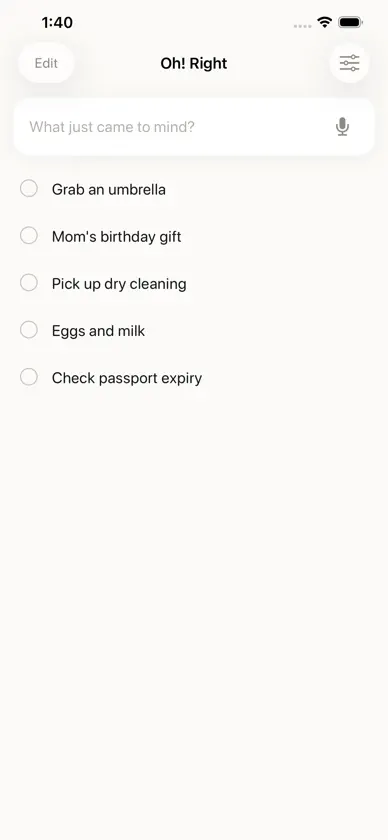
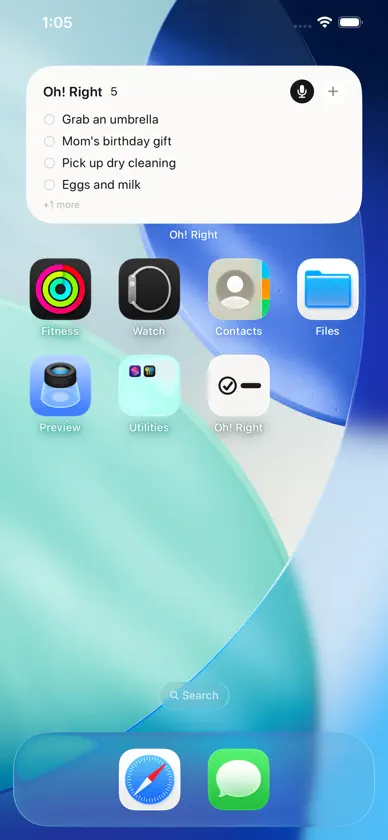
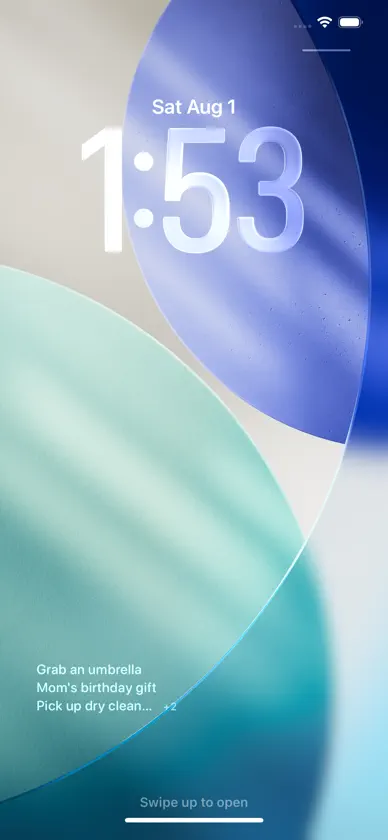
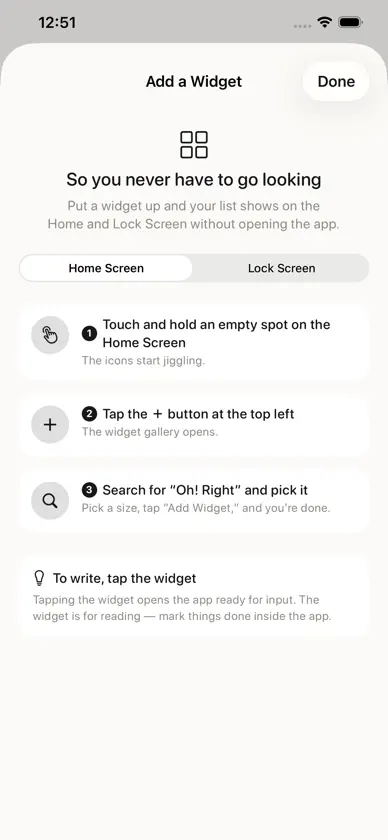
If you can't write it down the moment you think of it, it never happened. Oh! Right exists for that one moment. Open, write, done. ■ Ready to type the instant it opens The cursor is already in the field. Nothing to tap first. Press return and it's saved — and the cursor stays put, so you can keep going. ■ Or just say it Tap the mic and talk. Stop talking and it saves itself. Recognition happens entirely on your device; nothing leaves your phone. ■ You don't have to go looking Your list sits right there on the Home and Lock Screen. A note you only see after opening an app is a note you stop seeing. The order you set in the list is the order the widget shows. ■ One nudge if you forget If something's still not done 12 hours after you wrote it, you get a reminder. Three times at most, and never between 10 PM and 8 AM. Turn it off anytime in settings. ■ Anywhere on your phone · One tap from Control Center to start recording · Assign it to the Action button (iPhone 15 Pro and later) · Ask Siri · Keep it on your Lock Screen and Dynamic Island with a Live Activity ■ Your devices stay in step Your list syncs across the iPhone and iPad signed in to the same Apple Account. No account to create. ■ Three looks Paper — just text, no color. The quietest. Ink — ink-dark, with one neon accent. Dusk — a warm gradient. ■ What's deliberately missing Due dates, repeats, tags, subtasks, folders, priorities. Add any of them and it becomes an app for organizing — and then there's no point in writing something down in one second. No sign-up. No ads. No purchases. What you write stays on your device and in your own iCloud. So you never have to go looking.
More from SOO CHAN HWANG

You might also like
 MemoTap : To-Do & SchedulesSeunghoon LEE
 Remember To Do: Daily RoutineNerdens
 SuguMemo - Quick Voice Notestomoki swanson
 팀플요정hanseung cho
 바로 메모 - 빠른 복사, 붙여넣기, 시간 리마인더YongSu Kim
 DonePort: Lock Screen TodoKEN HASEGAWA
 Runn: To-Do List & Widget마야크루
 MemoJetKihyup Kim
 1P PDF SCANPassionEx
 poitto: Screenshot to To-Do AITakumi Nishimura