
Screenshots





About this app
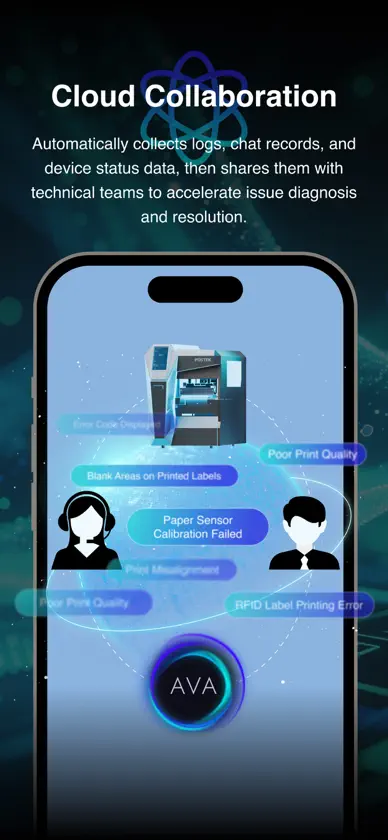
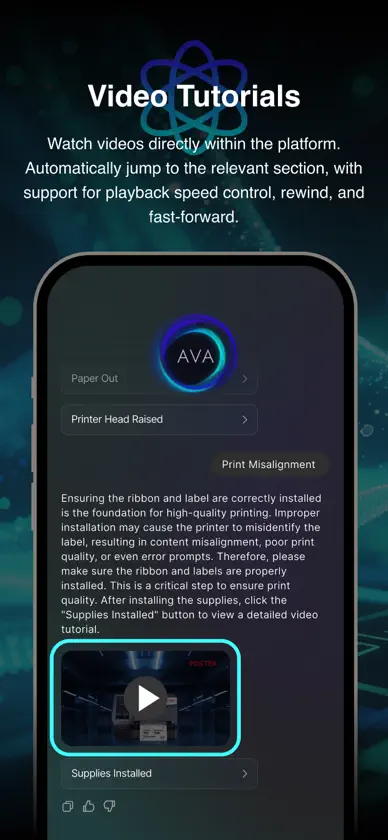
POSTEK is the official smart assistant for POSTEK barcode and label printers. With POSTEK, you can monitor printer status, diagnose common printing issues, access troubleshooting guides, and get help when you need it. Core Features: - Real-time printer status monitoring - Smart diagnosis for common setup and printing issues - Guidance for speed, darkness, media, and paper jam troubleshooting - Step-by-step image and video tutorials - Device status and troubleshooting history - NFC tap-to-connect for supported models - One-tap PDF printing - Optional log sharing to help technicians analyze issues Why Use POSTEK: - Built for POSTEK barcode and label printers - Easy setup and simple daily maintenance - Helpful troubleshooting guidance for common faults - No account registration required for basic use - Designed with privacy and data protection in mind
What's new
Version 2.3.15 · Nov 3, 2026
The all-new label editor is now available, with feature parity with the desktop version: it uses the draft list as its entry point and supports creating, renaming, duplicating, and deleting labels, thumbnails, and autosave. The canvas supports two-finger zoom and drag-to-pan, and the element types match those on desktop (text, including curved layout; lines; shapes; images, including cropping and PDF import; tables, including rotation; barcodes and QR codes; and RFID). Data linking supports importing Excel, serial numbers, dates, input variables, and shared variables; you can use the camera to scan codes and fill in content directly, and a GS1 Application Identifier builder is provided. Label size, multiple columns, and units (mm and inches) are adjustable. Preview before printing and check connection and print quality; Bluetooth and network printing are supported, along with speed and darkness settings. Older models can enter compatibility mode to print directly. Labels can be saved as .ptke or PNG and shared to other apps, and .ptke files created on desktop can be opened for cross-platform use; an illustrated manual is built in.


