
Poster Printing
Vitalij Schaefer
No ratings yetPhoto & VideoAges 4+
Screenshots
About this app
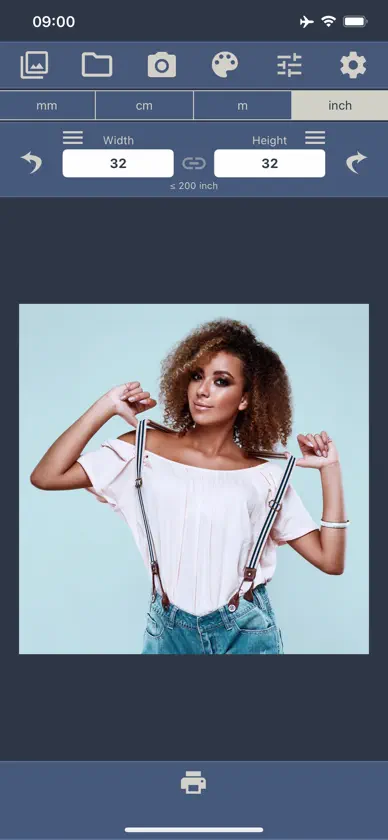
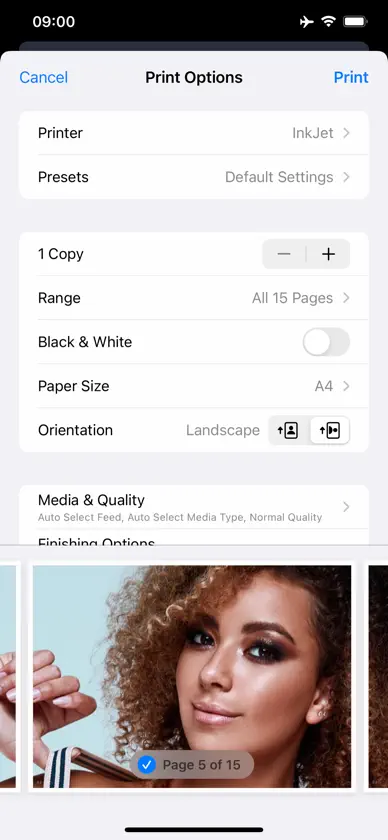
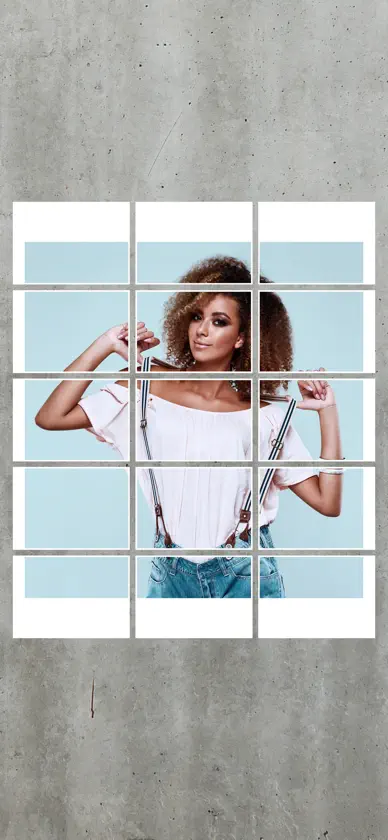
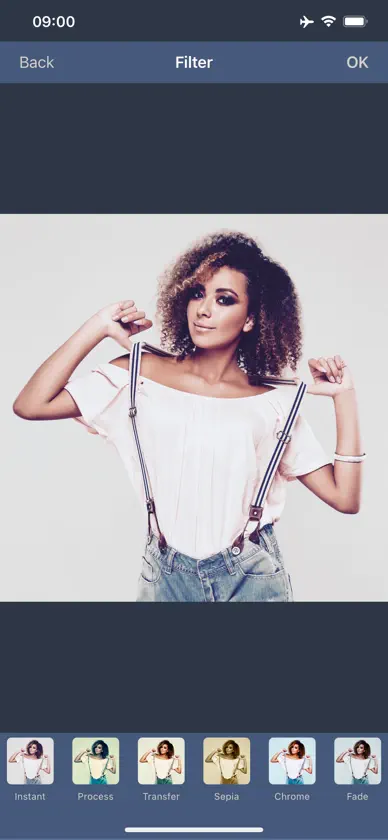
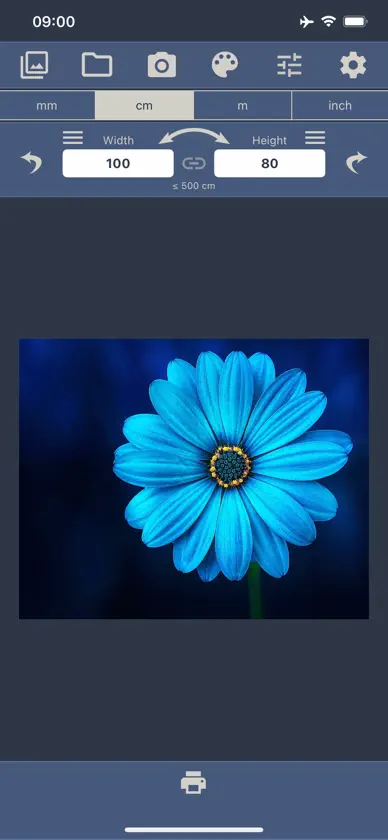
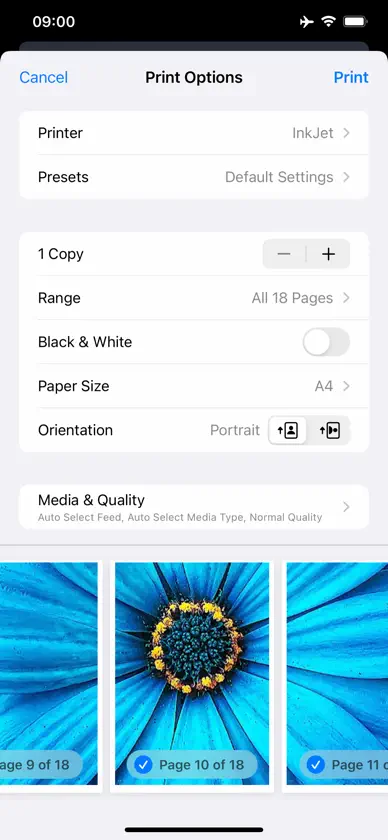
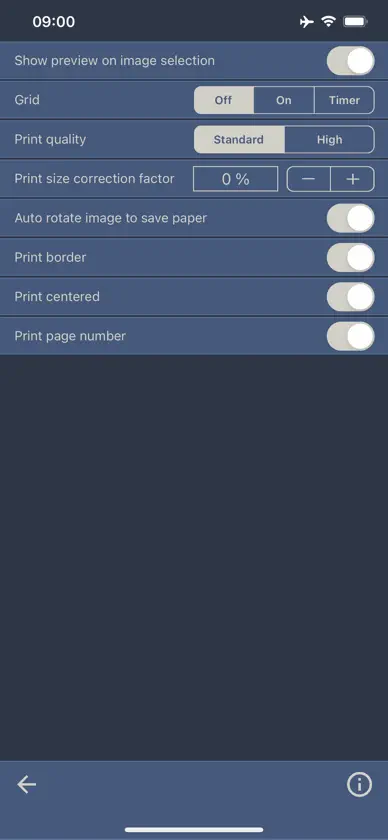
With this app, an image can be printed as a large poster. The image is divided into several pages for this purpose. After printing, the white border must be cut off in order to assemble the individual pages into a poster. A thin border line is printed to help with the cutting. The pages are numbered barely visible at the bottom left to avoid confusion when putting together the poster. Printing of page numbers can be deactivated in the settings. The image is automatically rotated to better fit the paper size to reduce the number of pages needed. In the free version of this app, ads are displayed and the size of the poster is limited to 60 centimeters and 24 inches. The size limit can be extended with a one-time in-app purchase. The ads can be completely removed with another one-time in-app purchase. Please note that very large posters require a large number of pages to be printed. Please check the entered size in order not to waste paper unnecessarily.
What's new
Version 3.9 · Aug 26, 2026
Bug fixes and improvements
In-app purchases
The most popular purchases on the App Store.
- Extended Poster SizeConsumable$9.99
- Remove AdsConsumable$7.99
More from Vitalij Schaefer


You might also like
 Raster - make your postersPierre Cossard
 Pencil Sketch - Image EditorDumpling Sandwich Software Inc.
 GHOSTLINEGhostline, Inc.
 Epson Creative PrintSeiko Epson Corporation
 Perfect Print : Exact PhotoBitFlap LLC
 Image Splitter - Crop & SavePixelWave LLC
 PerfectCrop: Image SplitterT-Logic
 TattStencilTattSafe
 Print to SizeClafou Ltd
 Epson Print LayoutSeiko Epson Corporation