
Quicknotes Supervisors
Ryan Bair
No ratings yetProductivityAges 4+
Screenshots
About this app
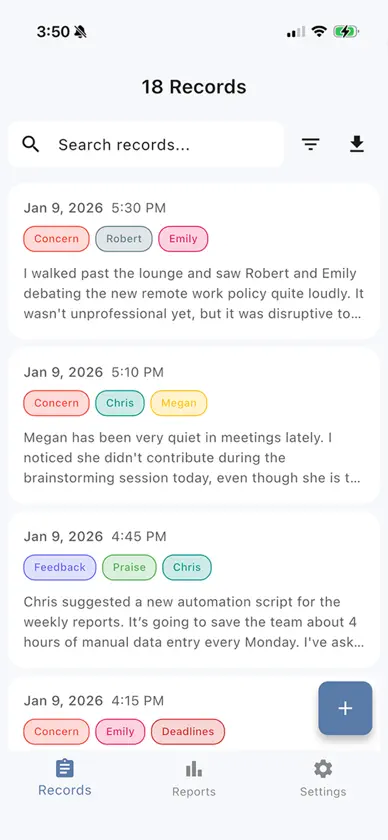
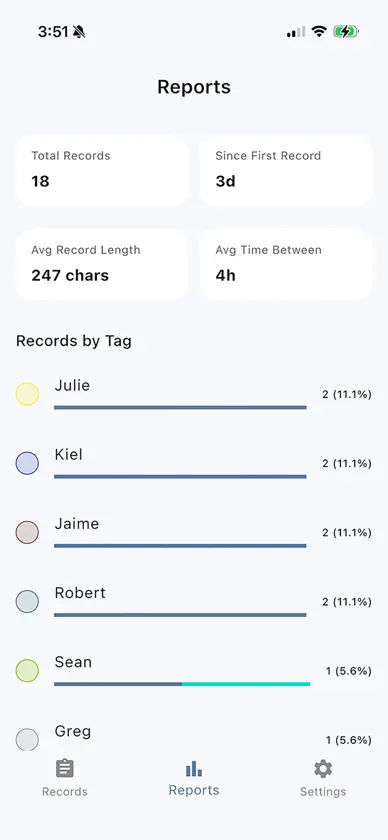
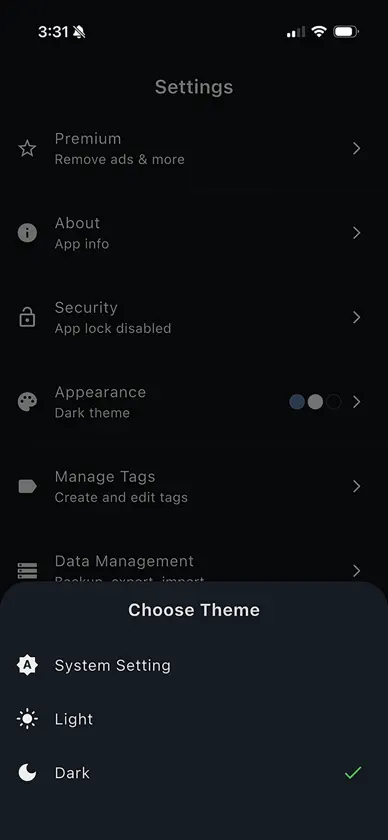
Quicknotes Supervisor is a private, local-first note app built for leaders, managers, instructors, and supervisors who need a clean way to capture observations and follow-through. If you supervise people, processes, or training, Quicknotes Supervisor helps you capture what matters, stay consistent, and keep your notes organized. Use it to record: Observations and walk-through notes Coaching notes and feedback Incidents and follow-ups General records and reminders Key features Local-first, works offline: records are stored on your device No accounts: no login required Fast capture: create records quickly with date, time, and tags Advanced Tag Management: group tags into collapsible folders, custom sort, and drag-to-reorder to build your ideal workspace Rich text formatting: headers, lists, quotes, and basic styling Attach media: add photos, video, or audio to a record (optional) Powerful search: full-text search across your records Filters and sorting: date range, tag include or exclude, newest or oldest Export and share: export the records you have filtered, then share as needed Reports: simple insights like totals, records by tag, and activity over time App lock: optional PIN and biometric unlock, plus lock-on-exit Privacy-first by design QuickNotes Supervisor is designed for structured oversight, not social sharing. Your records stay private and device-local unless you choose to export or share them.
What's new
Version 1.1.2 · Aug 19, 2026
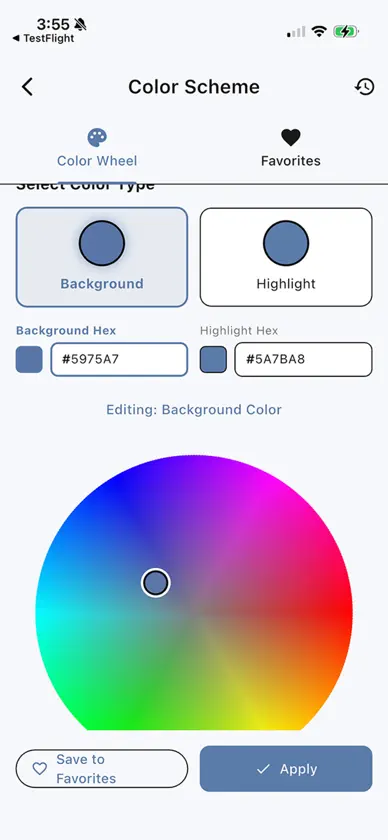
This update introduces powerful new ways to organize your workspace, bringing highly requested features to the Tag Manager: Tag Folders: Keep your workspace clean by grouping related tags into collapsible folders. Drag-to-Reorder: Customization is back. Switch your sorting to "Custom" to drag and drop tags exactly where you want them. Improved Tag Manager: We've upgraded the interface with always-visible sort controls (Alphabetical, Recently Used, Most Used, Custom), restored the color picker for deeper customization, and added quick-actions for creating new tags and folders. Streamlined Selection: The tag picker dialog now neatly displays your tags grouped under their respective folders, collapsed by default to save you screen space. Under-the-hood optimizations and package updates to keep everything running smoothly.
In-app purchases
The most popular purchases on the App Store.
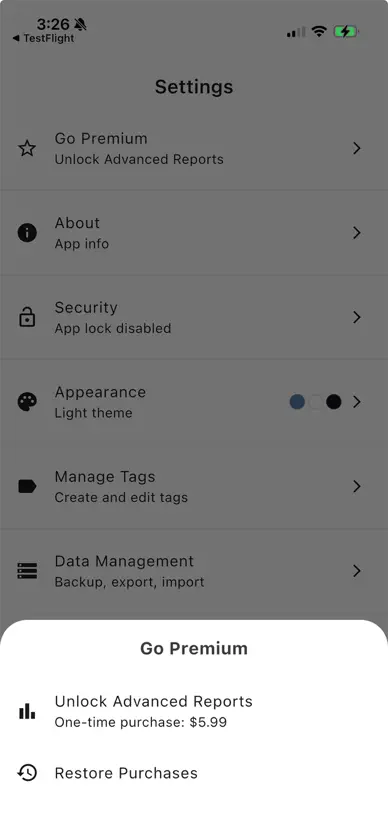
- PremiumConsumable$5.99
More from Ryan Bair


You might also like
 Evidence Tracker: Incident LogChristopher Patrick
 ZattaMemoTatsuyoshi Sasaki
 AmbinoteAdi Goldstein
 noglow: quick notes scratchpadGRABA
 Jotly: Simple NotesAloha Supplies LLC
 WeeklyGoaalMakio
 Madarart: 9x9 Goal PlannerPeppertree
 Clastly — Personal DatabaseSoji Takahashi
 Traily - Work Incident LogTraily LLC
 Day Planner - Time BlokkerSietse van Vliet