
SampleManager Mobile
Thermo Fisher Scientific
No ratings yetProductivityAges 4+
Screenshots


About this app
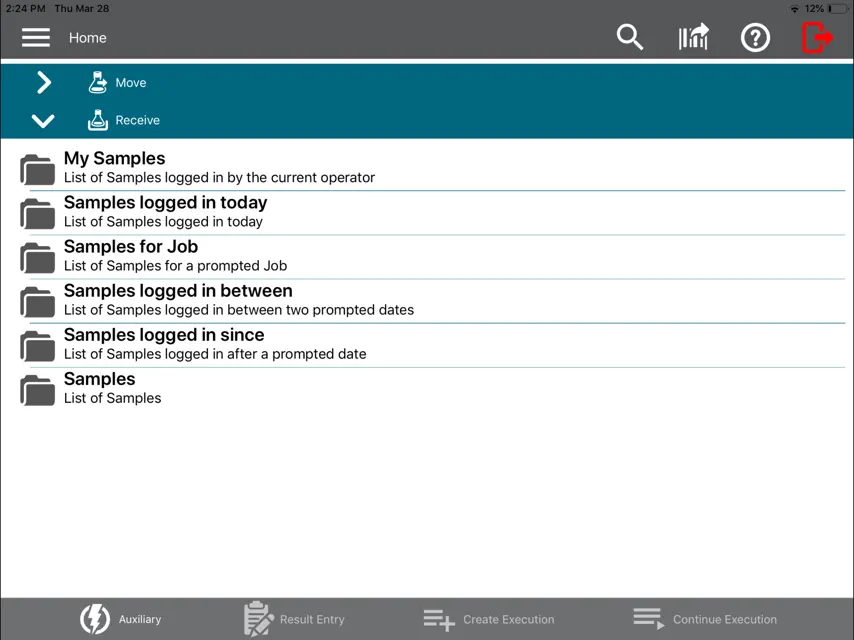
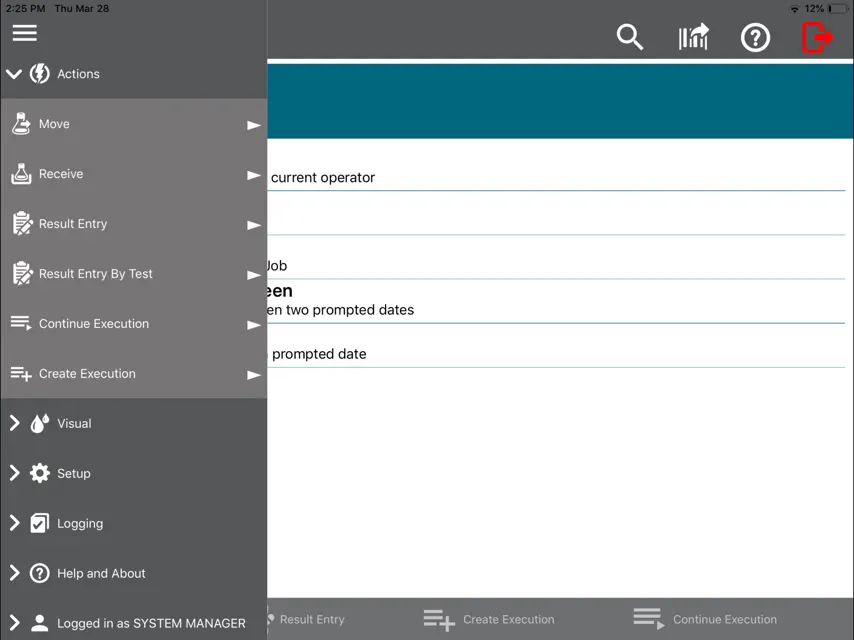
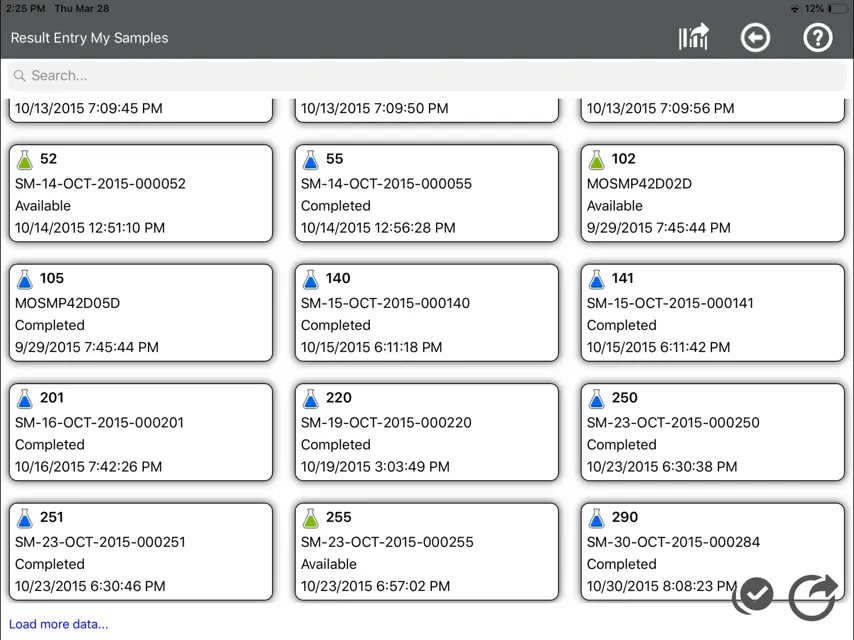
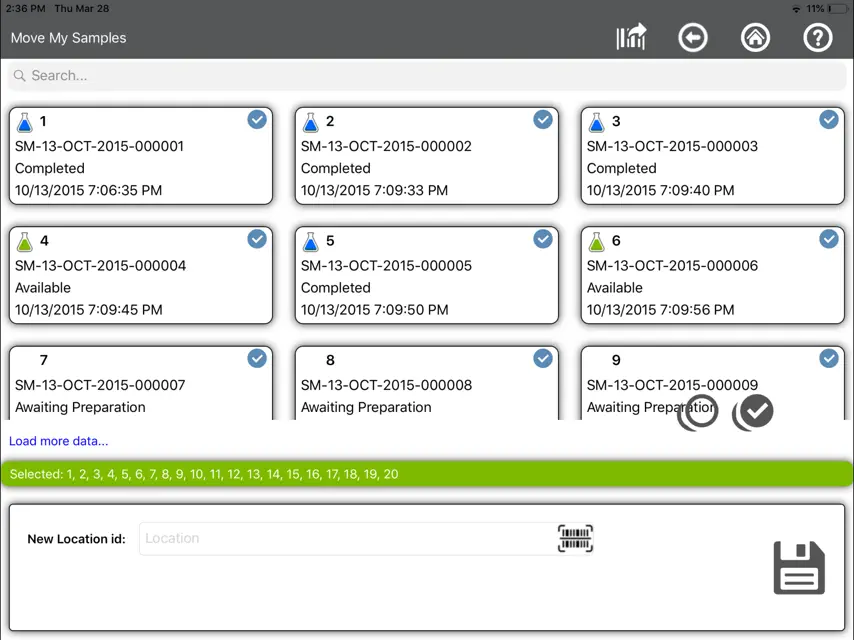
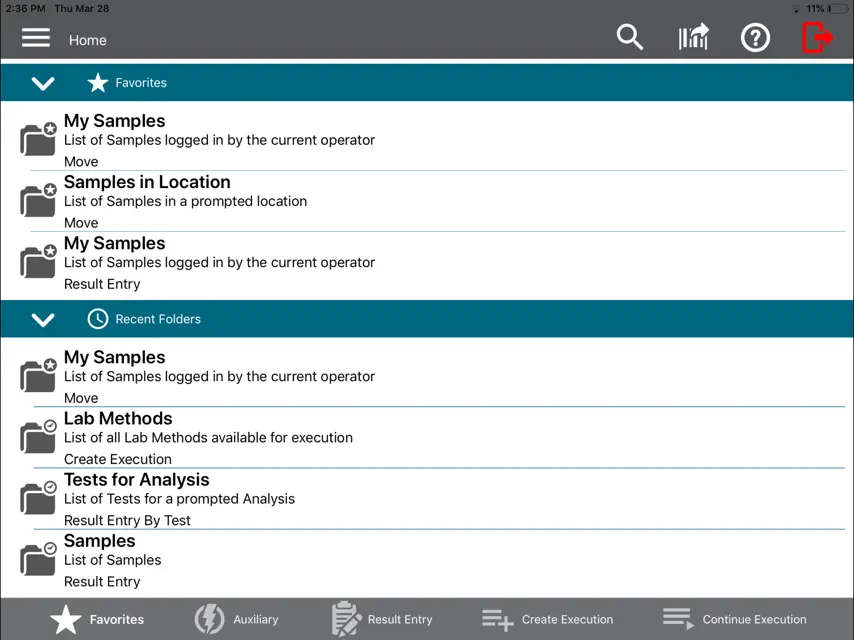
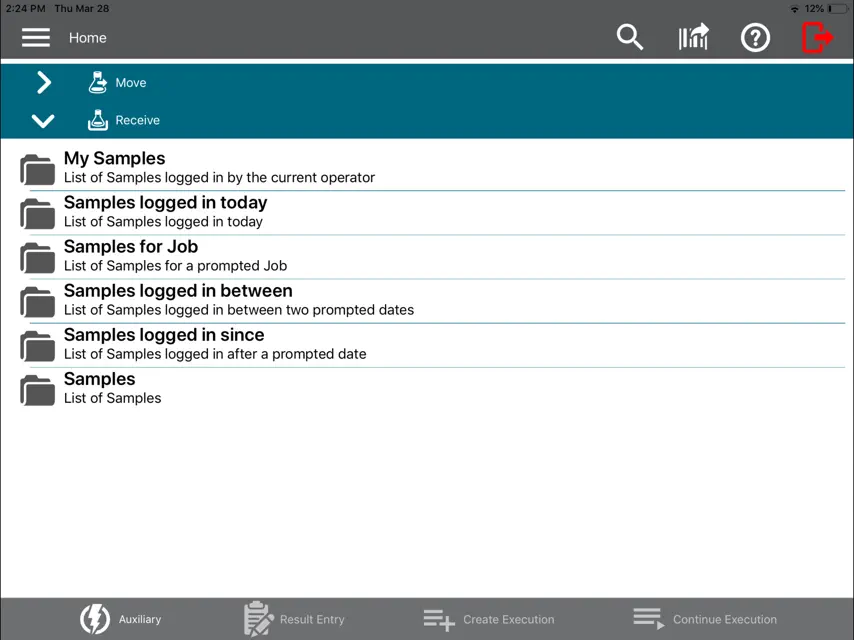
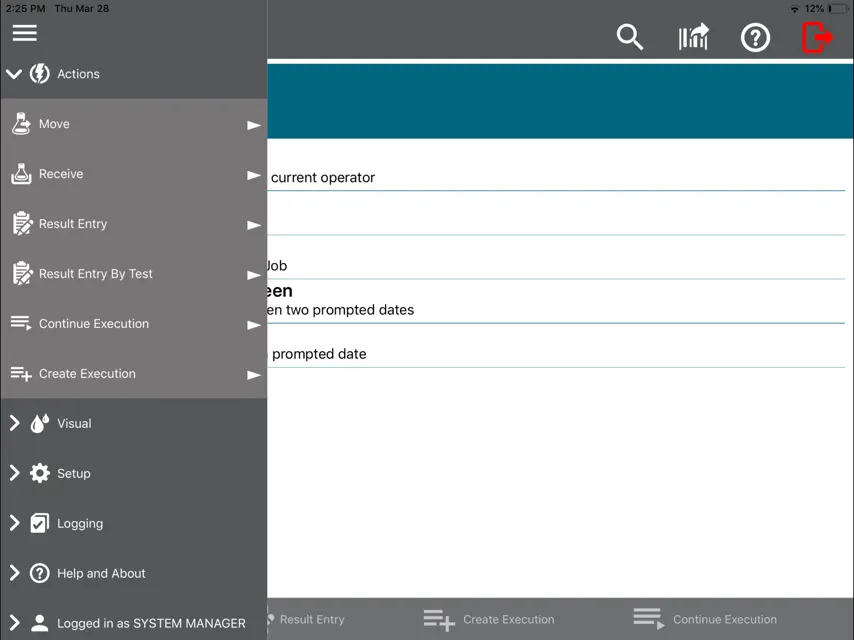
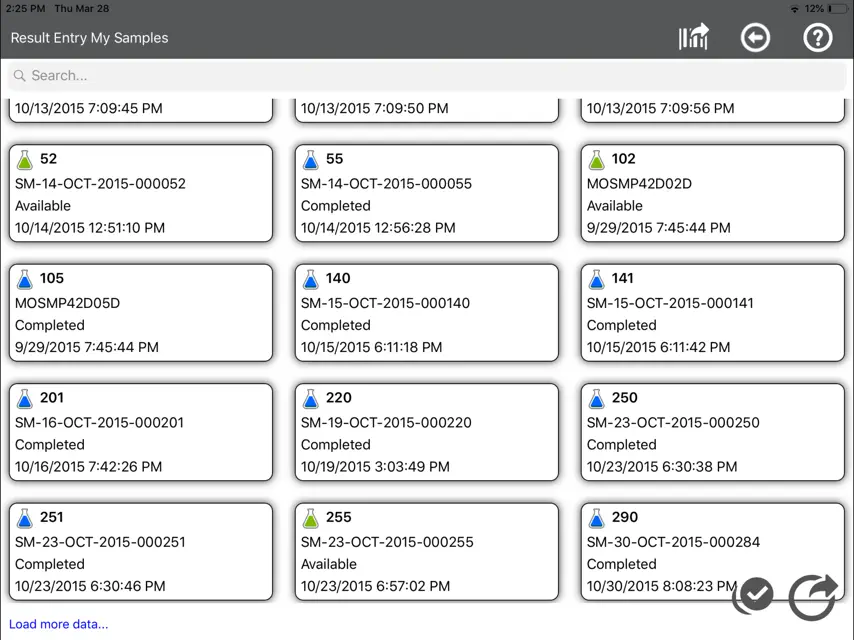
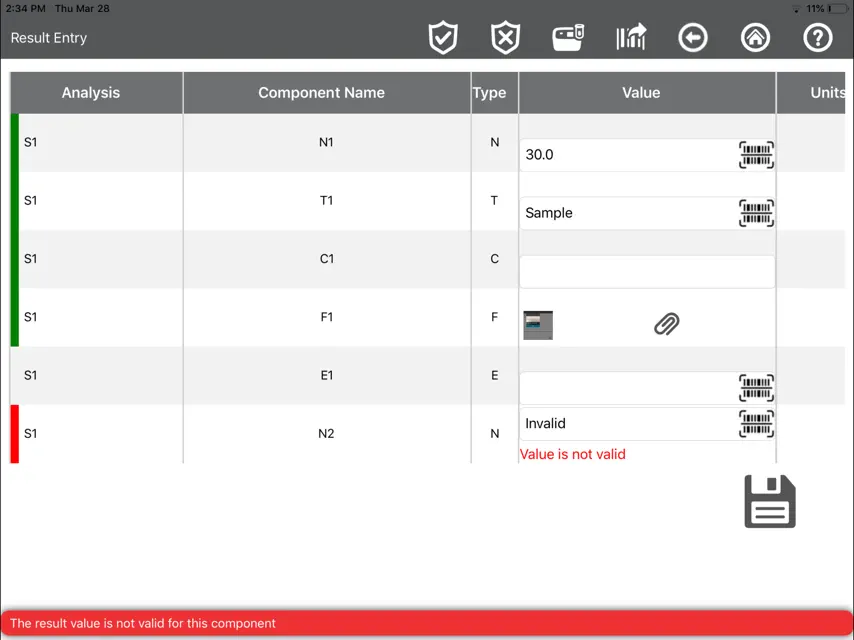
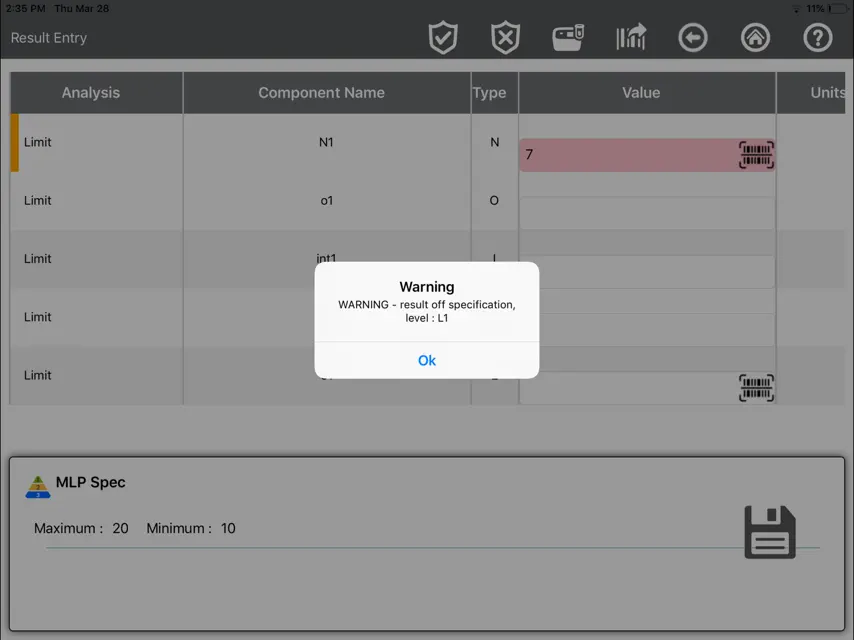
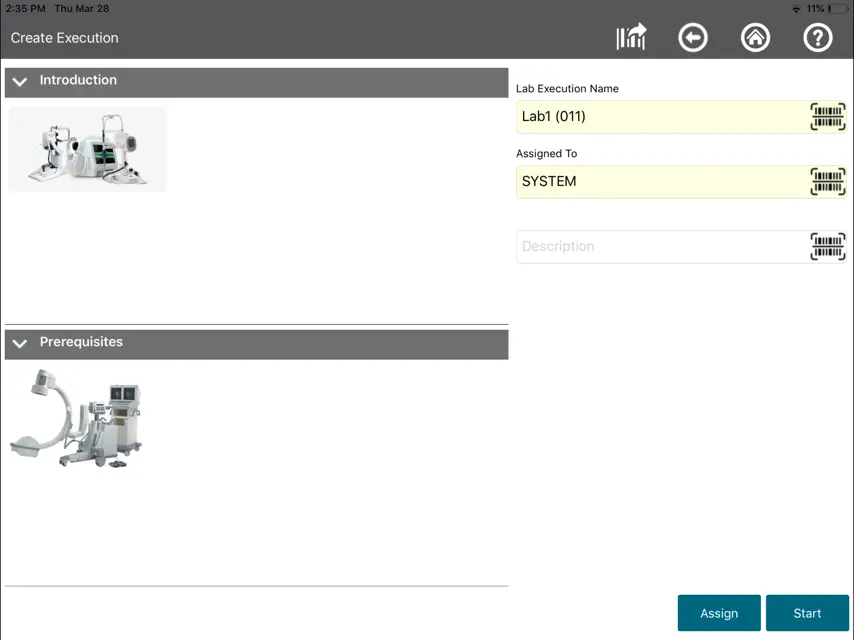
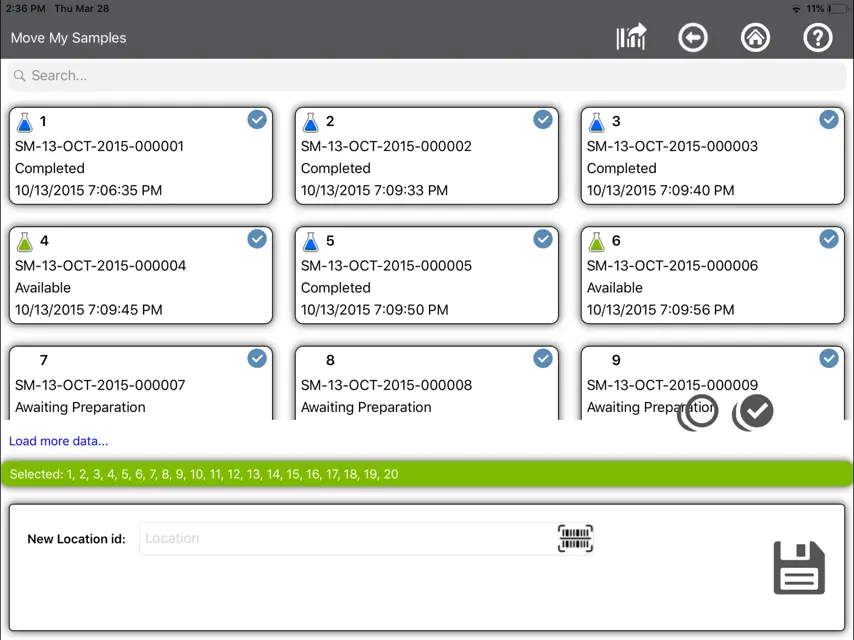
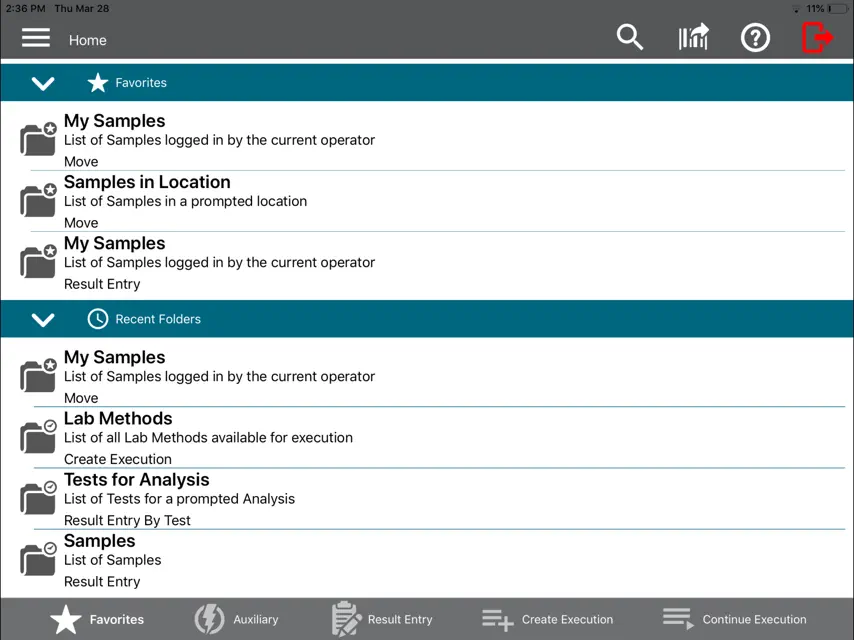
The Thermo Scientific SampleManager Mobile app lets you connect to SampleManager LIMS using a mobile device. The app can be used in the lab or out in the field, for data acquisition or result entry. The SampleManager Mobile app supports the following features by default: • Result entry & authorization by test • Result entry & authorization by sample • Receive samples • Move samples • Create lab execution tasks • Execute lab execution tasks The app uses your device's camera to scan barcodes and upload photos (as file results) from the photo stream or directly from the camera. Your system administrator can set up your SampleManager server with extra auxiliary functions accessible through the app. These let you perform simple changes to data items, for example changing the priority of a sample or the status of a test. If SampleManager LES is available on your SampleManager instance, the mobile app can create and execute lab execution tasks. The app is configurable to use any language available on your SampleManager server. SYSTEM REQUIREMENTS The SampleManager Mobile app requires a connection to SampleManager LIMS 11.2 or higher. The app has been developed in line with the Thermo Fisher Scientific Informatics Quality Management System.
What's new
Version 3.3.3 · Dec 22, 2025
Bug fixes: - LES result entry detects locked sample. - Audit reason handles non-ASCII characters. - Application supports Single Sign-on for Microsoft Entra ID
More from Thermo Fisher Scientific
 DailyCalcs - Science calculator to simplify everyday tasks in the labThermo Fisher Scientific
 Fluorescence SpectraViewerThermo Fisher Scientific
 Cell Culture - Learn, experiment, and calculateThermo Fisher Scientific
 ExpiCHO-down VR gameThermo Fisher Scientific
 Smart-Tracker Wireless MonitoringThermo Fisher Scientific
 HPLC Troubleshooting GuideThermo Fisher Scientific
 Smart-VueThermo Fisher Scientific
 Instrument ConnectThermo Fisher Scientific
You might also like
 Periscope by DuetDuet, Inc.
 YTM MobileShipXpress Inc
 Vault Station ManagerVeeva Systems Inc.
 Frontline by ParsableParsable, Inc.
 SwiftWedge by HoneywellHoneywell International, Inc.
 iSperm Swine 6Aidmics Biotechnology Co., Ltd
 Loadproof ViewerSmart Gladiator
 Alfa Laval Condition MonitorIterator IT
 Leap Work for IntuneLeapxpert Limited
 Blue Mountain RAM MobileBlue Mountain Quality Resources LLC.