
ScalePlay
RoGame Software
No ratings yetMusicAges 4+
Screenshots


About this app
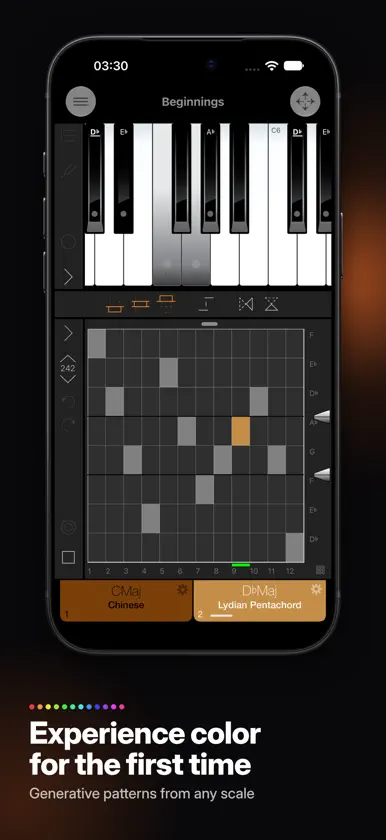
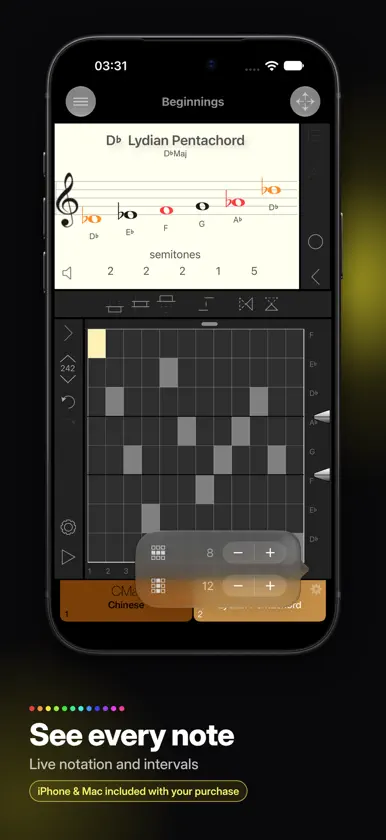
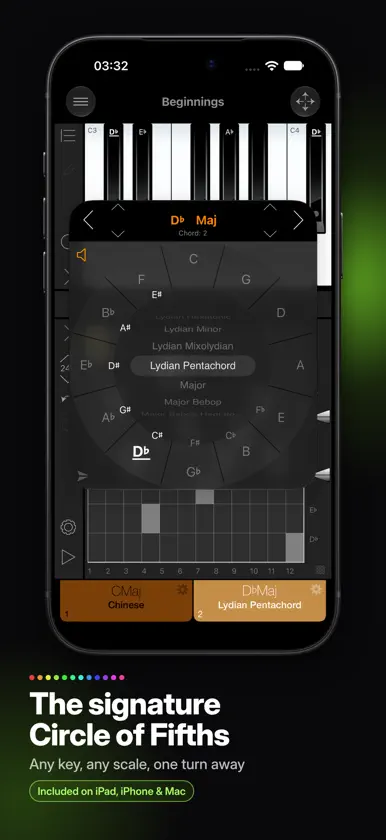
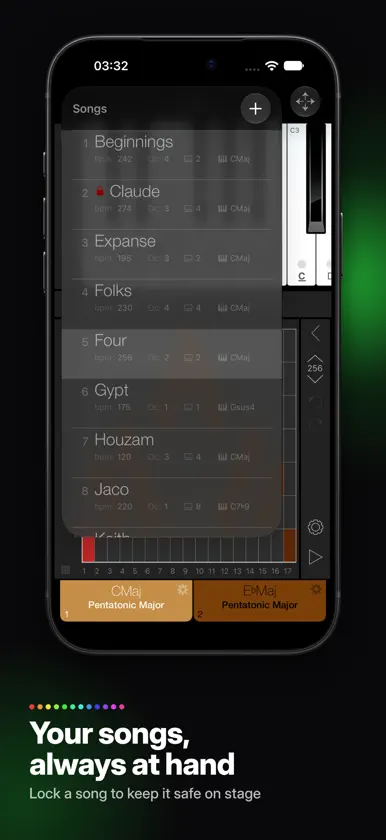
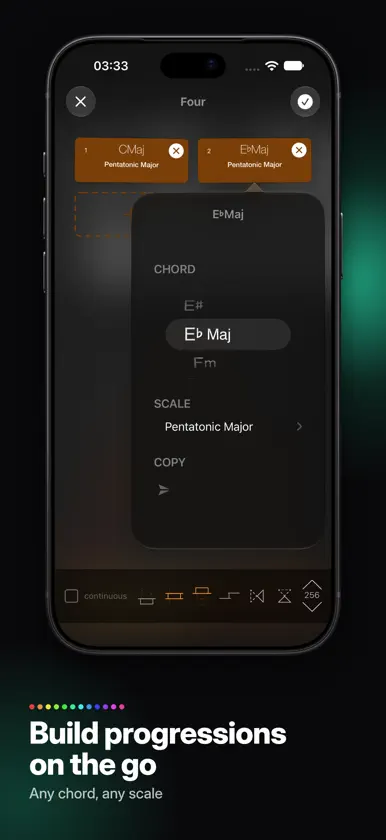
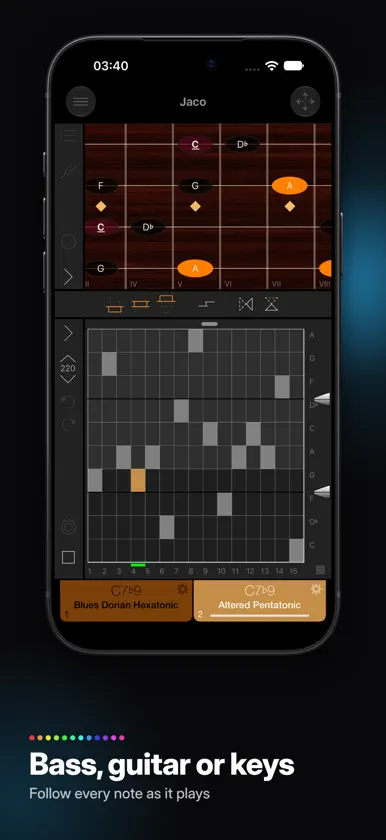
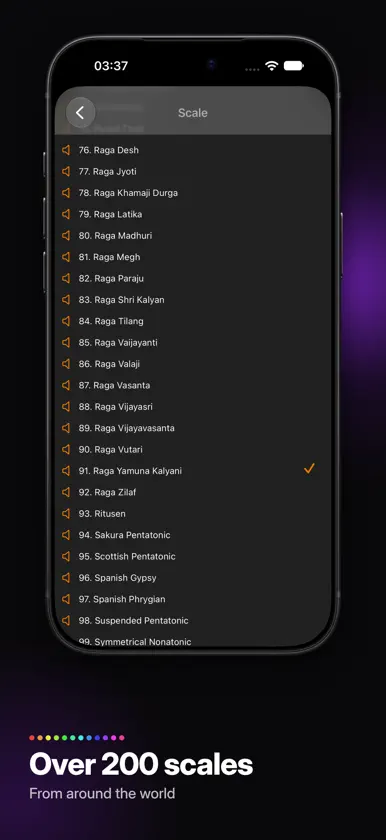
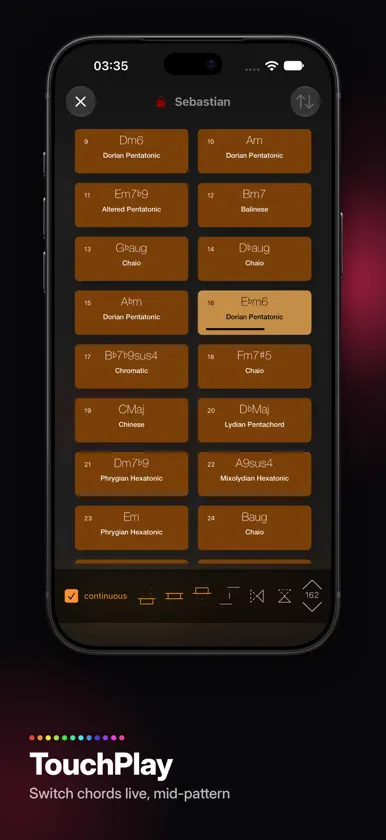
Generative, not AI. ScalePlay turns your chord changes, scale choices and melodic patterns into intricate ostinatos, textures and lines, and every note follows from a decision you made. Nothing is trained on anyone else's music, nothing is predicted, and the same song plays back exactly the same way every time. The structure is yours, it travels with your song file and your MIDI export, and when a label or distributor asks how a part was made, you can show them. Enter a progression as chord symbols, give each harmony a chord scale, and choose a melodic pattern: thirds, fourths, broken sequences, or a figure you draw into the pattern matrix yourself. ScalePlay runs that pattern through every harmonic region of the song. Because the pattern steps through the scale rather than a chromatic grid, every note belongs to the scale you chose, and the stepwise motion creates a second layer of implied harmony above the changes: a shimmer of shifting upper-structure color you would rarely arrive at by hand. ScalePlay feeds your DAW directly. It drives your own instruments over virtual MIDI, stays in tempo with Ableton Link, and exports standard MIDI files when you want the notes on your timeline to edit. On the Mac it sits in a compact window beside your session, a companion to the DAW rather than another workstation to learn. There is no meter in the conventional sense. Pattern length and the number of pitch events per harmonic region are independent, so 13 against 27 sounds as convincing as 4 against 6. Layered under a regularly metered track, those cycles drift in and out of phase and produce polymetric textures that keep evolving across a long cue. Count-ins can feel unusual as a result; that is a consequence of the design. When the A section works, the B section is often one tap away. Any song can be mirrored vertically and horizontally, giving you inversion and retrograde, transformations composers have relied on for centuries, and a mirrored pattern often holds up as contrasting material on its own. Include or exclude the low, middle and high ranges to carve out a bass line, an inner voice or a top line. As the pattern passes through them, each range speaks only fragments of the phrase, and the ear hears implied polyphony with rhythms of its own. Pattern lock keeps the figure in one register as the harmony moves, like switching voice leading on and off. Lock a finished song against accidental edits; mirrors and ranges stay available during playback. If your iPad is already part of the band's rig, ScalePlay becomes a bandmate. Join the Ableton Link session and it plays bass lines, ostinatos and textures in tempo with everyone else, through your own synths. TouchPlay turns every chord of a song into a tile: tap to start, tap another to switch on the spot mid-pattern, or leave one running to loop a harmony indefinitely. Nothing has to happen in order, so you can vamp until the solo ends and call up the bridge when the singer does. Ranges, mirrors and pattern lock all swap live inside TouchPlay, and against a drummer playing straight time, ScalePlay's free cycles drift against the beat and keep the texture moving. Over a dozen example songs are included to play, take apart and rebuild, so the learning curve is short. If ScalePlay gives you one idea that finishes one cue or makes it into one set, it has paid for itself many times over. This purchase allows you to install ScalePlay on your iPhone, Mac, iPad or all of them, since each device plays its own role. Your Mac or iPad is the workbench, with Ableton Link and MIDI file export. The unfolded iPhone Duo gives you the full interface on the go. On any iPhone, ScalePlay is your pocket companion: audition your songs, try mirrors and ranges, even sketch a new song while waiting in line.
What's new
Version 2.0.0 · Nov 8, 2026
ScalePlay 2.0.0 brings your copy of ScalePlay to more of your devices for free. You can find and install these versions in their respective App Stores: • ScalePlay for iPhone, including support for iPhone Duo • ScalePlay for Mac Added UI functionality includes the capability to arrange chords via drag and drop in the TouchPlay interface, a count-in feature, and improved Ableton Link support, now also on macOS. TouchPlay now offers horizontal and vertical mirror options for the current draw grid, and file operations have been hardened to help avoid unintentional editing. Grid layout has been moved to the main interface for easier access, and playback quality has improved considerably as well.
More from RoGame Software


You might also like
 International Guitar ChordsFonexsis
 ExpressFlipJia Shiang Jou
 Trumpet Fingering & TuningShelley Jagow
 Vatanator ProBACKPULLVER SOFTWARE LTD OOD
 microTERAHarry Gohs
 BTS FXDmytro Kiro
 Scale GuideKEISUKE TAKAGI
 Trumpet Studio - Practice HubWindy Town
 WoodStepperWoodman's Immaculate Maple Syrup Studio
 resonatedoAlexey Nadzharov