
Simple Video Tools
Ktisis Web, LLC
No ratings yetPhoto & VideoAges 4+
Screenshots





About this app
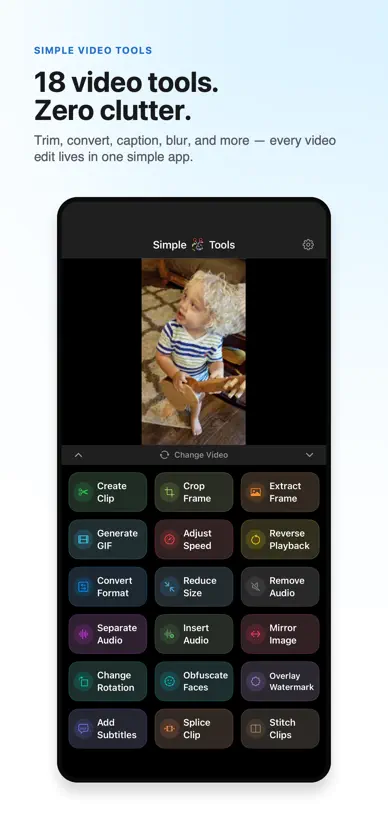
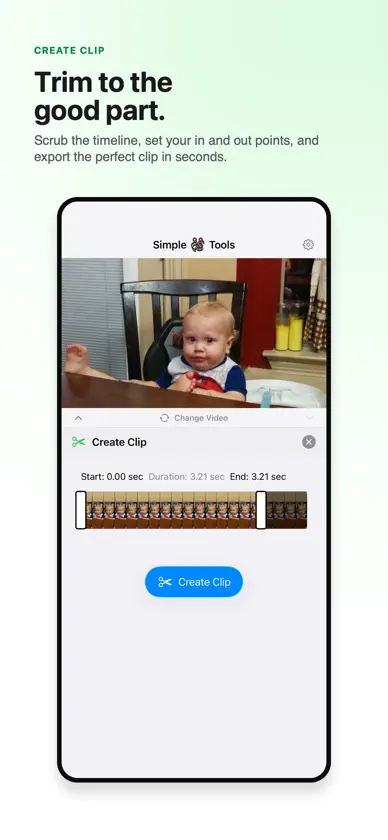
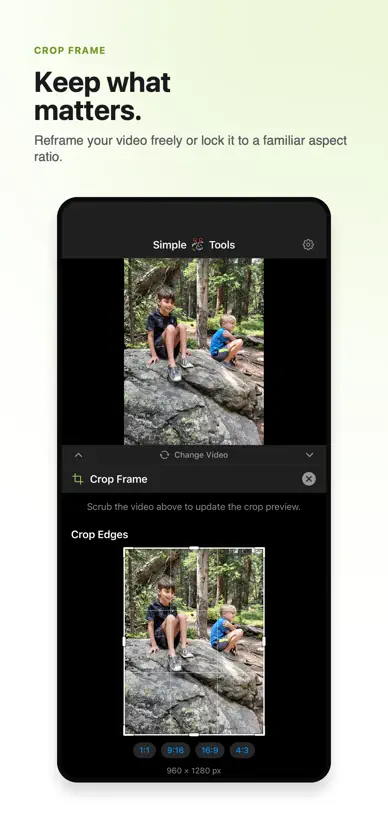
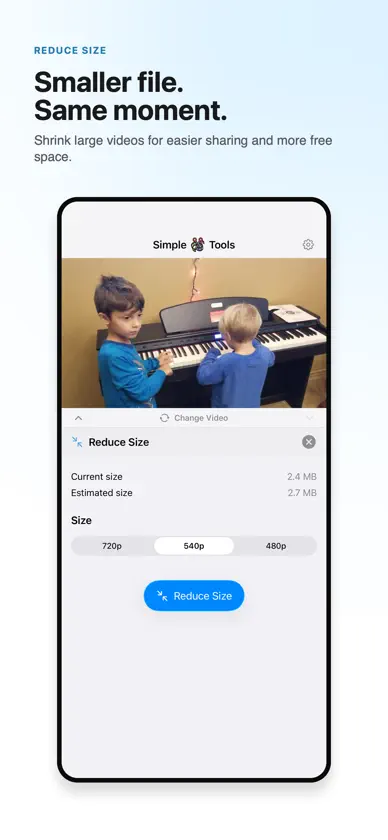
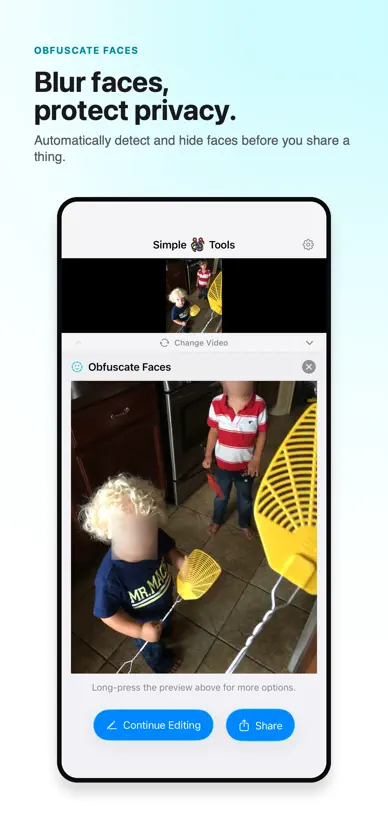
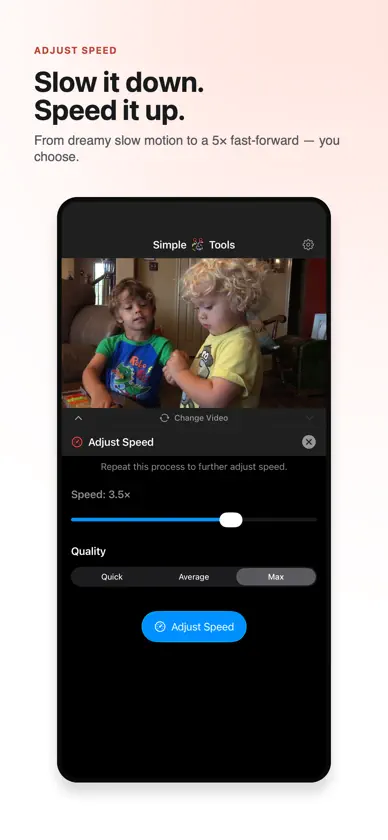
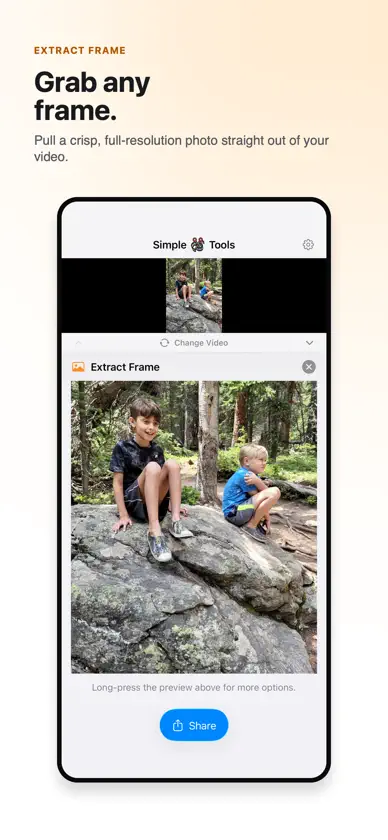
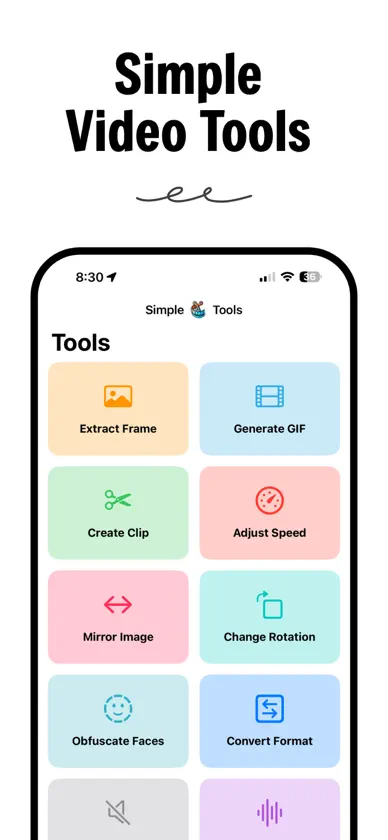
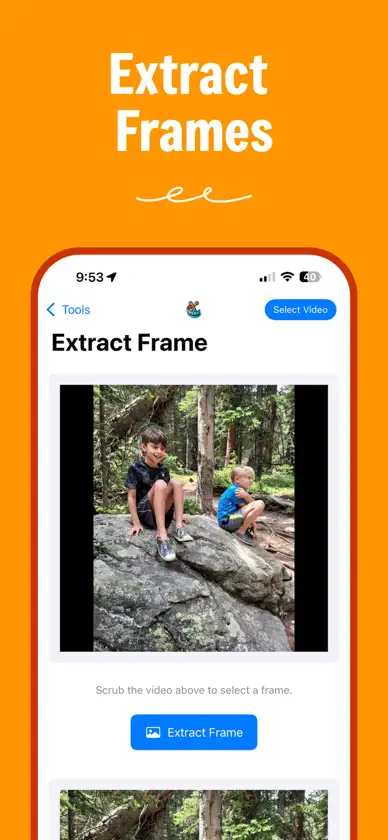
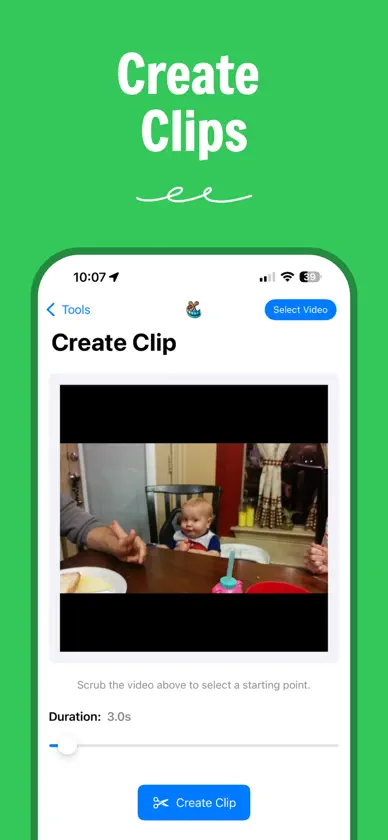
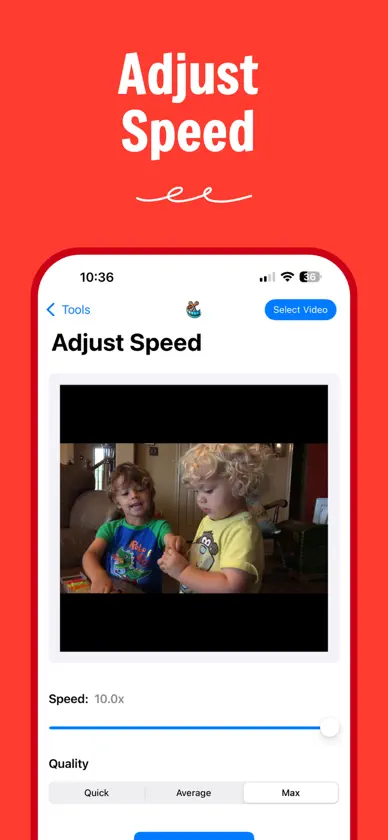
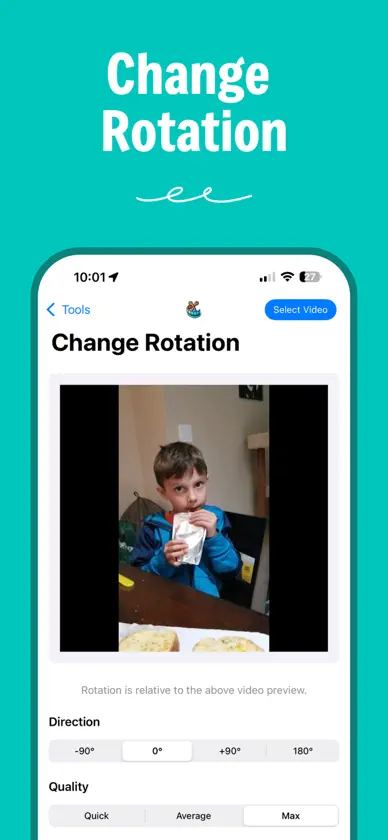
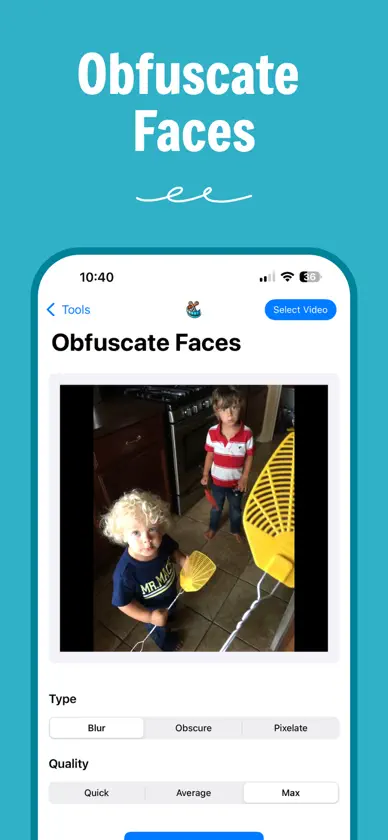
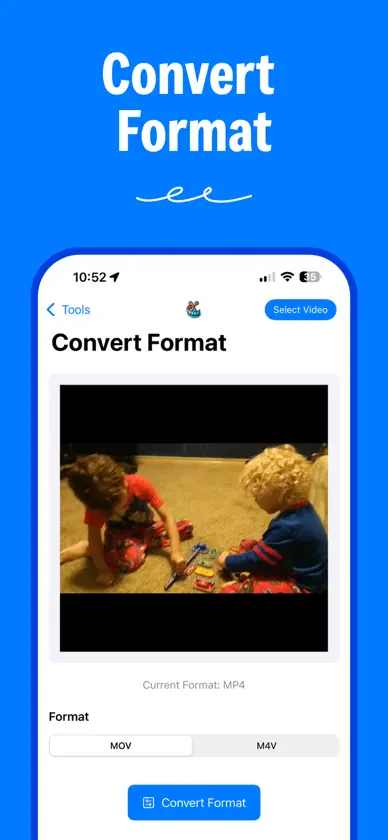
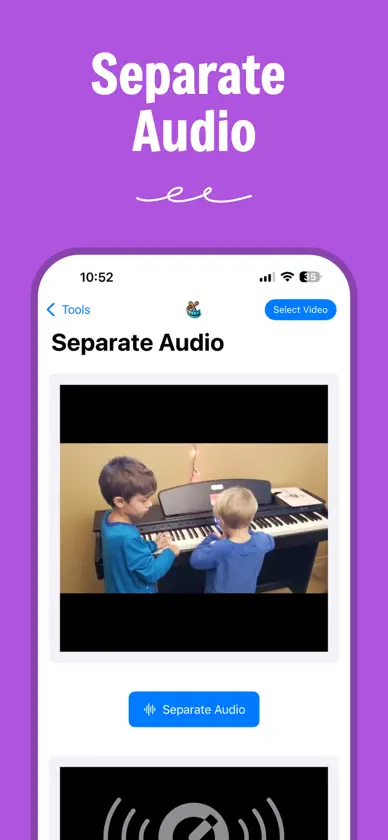
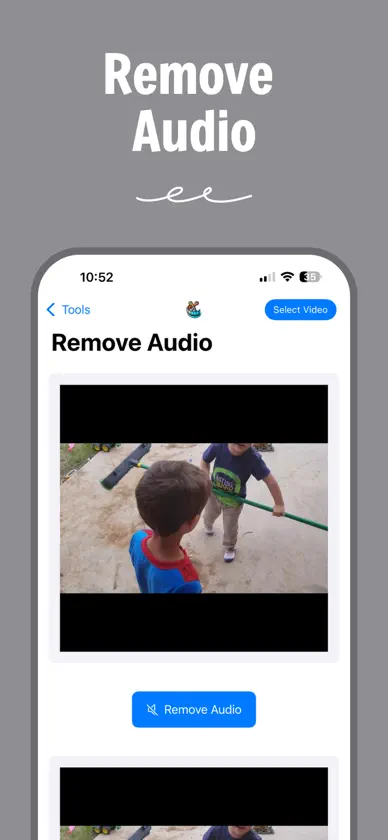
Quickly edit videos with Simple Video Tools—a focused collection of powerful tools without the complexity of a traditional video editor. • Trim & Crop: Create precise clips, freely crop the frame, or use preset aspect ratios. • Convert & Compress: Change video formats or reduce file size for easier sharing. • GIFs & Frames: Create animated GIFs or capture the perfect still image. • Playback: Speed up, slow down, or reverse your videos. • Audio: Extract, remove, replace, mix, or record and insert audio. • Transform: Mirror videos or change their rotation. • Privacy & Branding: Automatically obscure faces or add customizable text and image watermarks. • Subtitles: Generate subtitles from speech or create and edit them manually. • Combine Clips: Insert a second clip at any point, or stitch two clips using horizontal, vertical, and overlay layouts. Choose videos from Photos or Files, switch between tools without repeatedly importing your video, and save finished results to Photos or Files. Settings let you choose export quality, appearance, default sources, and automatic saving. Simple Video Tools is designed for iPhone and iPad, including landscape, Split View, and multitasking support on iPad. No account required. Simple Video Tools does not collect your data.
What's new
Version 2.3.1 · Sep 15, 2026
What's New in 2.3.1 This update fixes video output quality and compatibility. • Fixed a color shift that could appear after cropping, mirroring, rotating, or changing a video's speed. • Changing speed no longer cuts off the end of the audio, and trims keep the exact frame you selected. • GIFs play at the correct speed, frame extraction works at every position, and subtitles appear exactly on time. • Cropped, rotated, watermarked, subtitled, and stitched videos now end at the right moment, and Reverse Playback exports the correct duration. • Separate Audio keeps full quality for lossless audio sources. • Older MPEG-4 clips now import and edit correctly.
More from Ktisis Web, LLC


You might also like
 RayCut Pro: Video EditorSolueman Hussain
 VidTools: Video CompressorDidactic Initiatives LLC
 Slow Motion Video Slomo EditorSwarna Lata Biswal
 1-Tap AI Background RemoverJay Patel
 Fast Camera Video EditorOlekcii Ponomarenko
 Smart Video CropperBinh An Tran
 Vibe Video — Video EditorMediaRise
 Develop Log: Color GradingShenzhen Matrix Echo Technology Co., Ltd.
 Blink – Camera MessagesPriidu Zilmer
 VideoCut – Trim & moreEugen Kwol