
SimuFísica
Marco Polo Moreno de Souza
No ratings yetEducationAges 4+
Screenshots




About this app
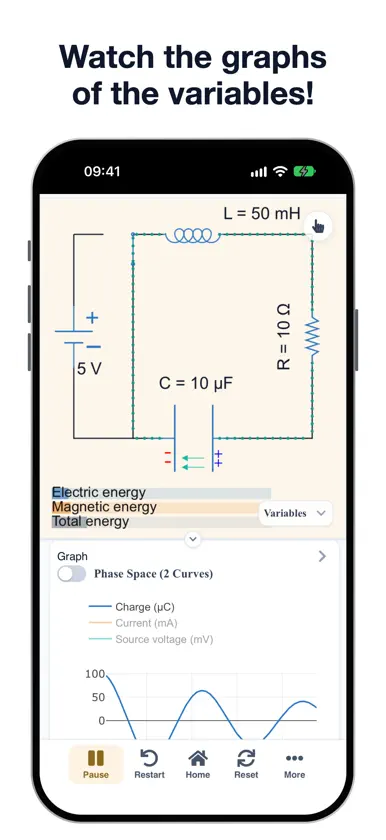
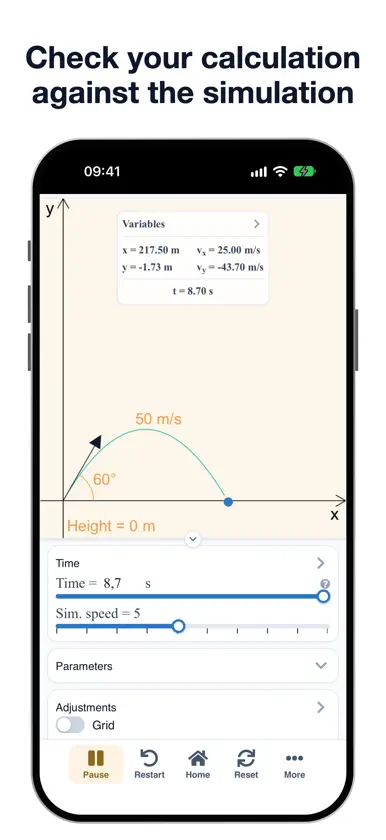
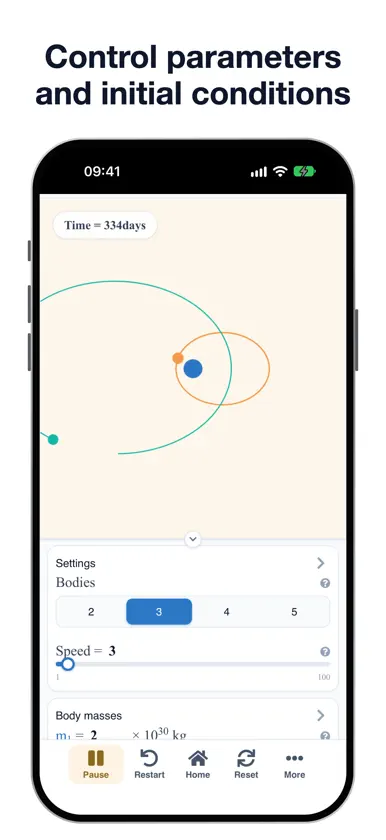
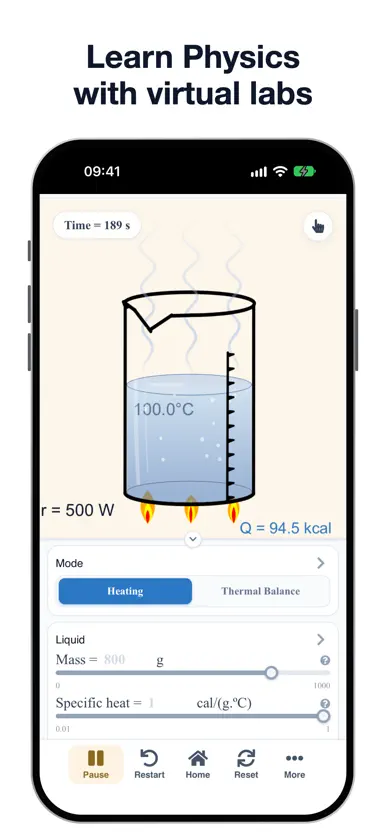
SimuFísica brings together interactive Physics simulators to study, teach and experiment. Change the parameters, see what happens right away and compare the result with your own calculation. WHAT YOU GET • 48 simulators covering Mechanics, Thermodynamics, Electromagnetism, Optics, Waves, Modern Physics and more topics, for high school and university. • Graphs of the variables in real time, alongside the simulation. • Control of parameters and initial conditions, with sliders and editable values. • Three-dimensional simulations that you rotate and zoom with your fingers. • Pre-configured examples to get started quickly and see classic cases. • Exercise generator: create problems with different values and check the answer in the simulation. • Annotations on screen: draw, write and add arrows and shapes on top of the simulator (iPad only). • Virtual labs to repeat experiments with no equipment and no risk. • Simulation data to download and analyze in a spreadsheet. • Camera in data-acquisition simulators, such as the filmed pendulum. • Search and filters by topic, education level and favorites. 20 LANGUAGES Português, English, Español, Français, Deutsch, Italiano, 日本語, 한국어, 中文, Русский, العربية, हिन्दी, বাংলা, Bahasa Indonesia, Tiếng Việt, ไทย, Türkçe, Kiswahili, فارسی and اردو. ACCOUNT (OPTIONAL) Create an account to save your simulations, favorite simulators and open them later on any device. You don't need an account to use the simulators. WHO IT'S FOR Students, teachers, curious minds and anyone who wants to review Physics in a visual way. Questions and suggestions: https://simufisica.com
What's new
Version 3.4.0 · Nov 4, 2026
Version 3.4: new look and a new app for iPhone and iPad. • Completely redesigned interface, with collapsible panels. • New simulators, with pre-configured examples and an exercise generator. • Now in 20 languages. • Better use of the iPad and iPhone screens, including landscape. • After updating, sign in to your account again. If you used to sign in with Google: Google sign-in is no longer available in the app; use "Forgot your password?" on the login screen to create a password with the same email.
More from Marco Polo Moreno de Souza

You might also like
 Calculadoras de FísicaIgnacio Vela
 CloudLabs Fighting GermsJiovany Orozco
 História de Rondon do ParáVictor Graciano
 My Physics Calculator liteV PUGAZHENTHI
 Ciência RALION MIDIA E ENTRETENIMENTO EIRELI
 PhysicsLab - Calculator liteAnas Abubakar
 Easy Physics & Math Lab祥华 赵
 Physics Formulas - PhysRefMobin Akhter
 3DPhyS : Physics SimulatorSota Takasugi
 Science SimulationsWikimedia CH